KoCAD · Primeros pasos
Plate-work surfaces and external references (xref)
Surfaces are for parts that are not an extruded sketch: hoppers, square-to-round transitions, curved heads and roofs, covers/fairings. The flow is always the same: build the shape of the sheet (a surface, no thickness), check that it is closed and smooth, then thicken it — it becomes a real sheet that weighs, goes into the BOM, exports STEP and flattens to DXF. Everything stays in the feature tree: double-click to edit, Ctrl+Z to undo.
Este artículo aún no está traducido a su idioma: se muestra la versión en English.
Surfaces are for parts that are not an extruded sketch: hoppers, square-to-round transitions, curved heads and roofs, covers/fairings. The flow is always the same: build the shape of the sheet (a surface, no thickness), check that it is closed and smooth, then thicken it — it becomes a real sheet that weighs, goes into the BOM, exports STEP and flattens to DXF. Everything stays in the feature tree: double-click to edit, Ctrl+Z to undo.
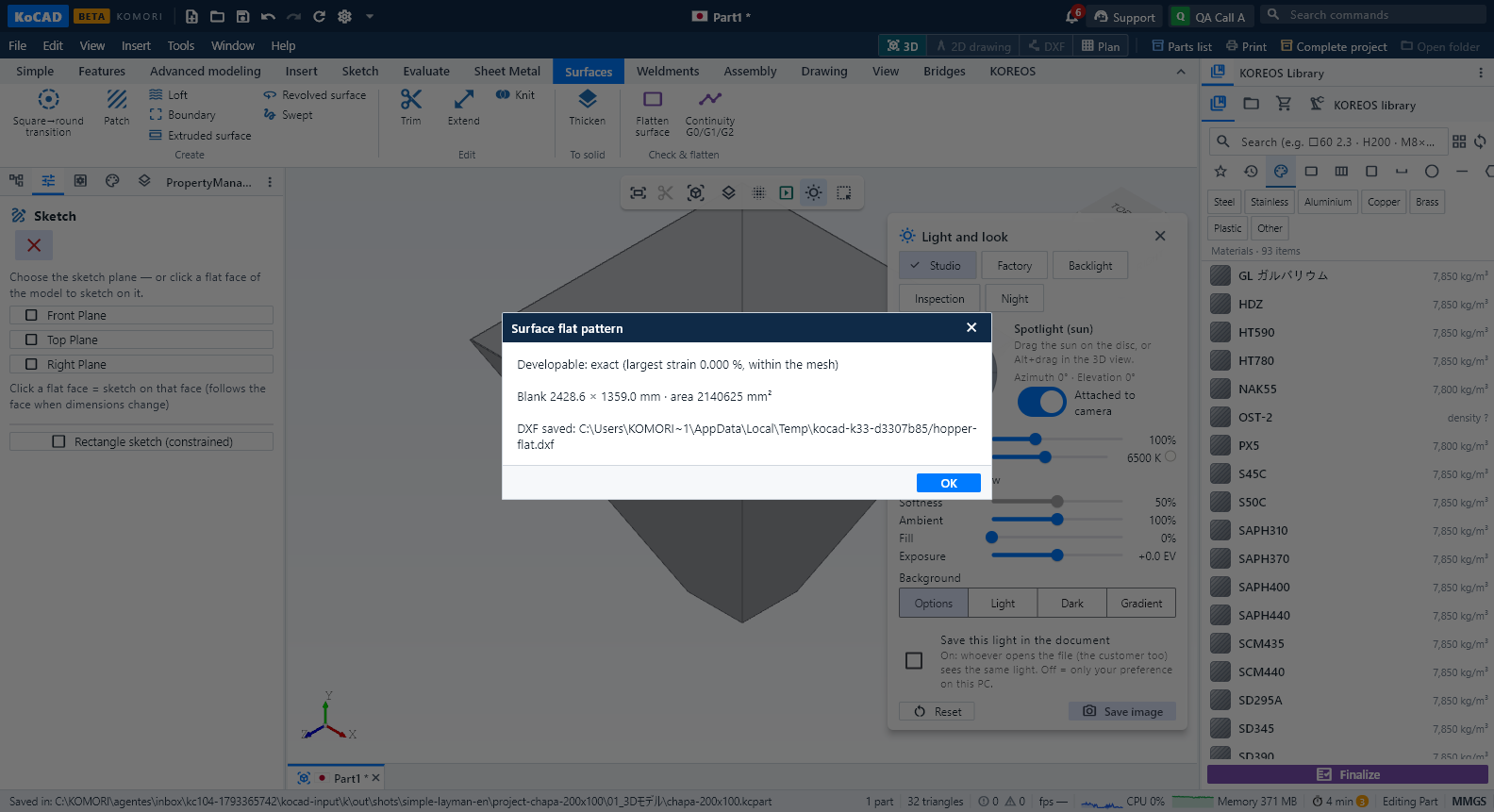
Square-to-round transition (the most common case): make two sketches — the square (or rectangle) below and the circle above, on another plane. Surfaces › Square→round transition, tick both, Apply. KoCAD builds it with the plater's triangulation method: four flat triangles and four cones — so it flattens exactly. Then Thicken (e.g. 3 mm, outside) and Flatten surface → pick the K-factor (0.5 = mid-thickness) and save the DXF.
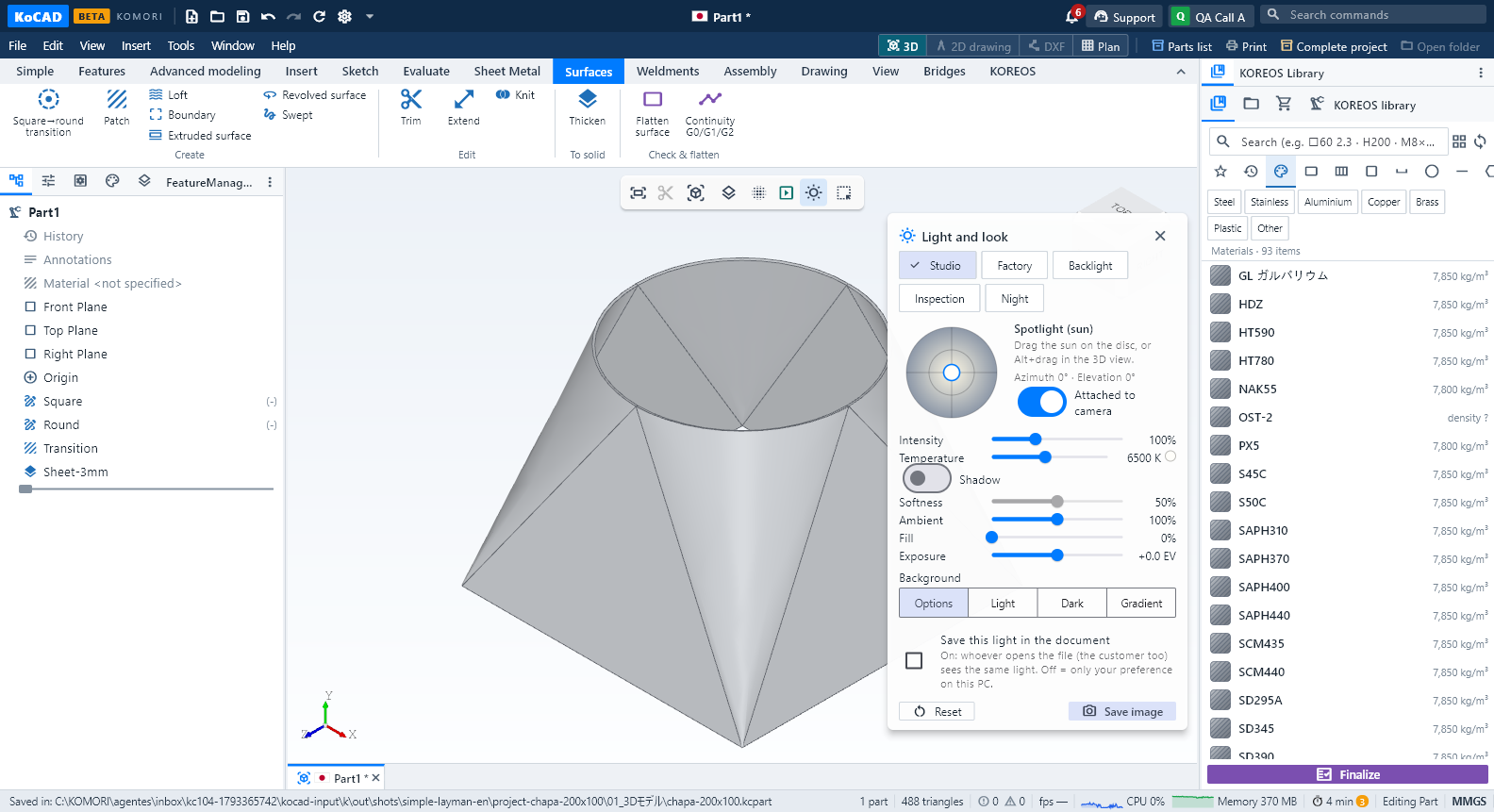
Hopper: use Patch with 3D points — type the four corners of each side (e.g. -100,-100,0; 100,-100,0; 500,-500,800; -500,-500,800). A flat side becomes an exact plane. Make the four sides, Knit them (one surface, open top and bottom) and Thicken. The flat pattern comes out in one piece, opened at the shortest corner.
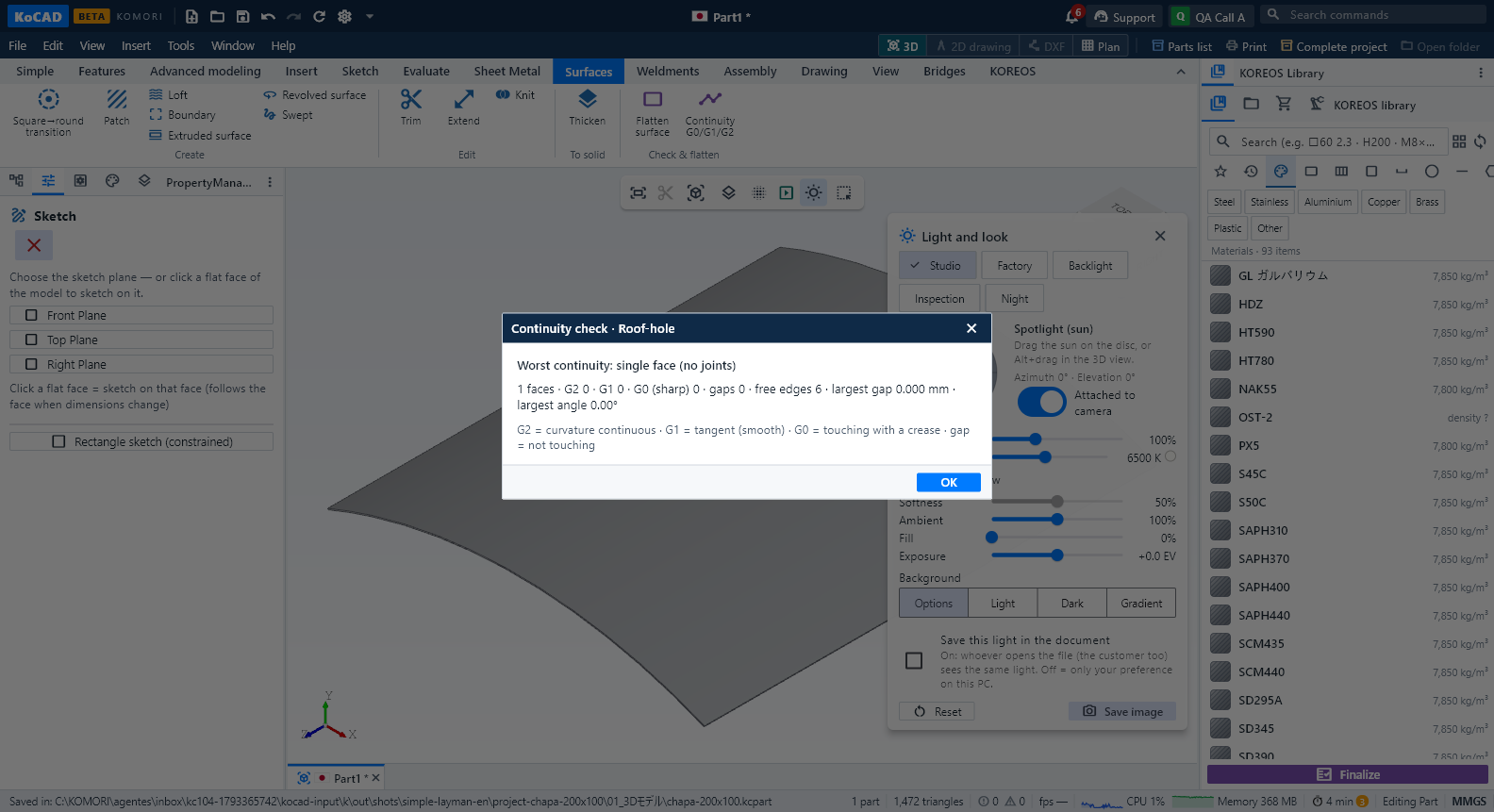
Curved head, roof, fairing: draw the arcs (sections) on parallel planes and use Loft. For a hole, draw the circle on a plane and Trim with "Outside (makes the hole)". Extend grows the surface at the edge you click. Patch from "Open edge of a surface" with G1 continuity closes an opening tangent to its neighbour (no crease).
Checking: Continuity G0/G1/G2 tells whether faces only touch (G0, crease), are tangent (G1, smooth) or curvature-continuous (G2), and whether anything is left open. The tree tooltip shows the worst continuity, the area and the free edges. Flatten: a developable surface (plane, cylinder, cone, transition) comes out exact; a doubly curved head comes out as an "Approximation" with the tears and area difference measured — use it only as a forming reference (press/spinning).
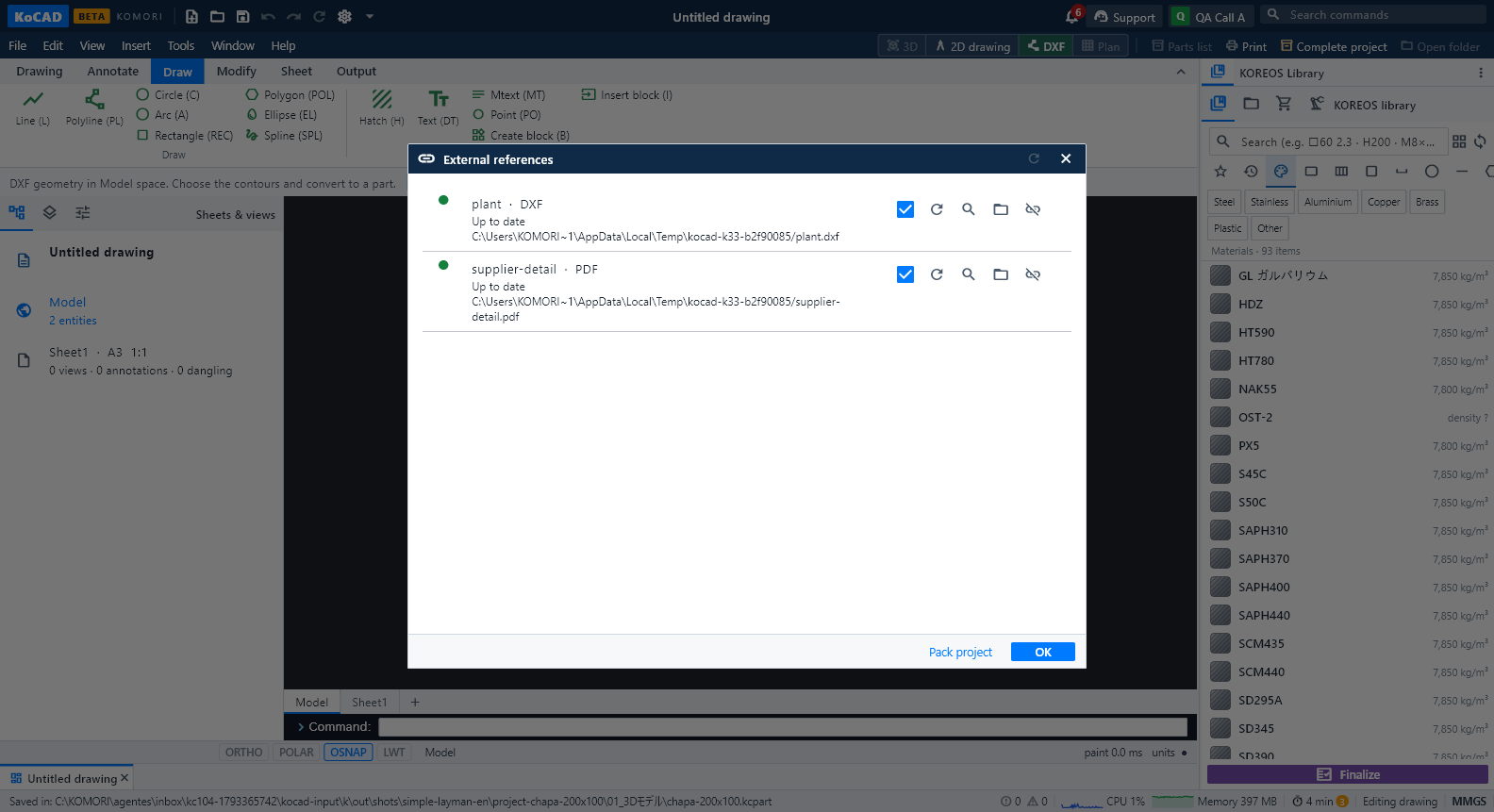
External reference (xref): Insert › Reference model places a STEP/IGES/KoCAD file linked, not copied: it shows in blue-grey, you can measure and snap to it, but it is not in the mass or the BOM. In the 2D drawing, Drawing › Reference drawing links a DWG, DXF or vector PDF as an underlay, with the file's layers (name|layer), scale/units (a DXF in metres becomes mm by itself), position, rotation, clip and on/off. The path is stored relative to the document.
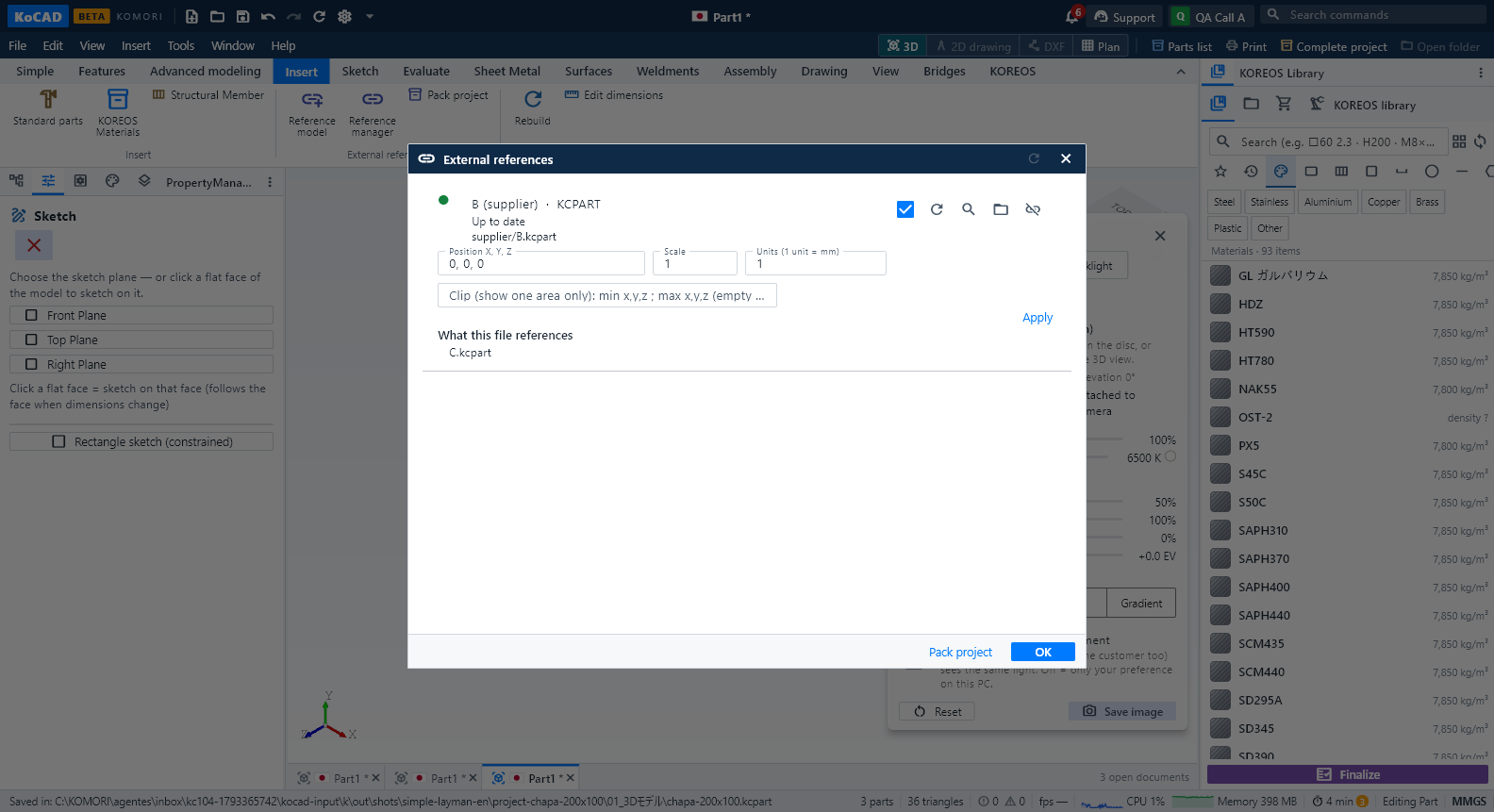
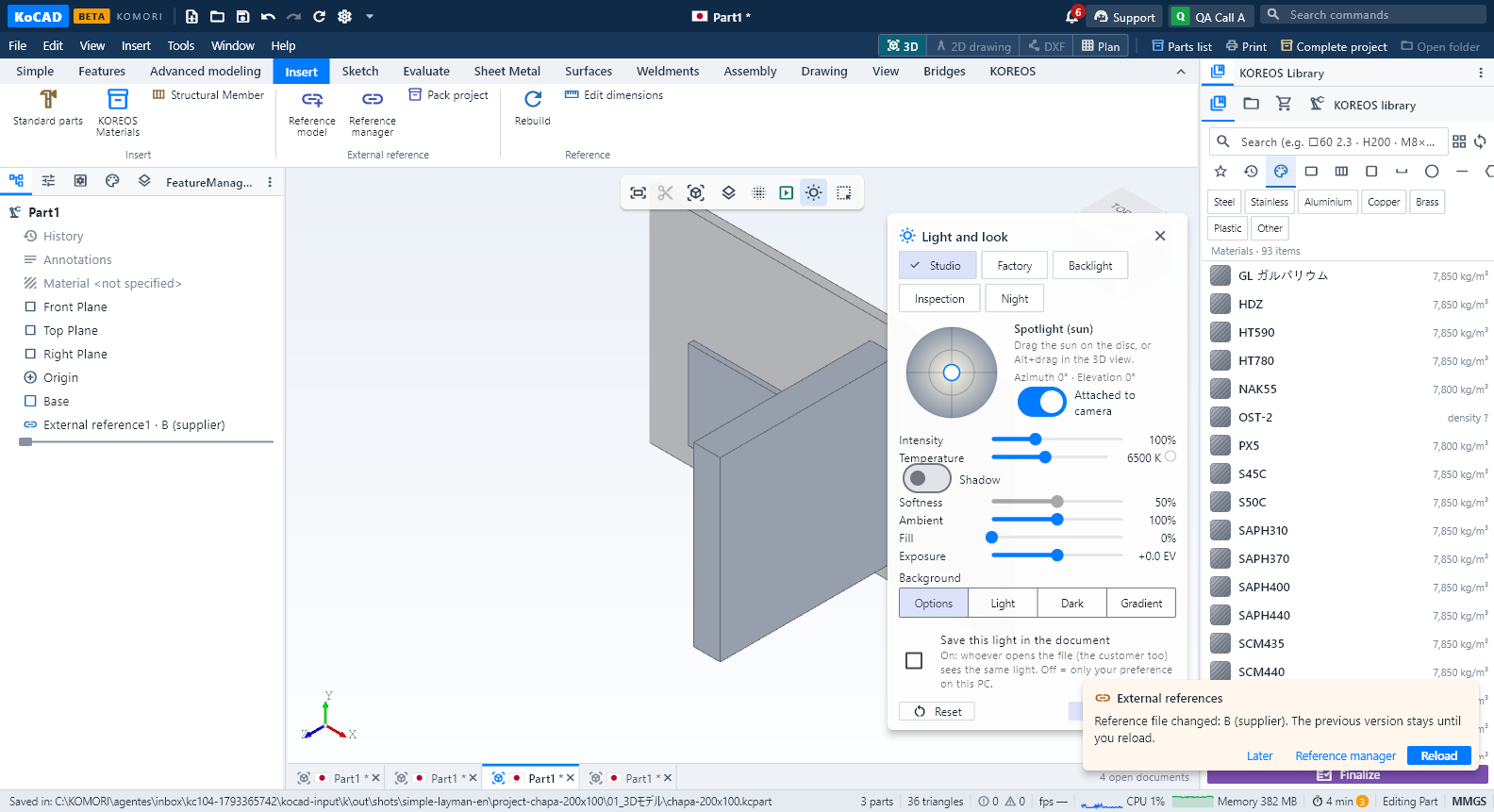
When the file changes: KoCAD tells you in the corner ("Reference file changed") and keeps showing the previous version until you click Reload — nothing changes behind your back. If the file is gone, it says so and keeps the last version on screen; use Locate… in the Reference manager. References inside references work (A → B → C); a circular reference (A → B → A) is refused.
Pack project: Reference manager › Pack project copies every referenced file (and the files they reference) into a refs folder next to the document, makes the links relative and writes kocad-pack-manifest.json with SHA-256. Copy the whole folder to another PC or a USB stick and open it offline. Check that you may pass supplier files on.
Honest limits: DWG is read through LibreDWG (converted to DXF): dynamic blocks and proxies are not preserved. From a PDF come the lines and fills; texts, images and shadings are listed as "not read". A scanned PDF has no lines — use Reference image. A doubly curved surface does not flatten exactly. A thickened sheet flattens at the neutral fibre (K × thickness); next to a cone apex (the corners of a transition) the neutral fibre does not close exactly — KoCAD says so and develops the modeled surface (compensate K × thickness). Exporting STEP of a part with thickened surfaces, KoCAD reads the file back and warns when the volume does not match (cone-apex corners may be rebuilt differently by another reader).