











KoCAD · Pantallas y funciones
Weldments tab: members, gussets, welds and cut list
Structural Member, Trim/Extend, Corner treatment, Cut List, Bars, Gusset, End cap, Weld bead, Library, Standard parts and Propose 部材表.
Este artículo aún no está traducido a su idioma: se muestra la versión en English.
En esta página
What it is
Welded structures (frames, bases, platforms) made from KOMORI catalogue profiles. Each member becomes a line of the cut list and of the 部材表.
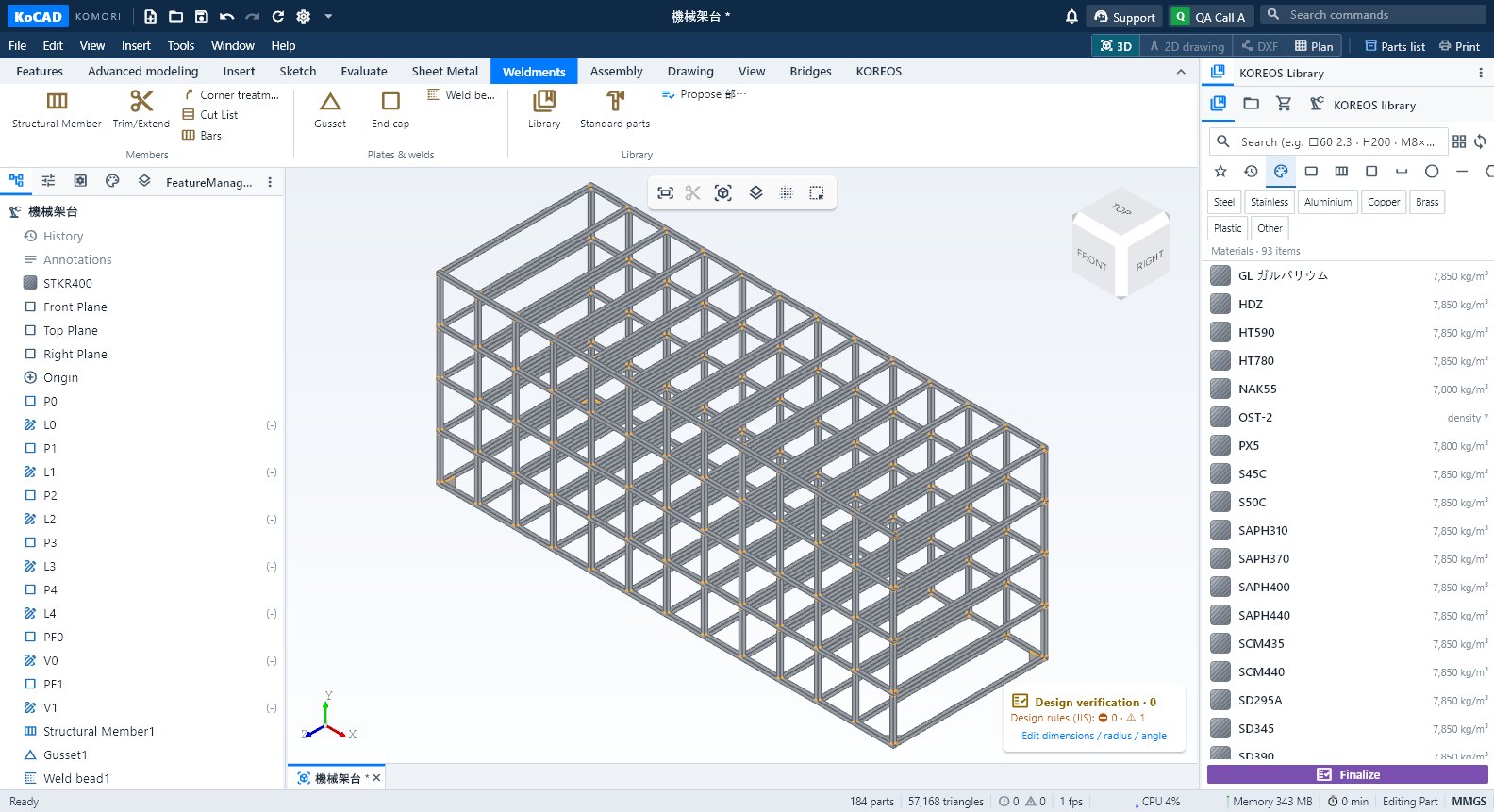
Groups and buttons
- Members: Structural Member · Trim/Extend · Corner treatment · Cut List · Bars.
- Plates & welds: Gusset · End cap · Weld bead.
- Library: Library · Standard parts · Propose 部材表.
Step by step: a square-tube frame
- Draw the frame lines in a sketch.
- Click Structural Member, choose the profile in the library (e.g. □60×60×2.3 STKR400) and select the lines.
- Set the corners (mitre, butt) with Corner treatment and use Trim/Extend where one profile meets another.
- Add Gusset, End cap and Weld bead (the weld mass goes into the 部材表 and the JIS symbol into the drawing).
- Open Cut List: each member with length, angles and quantity.
- Bars works out how many stock bars to buy (5,500 / 6,000 mm or another length), with saw kerf and offcuts.

Tips
- Joints of 3–4 members are resolved without overlap; confirm with Evaluate → Interference Detection.
Common mistakes
- Profile without price: shows as pending in the cost. Complete it in the KOREOS material register.
- Angled cut: each end reserves kerf / cos(angle); never round the bar down.