











KoCAD · 界面与功能
Weldments tab: members, gussets, welds and cut list
Structural Member, Trim/Extend, Corner treatment, Cut List, Bars, Gusset, End cap, Weld bead, Library, Standard parts and Propose 部材表.
此文章暂无您的语言版本,以English显示。
本页目录
What it is
Welded structures (frames, bases, platforms) made from KOMORI catalogue profiles. Each member becomes a line of the cut list and of the 部材表.
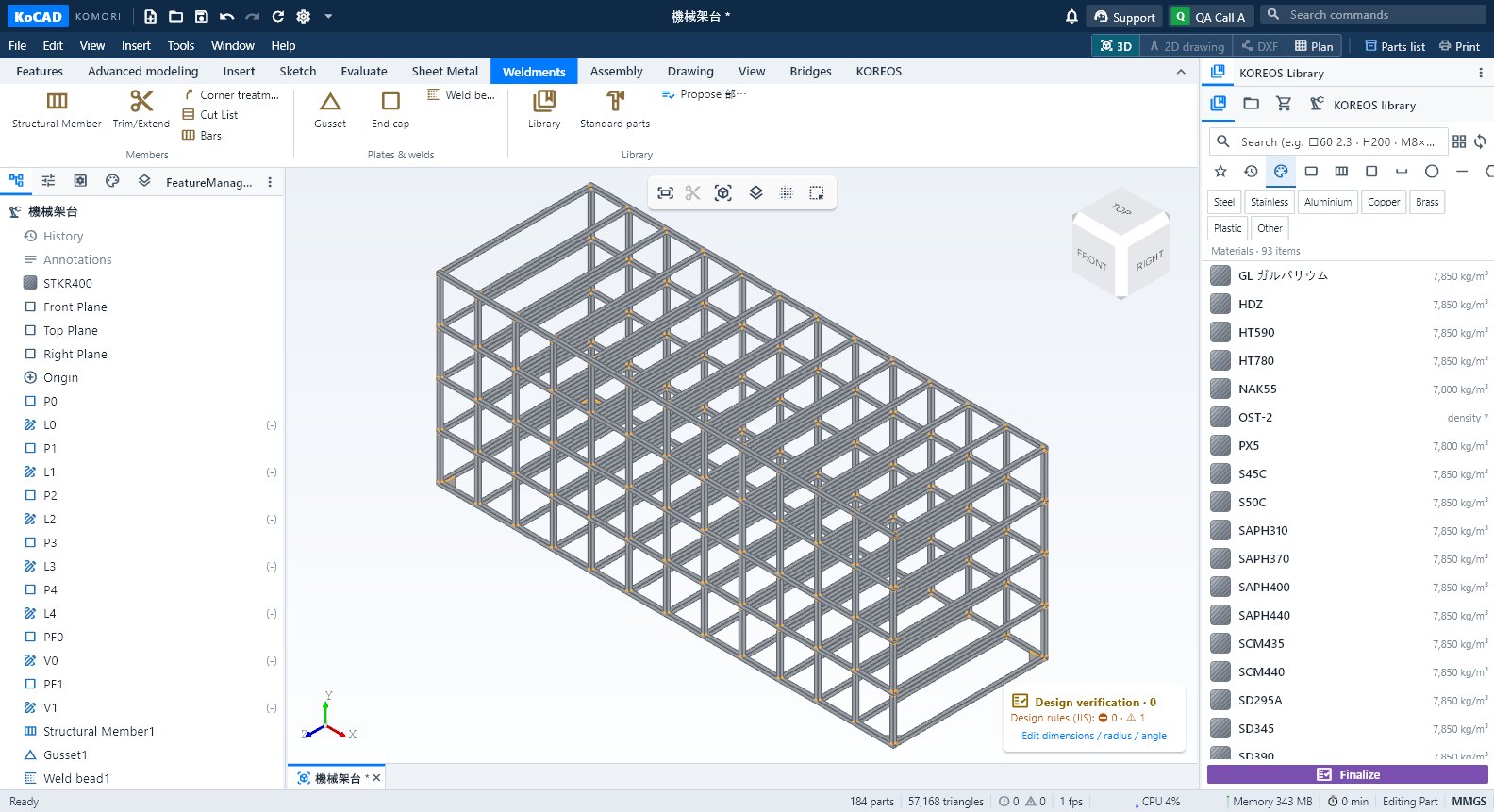
Groups and buttons
- Members: Structural Member · Trim/Extend · Corner treatment · Cut List · Bars.
- Plates & welds: Gusset · End cap · Weld bead.
- Library: Library · Standard parts · Propose 部材表.
Step by step: a square-tube frame
- Draw the frame lines in a sketch.
- Click Structural Member, choose the profile in the library (e.g. □60×60×2.3 STKR400) and select the lines.
- Set the corners (mitre, butt) with Corner treatment and use Trim/Extend where one profile meets another.
- Add Gusset, End cap and Weld bead (the weld mass goes into the 部材表 and the JIS symbol into the drawing).
- Open Cut List: each member with length, angles and quantity.
- Bars works out how many stock bars to buy (5,500 / 6,000 mm or another length), with saw kerf and offcuts.

Tips
- Joints of 3–4 members are resolved without overlap; confirm with Evaluate → Interference Detection.
Common mistakes
- Profile without price: shows as pending in the cost. Complete it in the KOREOS material register.
- Angled cut: each end reserves kerf / cos(angle); never round the bar down.