










- 新功能Operations Center v2 adds Today’s agenda with official tasks by department, photos and Japanese names. Included in automatic rotation.
- 新功能The agenda footer highlights the current or next department meeting with a countdown.
- 修复Shared accounts keep the language on each device. A discreet calendar icon sits beside pause.

现场信息看板
k-TV
k-TV 使用方法
从这里开始
界面与功能
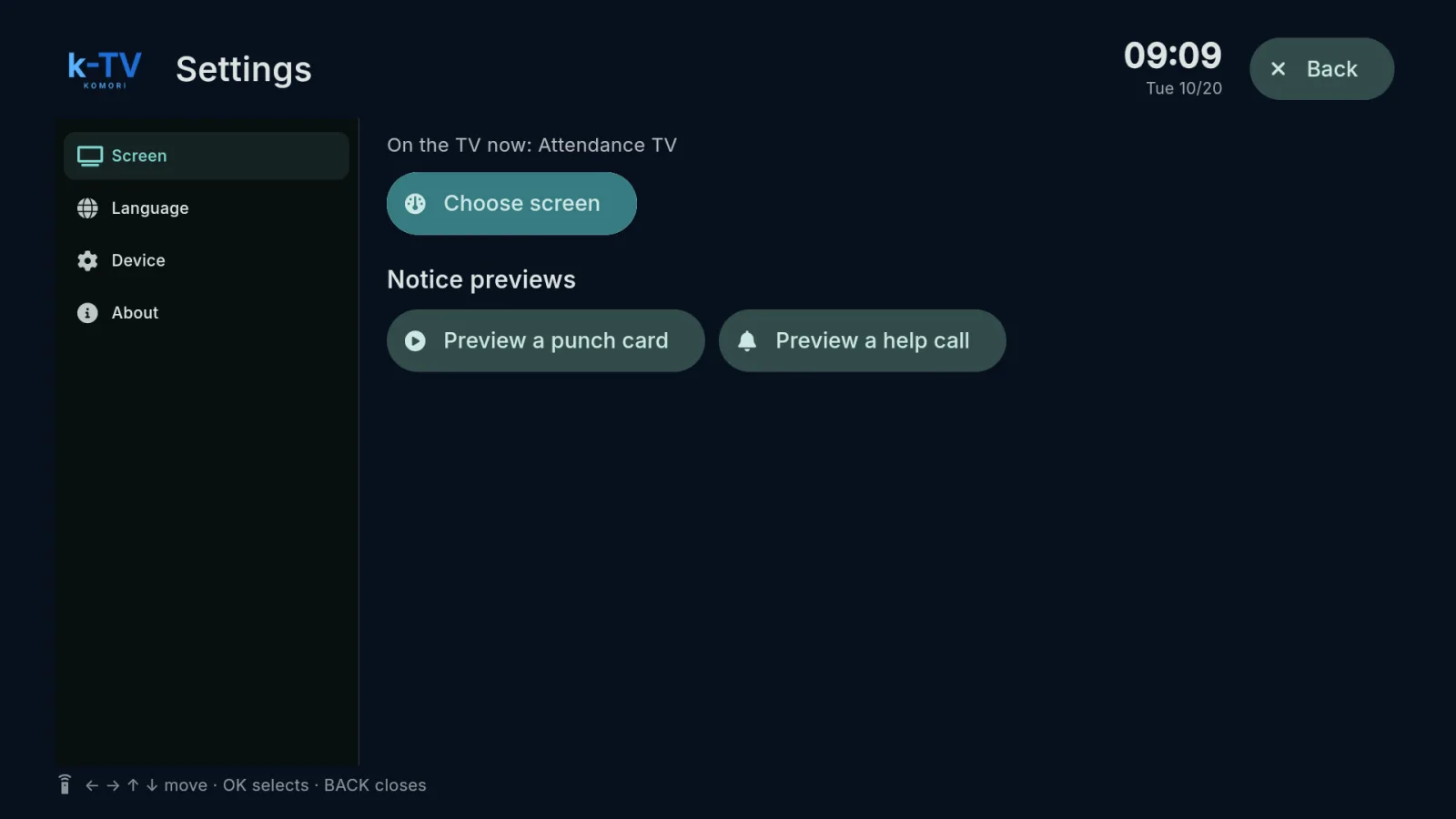 Choose and change the TV screenSettings → Screen: what is on the TV now, the screen picker, 1–9 shortcuts and light or dark theme.English
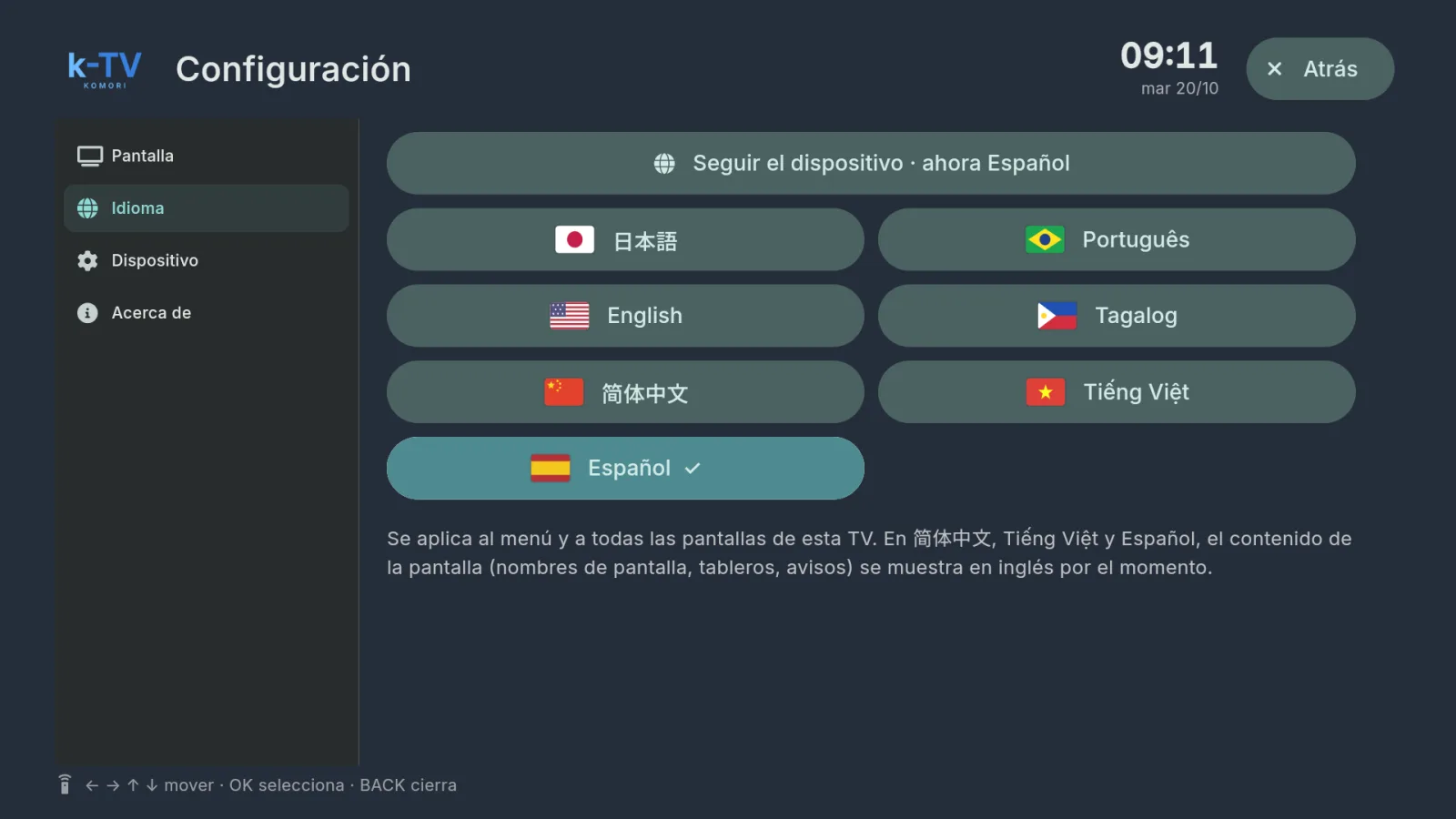 Change the TV languageSettings → Language: 7 languages, or follow the device language.English
- Using the remote controlWhat each key does in k-TV: MENU, BACK, arrows, OK and the numbers 1–9.English
- Device, updates and working without internetDevice and About tabs, sync, app updates and what the TV shows when the internet drops.English