










- Bagoオペレーションセンターv2に「本日の予定」を追加。部署別の業務タスクを顔写真・日本語氏名で表示し、自動切替にも対応します。
- Bago予定の下部に部署の会議を表示。開催中または次の会議をカウントダウンで案内します。
- Inayos共有アカウントの言語は端末ごとに保持。日時カレンダーは一時停止の横の小さなアイコンから開けます。

Impormasyon sa mga screen
k-TV
Paano gamitin ang k-TV
Magsimula dito
Mga screen at feature
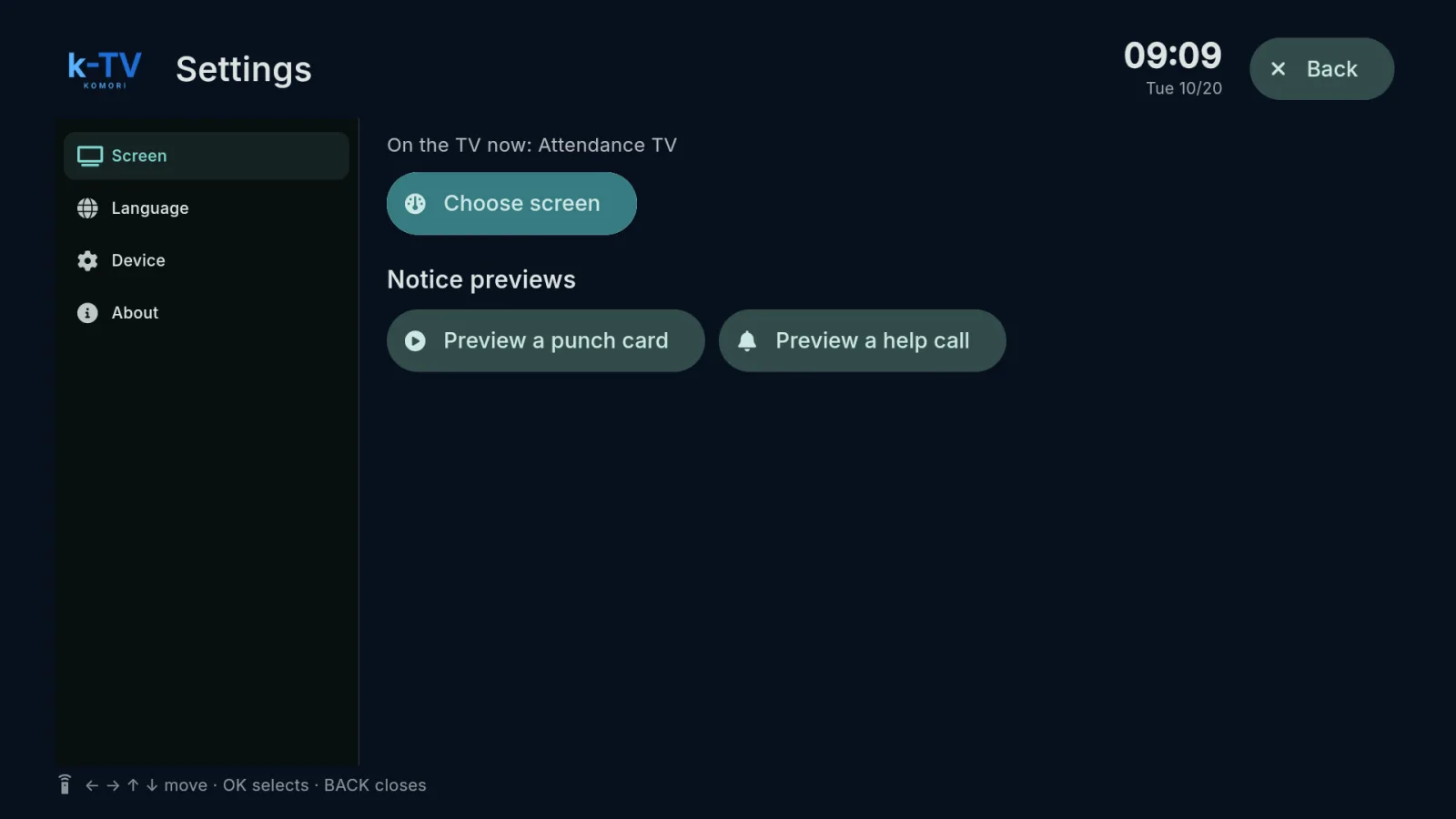 Choose and change the TV screenSettings → Screen: what is on the TV now, the screen picker, 1–9 shortcuts and light or dark theme.English
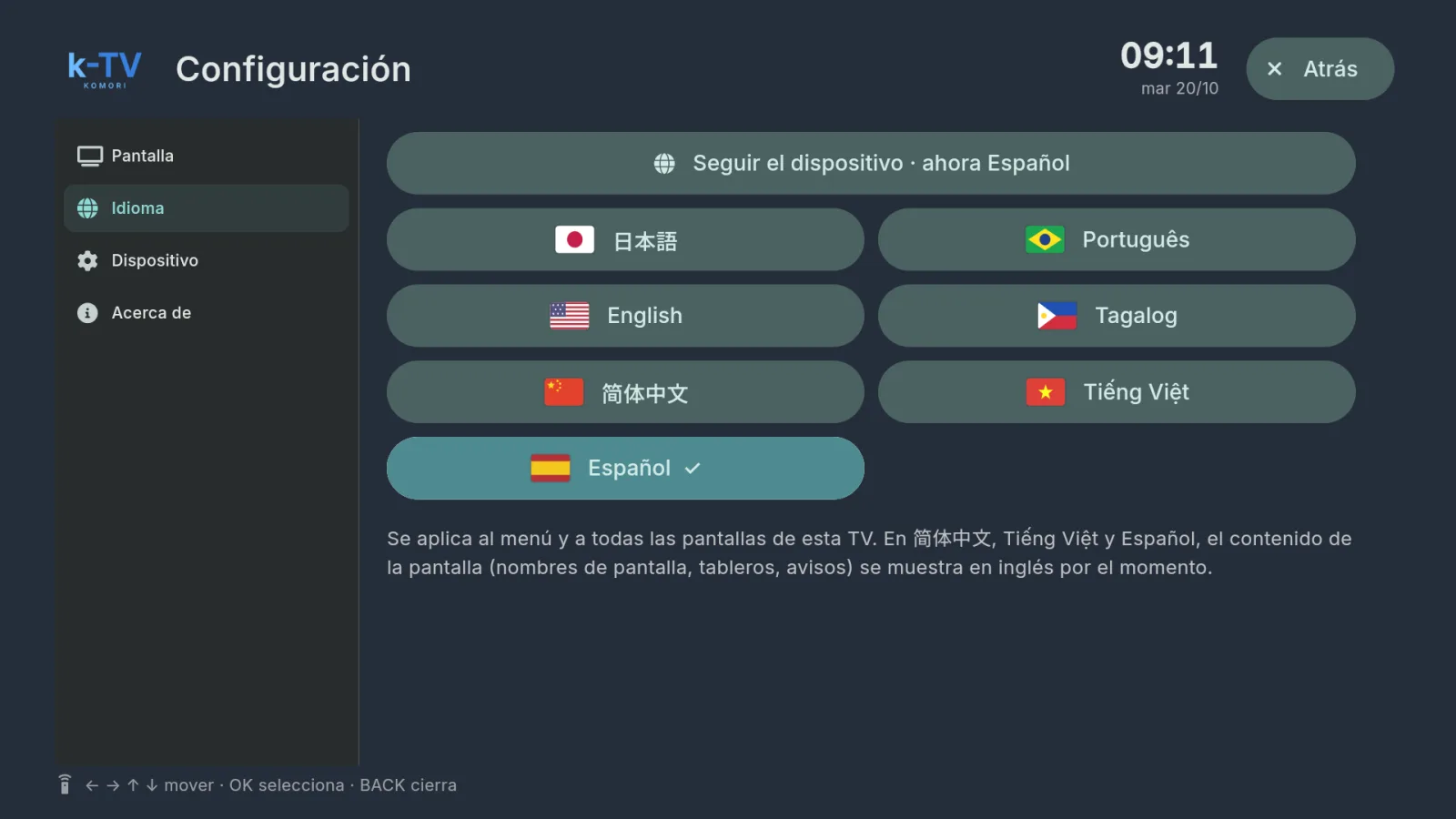 Change the TV languageSettings → Language: 7 languages, or follow the device language.English
- Using the remote controlWhat each key does in k-TV: MENU, BACK, arrows, OK and the numbers 1–9.English
- Device, updates and working without internetDevice and About tabs, sync, app updates and what the TV shows when the internet drops.English