










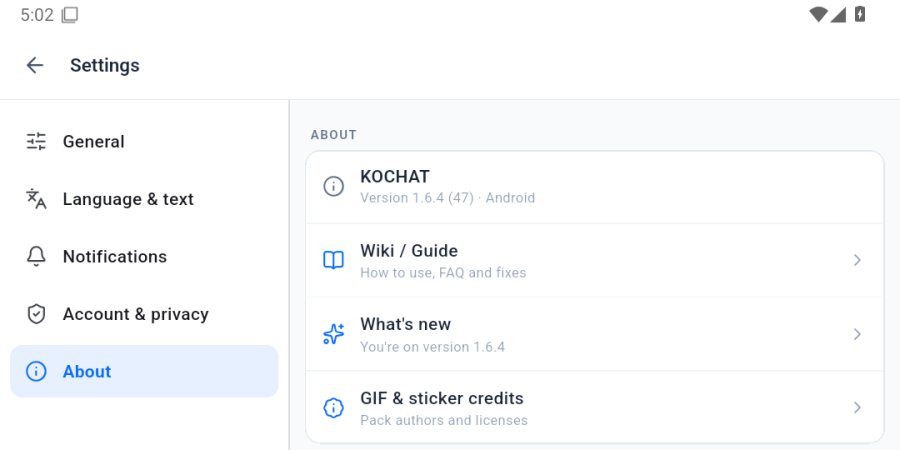
- CorregidoKOCHAT on desktop now receives and answers voice calls. Invitations arriving before the audio offer also ring, and the app recovers invitations when a realtime notification is lost. Answering on one client stops ringing on the others.

Comunicación del equipo
KOCHAT
Conversaciones, grupos y archivos para trabajar en equipo.
Empiece aquí
Pantallas y funciones
Ver todos (8) →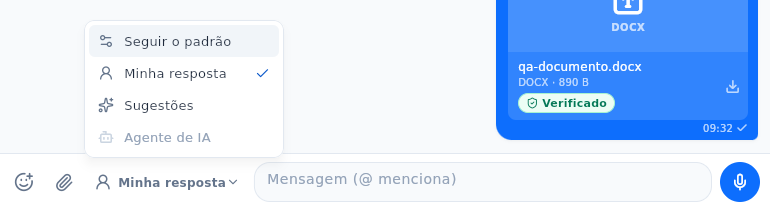 KOCHAT: paste, emoji, reply mode and attachment downloadsKOCHAT: paste, emoji, reply mode and attachment downloadsEnglish
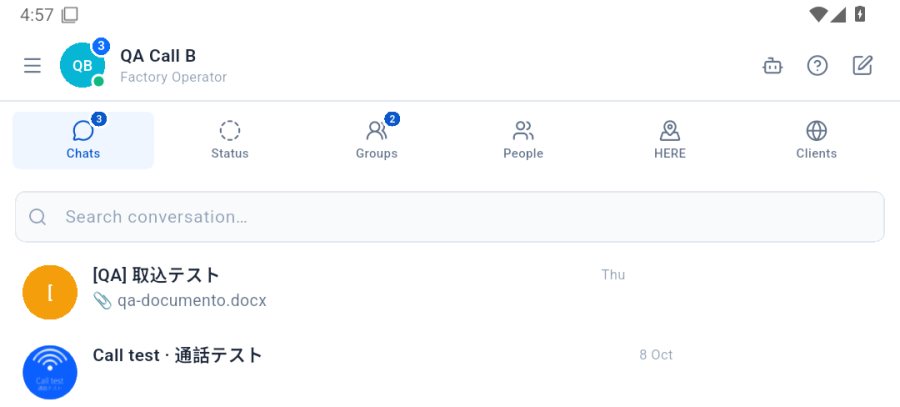
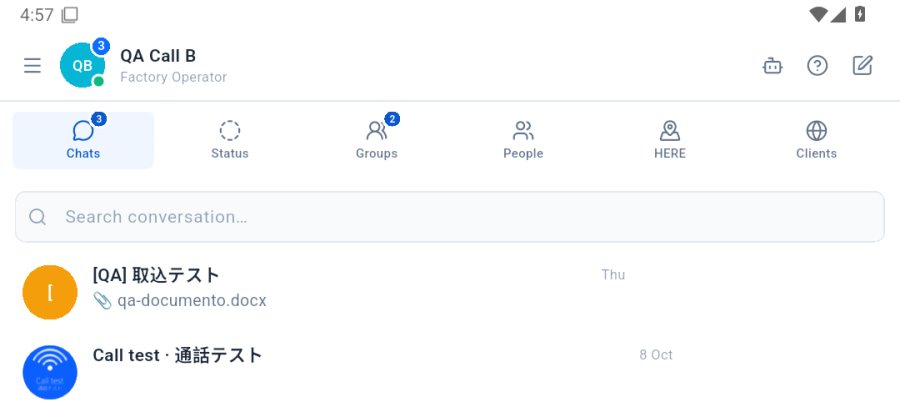 Chats: open, search and start a conversationThe Chats tab highlights conversations with new messages; search finds them by name and the pencil starts a new one.English
- Files: preview, captions and sendingPreview videos, images, PDF and audio before sending, then follow progress.English
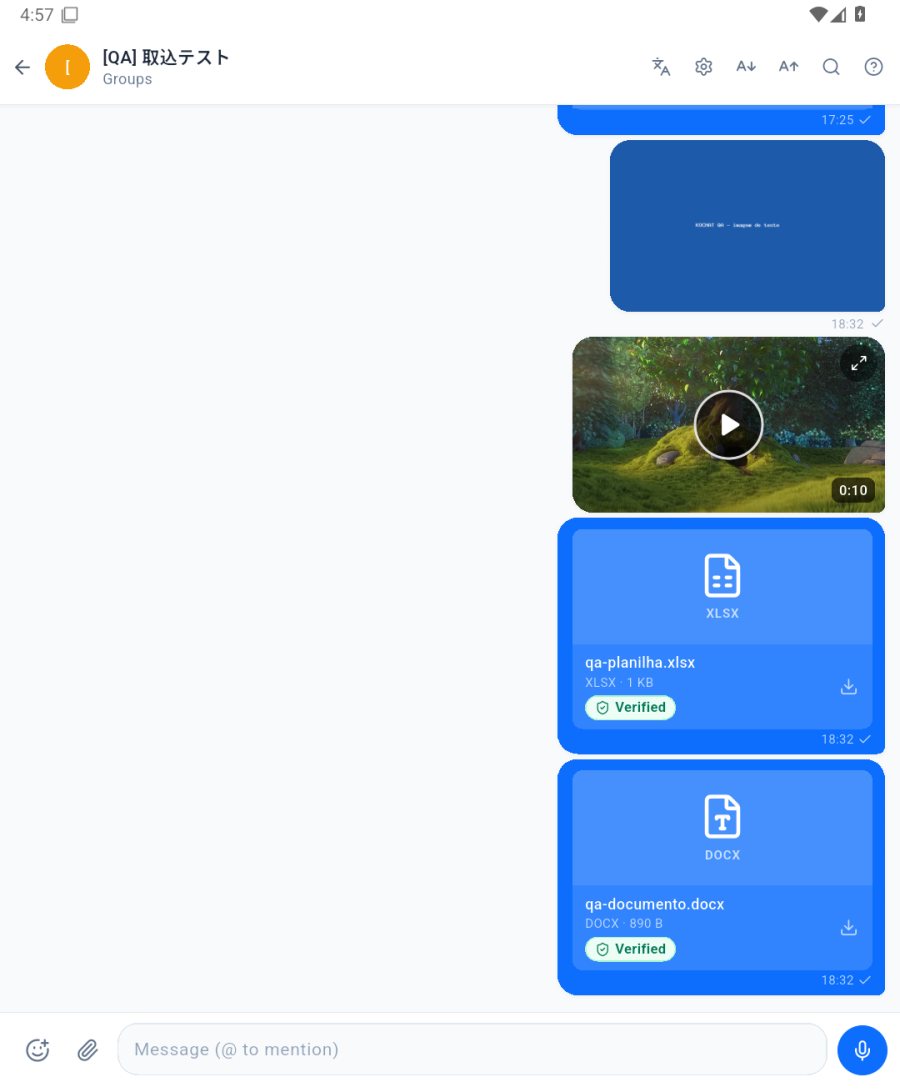 Send a message, photo, file or voice noteIn the conversation: type and tap send; the paperclip 📎 sends a photo, video, document or location; the mic records a voice note.English
 Voice and video callsInside the conversation, the phone icon starts a voice call and the camera a video call. Answer/Decline show on screen.English
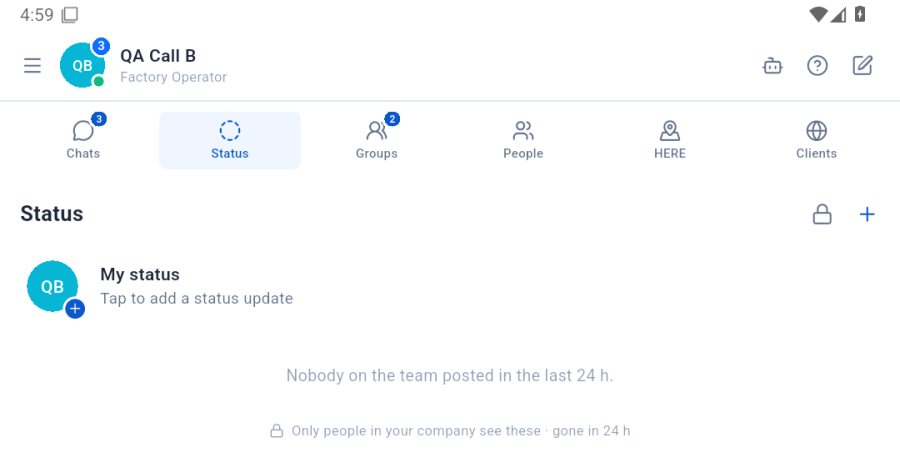 Status: post and see team updatesPhotos, videos and texts only your company sees, gone after 24 h. The + creates a new status.English
Preguntas frecuentes
Problemas y soluciones
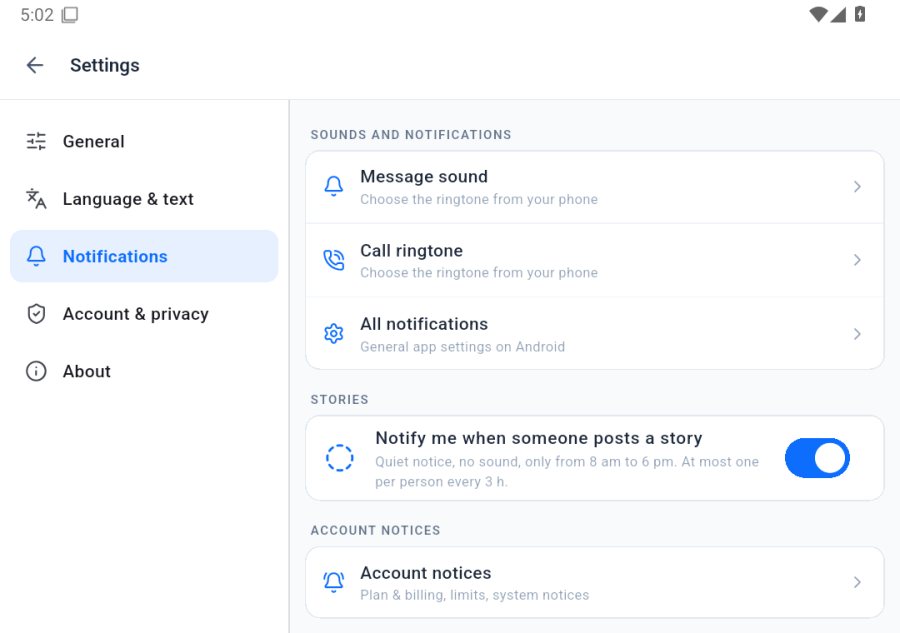 I do not get message notificationsCheck the system permission, the messages channel and whether the conversation is muted.English
- Locked-phone calls, messages and presenceUpdate the app and check permissions, notifications and automatic presence.English
- I cannot sign in to KOCHAT"Check the e-mail and password", expired session or disabled account: what to do in each case.English