











KoCAD · Primeros pasos
Basics: export DXF, PDF and STEP (and which to use for what)
Laser/CNC, site/client, another CAD, 3D printer or game: which file to send and where it goes.
Este artículo aún no está traducido a su idioma: se muestra la versión en English.
- Simple tab › Export ▾.
- Pick the format and where to save. By default everything goes to the project folder.
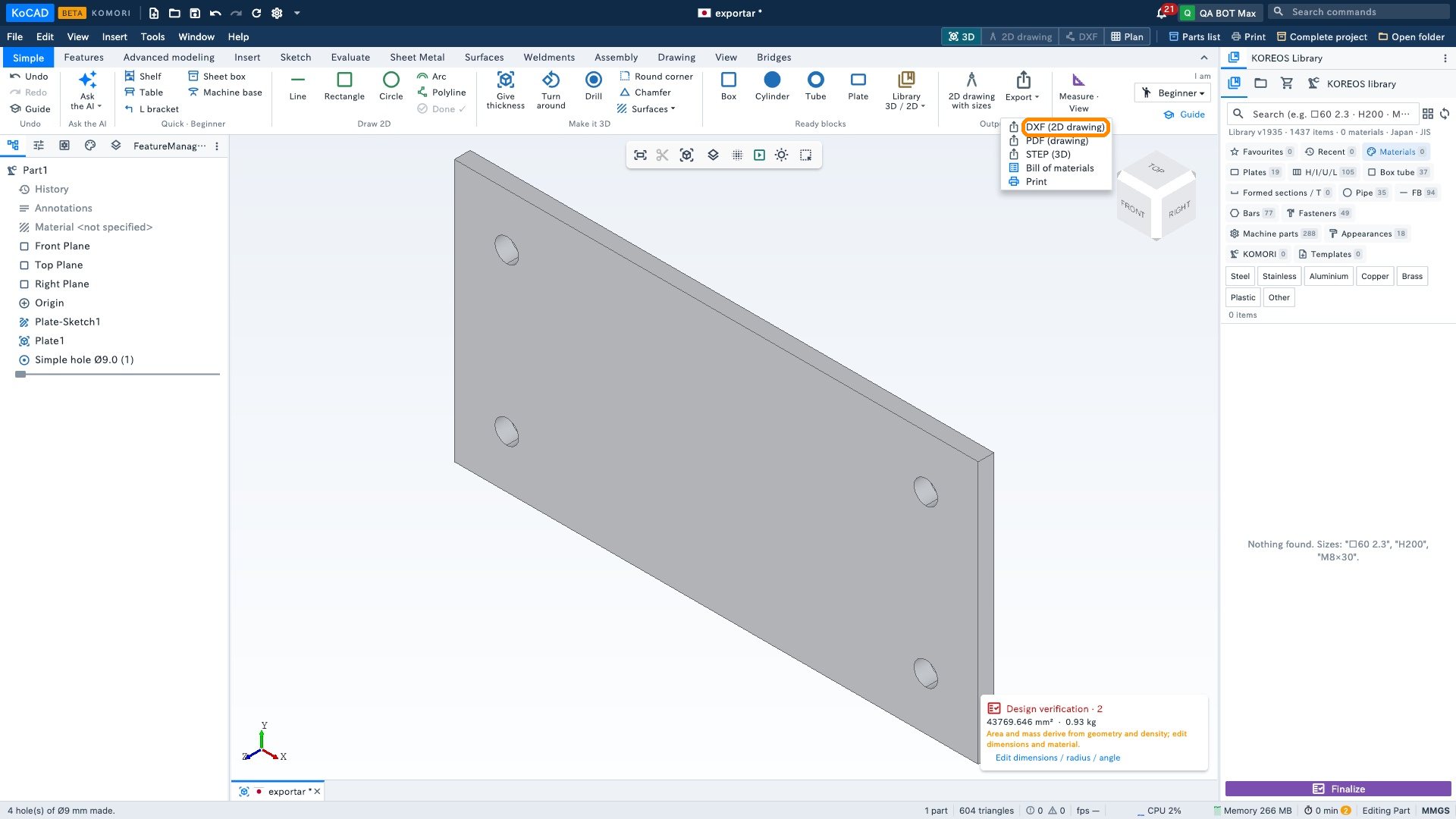
If Verification still has uncorrected items, KoCAD shows a warning listing them before the file is written. You can Fix each one first or click Export anyway. It is a heads-up, not a block — the export proceeds either way.
Which file for what
- Laser, plasma, CNC, AutoCAD → DXF. Sheet-metal part: Sheet Metal tab › Flat DXF (laser).
- Client, site, quote, printing → PDF of the dimensioned drawing.
- Another CAD (SolidWorks, Fusion, Inventor…) or a supplier → STEP (3D).
- 3D printer → STL (File › Export).
- Game / 3D viewing → GLB or OBJ (File › Export).
- DWG → File › Export DWG.