











KoCAD · 入门
Engineer path: bent sheet, laser DXF, welded frame and STEP
From the bent-sheet ready model to the flat DXF for the laser and the dimensioned drawing; where welded frames, checks and STEP are.
此文章暂无您的语言版本,以English显示。
本页目录
With the Engineer profile, the Simple tab shows Bent sheet (U), Welded frame, Standard holes and Check. Everything becomes a normal tree feature — then you go on in the full tabs (Features, Sheet Metal, Weldments, Assembly, Drawing).
Bent sheet → laser
- Click Bent sheet (U): width, length, flange, thickness and bend radius. The result is a sheet-metal part (base flange + 2 flanges) with K-factor 0.44.
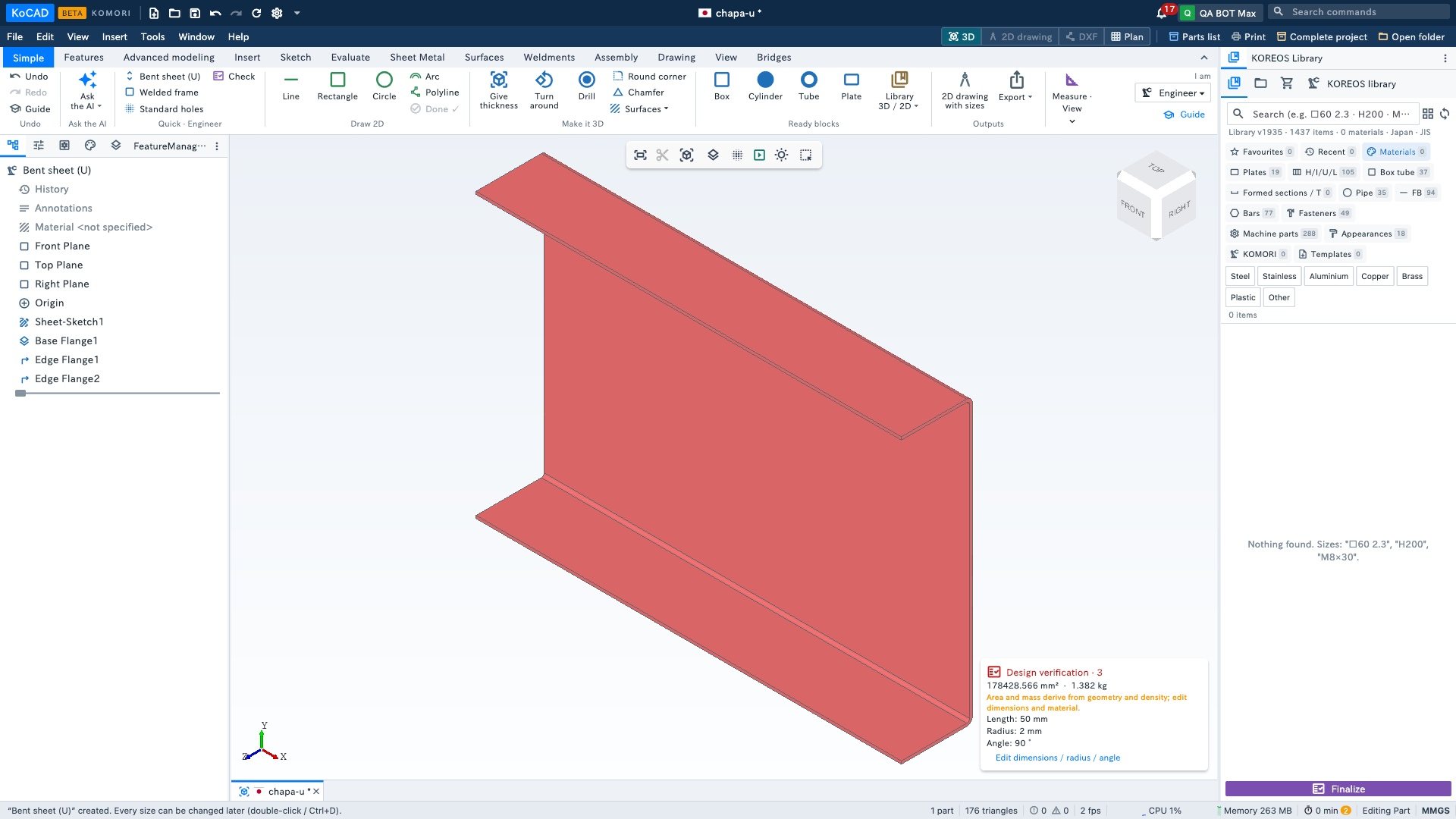
- In the Sheet Metal tab, Flatten shows the sheet opened out: the flat length already accounts for the bends.
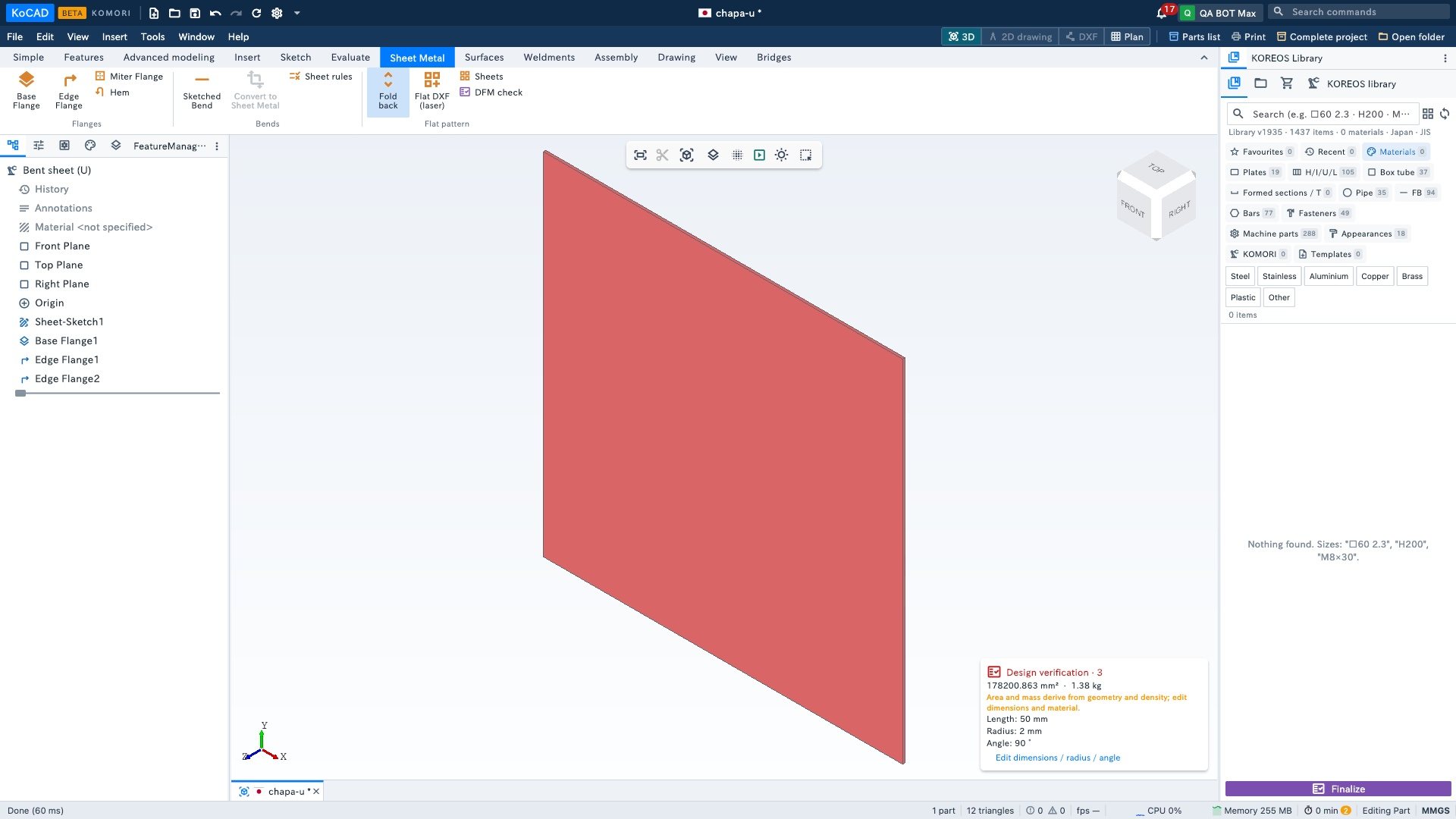
- Flat DXF (laser) saves the outline for the cutting machine. Click Flatten again to go back to the bent part.
- For the press brake and for checking: Simple tab › 2D drawing with sizes › DXF or PDF.
Other engineer paths
- Welded frame (ready model) → Weldments tab: cut list and how many bars to buy.
- Standard holes: a plate with holes at standard distances; tapped, counterbored and countersunk holes are in the Hole Wizard (Features tab).
- Check: checks design rules (JIS) before it goes to the shop.
- STEP: Export ▾ › STEP (3D), for another CAD or the supplier.
- Engineering studies (structural analysis, plate bending, thermal) are BETA — see the articles on running an engineering study.