KoCAD · Getting started
Basics: ask the AI (Bob) with your own AI
Ready examples, Bob’s box, what is sent and where to connect your AI subscription or key.
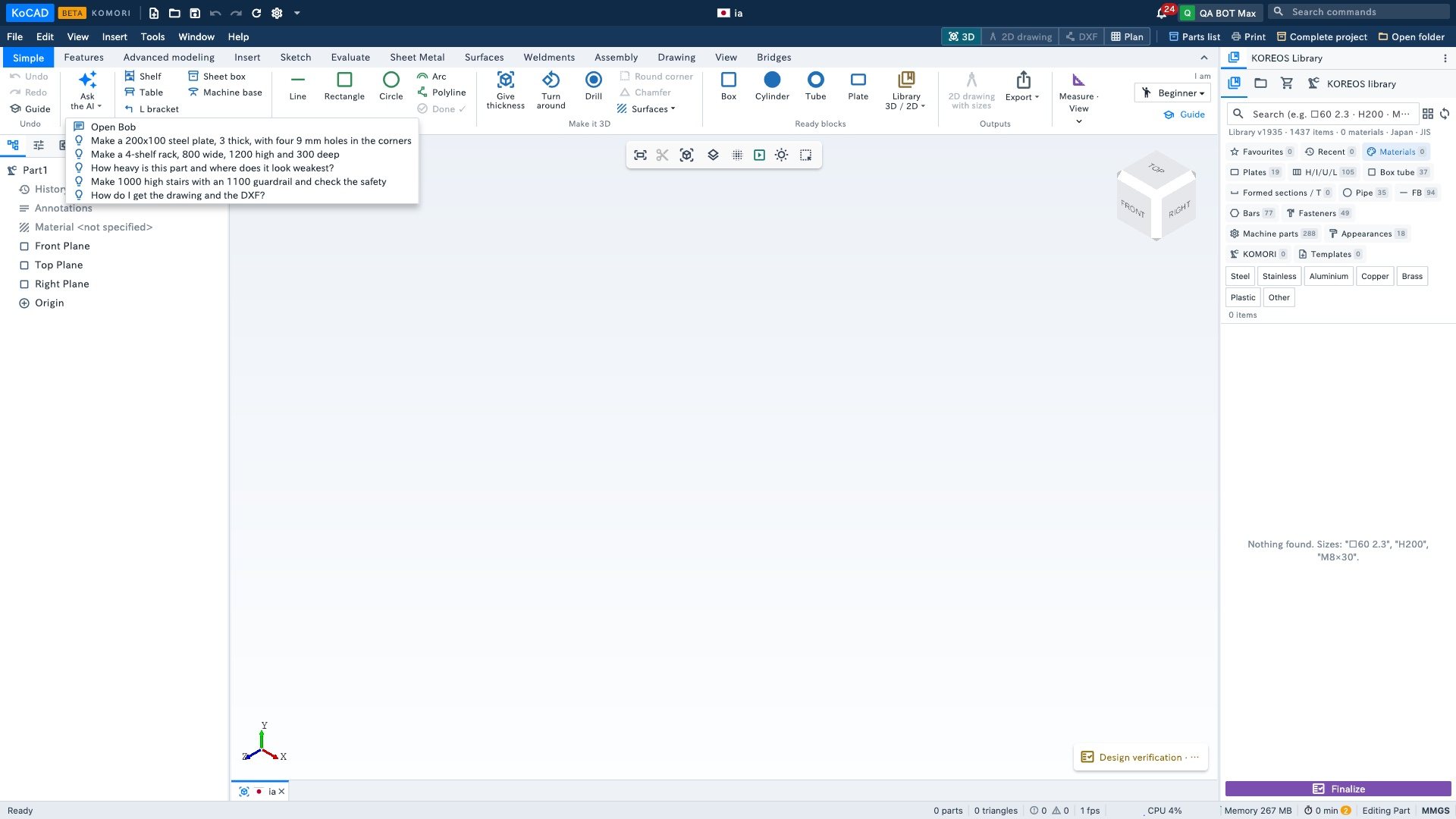
- Simple tab › Ask the AI ▾: pick an example or "Open".
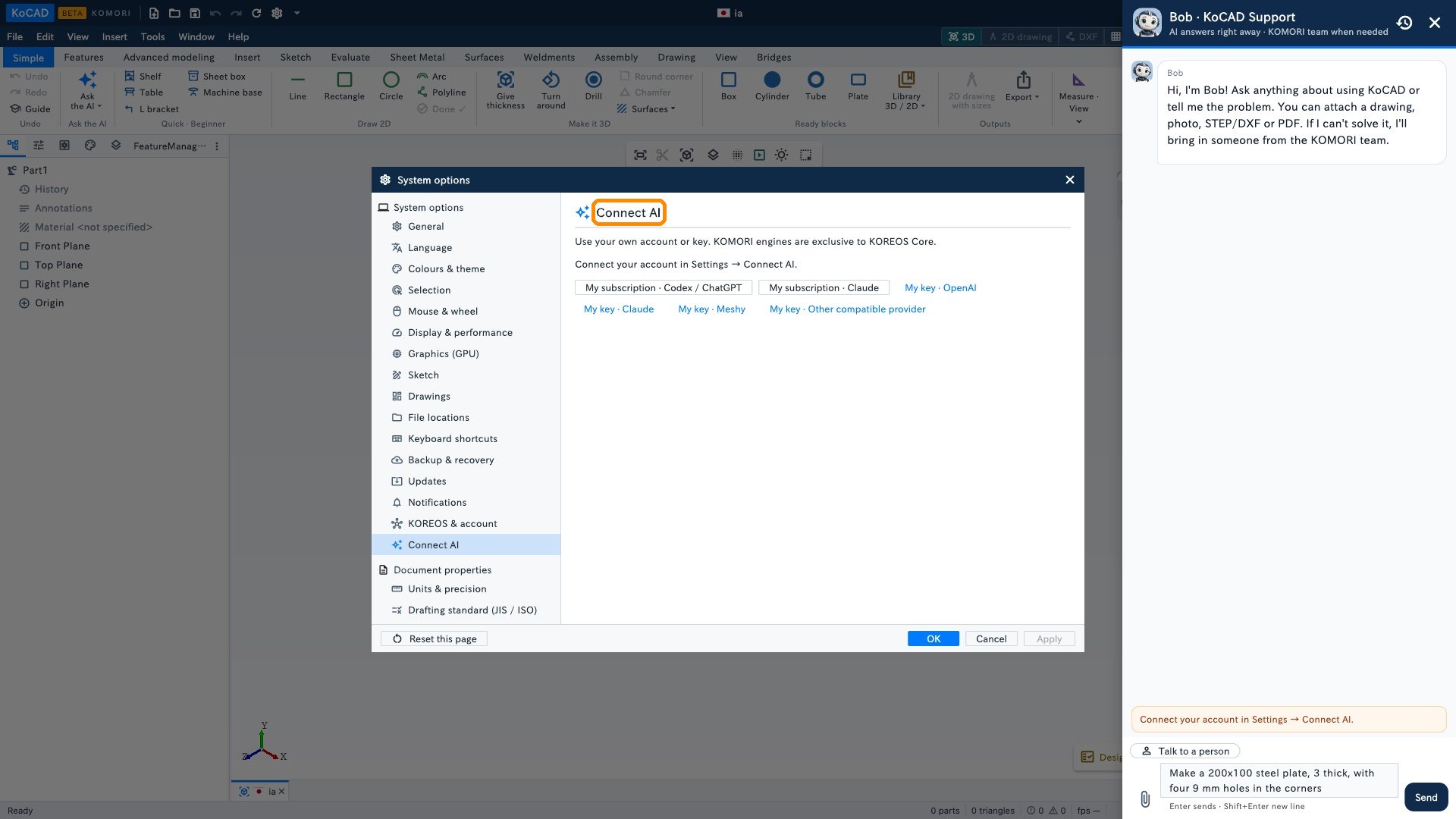
- Bob opens with the text in the box. Adjust the sizes and click Send. KoCAD asks for your AI account/key before sending any prompt; without a key, a clear sentence appears asking you to configure it. Nothing is sent before that.
- Bob builds the part with normal tree features (sketch, thickness, holes…). Check it and change any size later.
The AI is yours
Bob uses your AI account: Tools › Options… › Connect AI (subscription or API key). With no AI connected, Bob says so and shows where to connect. KOMORI's internal engines are not part of the KoCAD license.