KoCAD · Bắt đầu
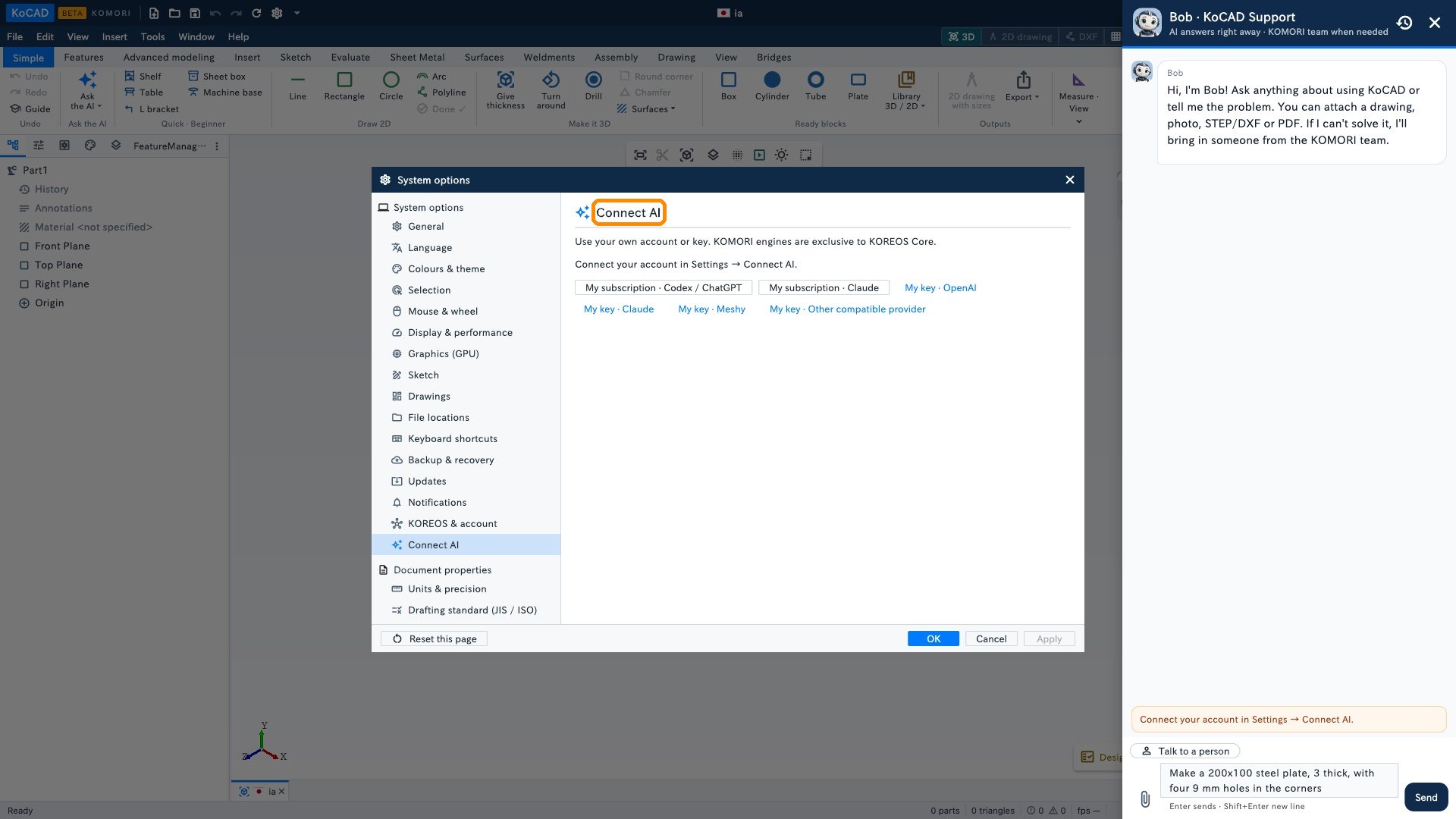
Basics: ask the AI (Bob) with your own AI
Ready examples, Bob’s box, what is sent and where to connect your AI subscription or key.
Bài viết này chưa được dịch sang ngôn ngữ của bạn: đang hiển thị bản English.
- Simple tab › Ask the AI ▾: pick an example or "Open".
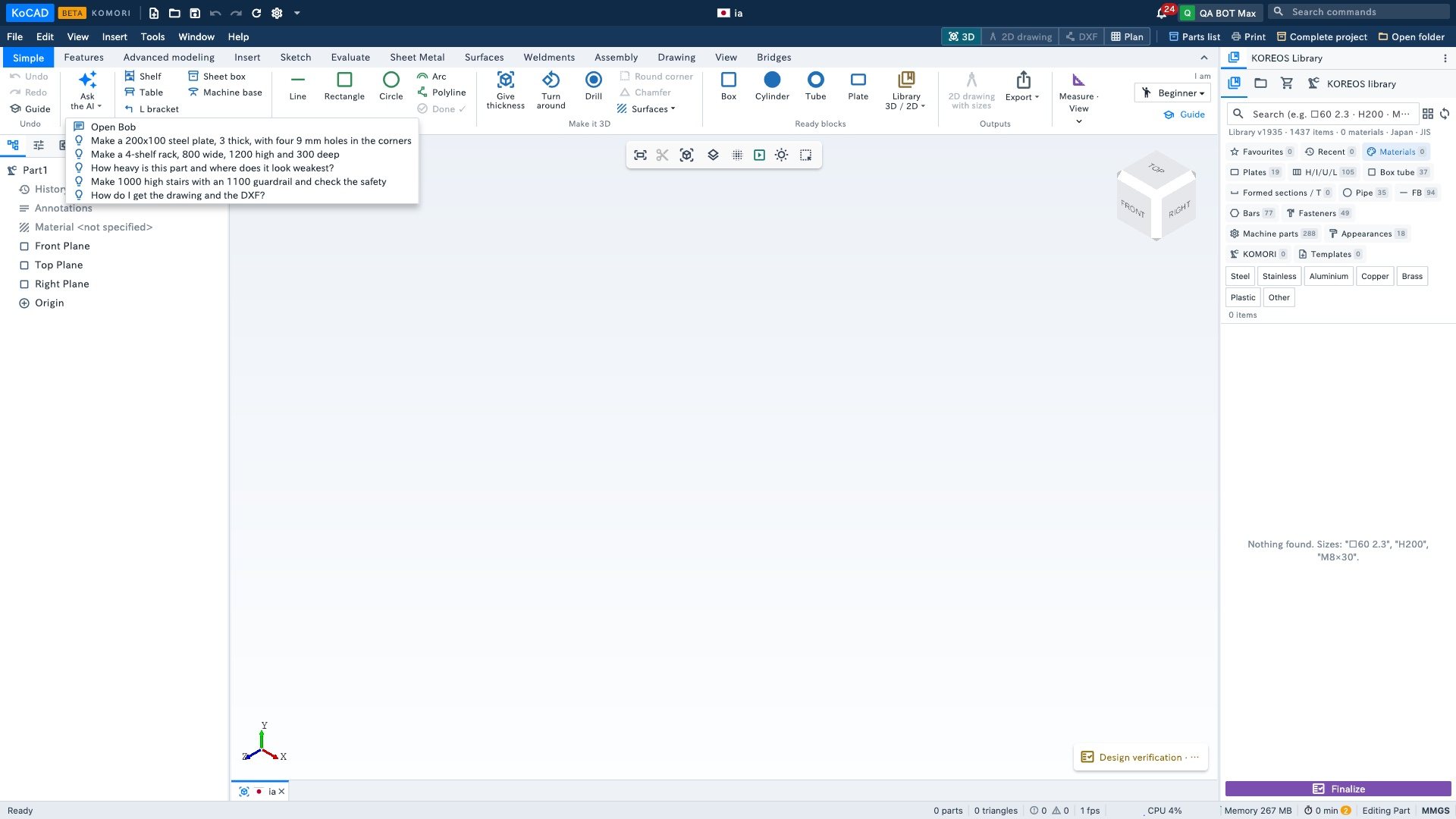
- Bob opens with the text in the box. Adjust the sizes and click Send. KoCAD asks for your AI account/key before sending any prompt; without a key, a clear sentence appears asking you to configure it. Nothing is sent before that.
- Bob builds the part with normal tree features (sketch, thickness, holes…). Check it and change any size later.
The AI is yours
Bob uses your AI account: Tools › Options… › Connect AI (subscription or API key). With no AI connected, Bob says so and shows where to connect. KOMORI's internal engines are not part of the KoCAD license.