











KoCAD · Bắt đầu
KoCAD on the Mac: right-click and ⌘ shortcuts
On the Mac, KoCAD's “right-click” works four ways, all the same: the trackpad two-finger click, Control+click, the right button of any mouse and the right side of the Magic Mouse.
Bài viết này chưa được dịch sang ngôn ngữ của bạn: đang hiển thị bản English.
On the Mac, KoCAD's “right-click” works four ways, all the same: the trackpad two-finger click, Control+click, the right button of any mouse and the right side of the Magic Mouse.
From 0.33.1 the right-click menu exists in: the 3D view, sketch, feature tree, part tree, timeline, document and panel tabs, configurations, layers, library, NAS files and the 2D drawing sheet.
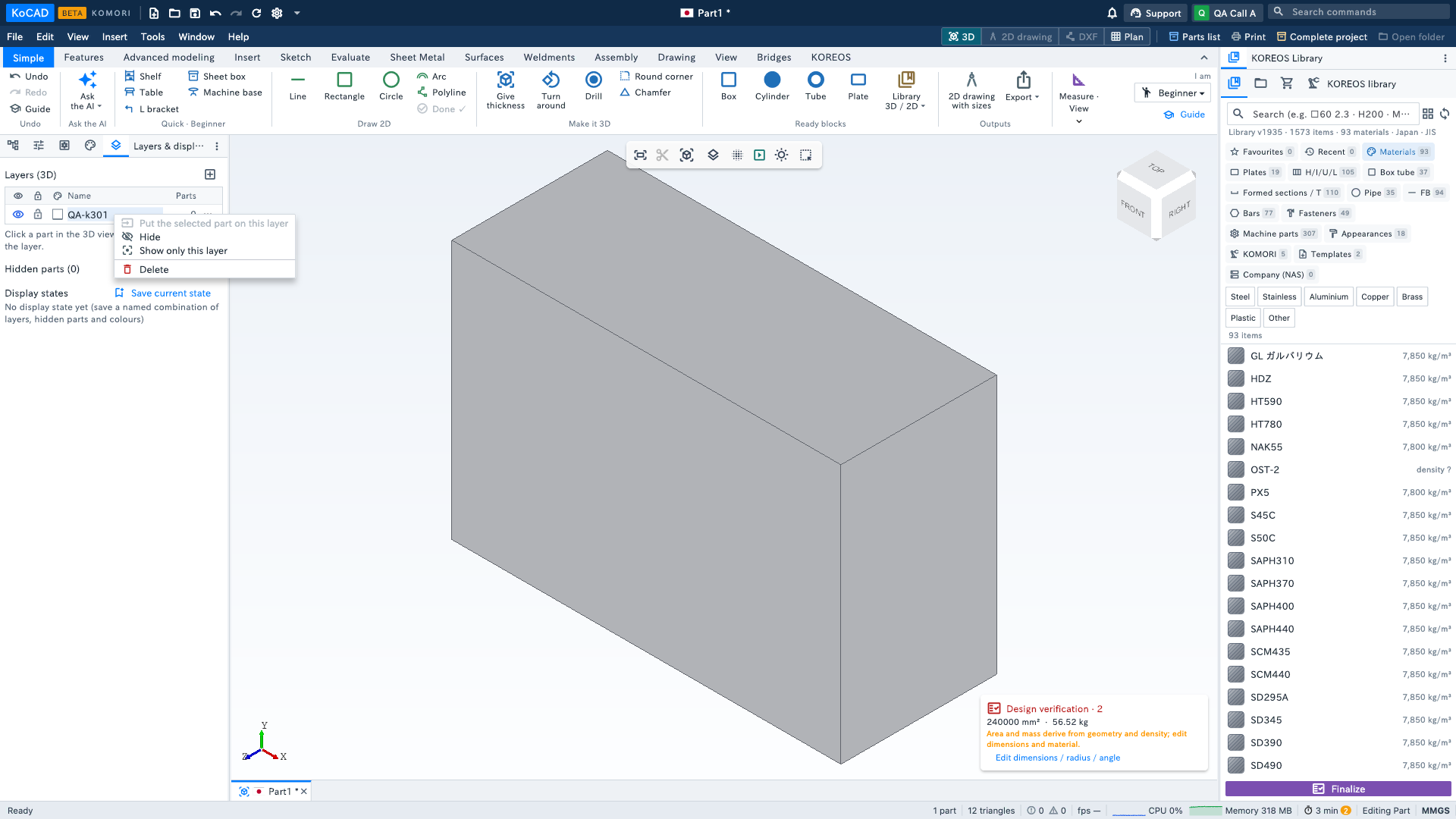
Shortcuts: where Windows uses Ctrl, the Mac uses ⌘ — ⌘S save, ⌘Z undo, ⌘Y redo, ⌘A select all, ⌘C/⌘V copy and paste a feature, ⌘1…7 views, ⌘, Options. Ctrl still works. To add to the selection use ⌘+click (Control+click is the right click).
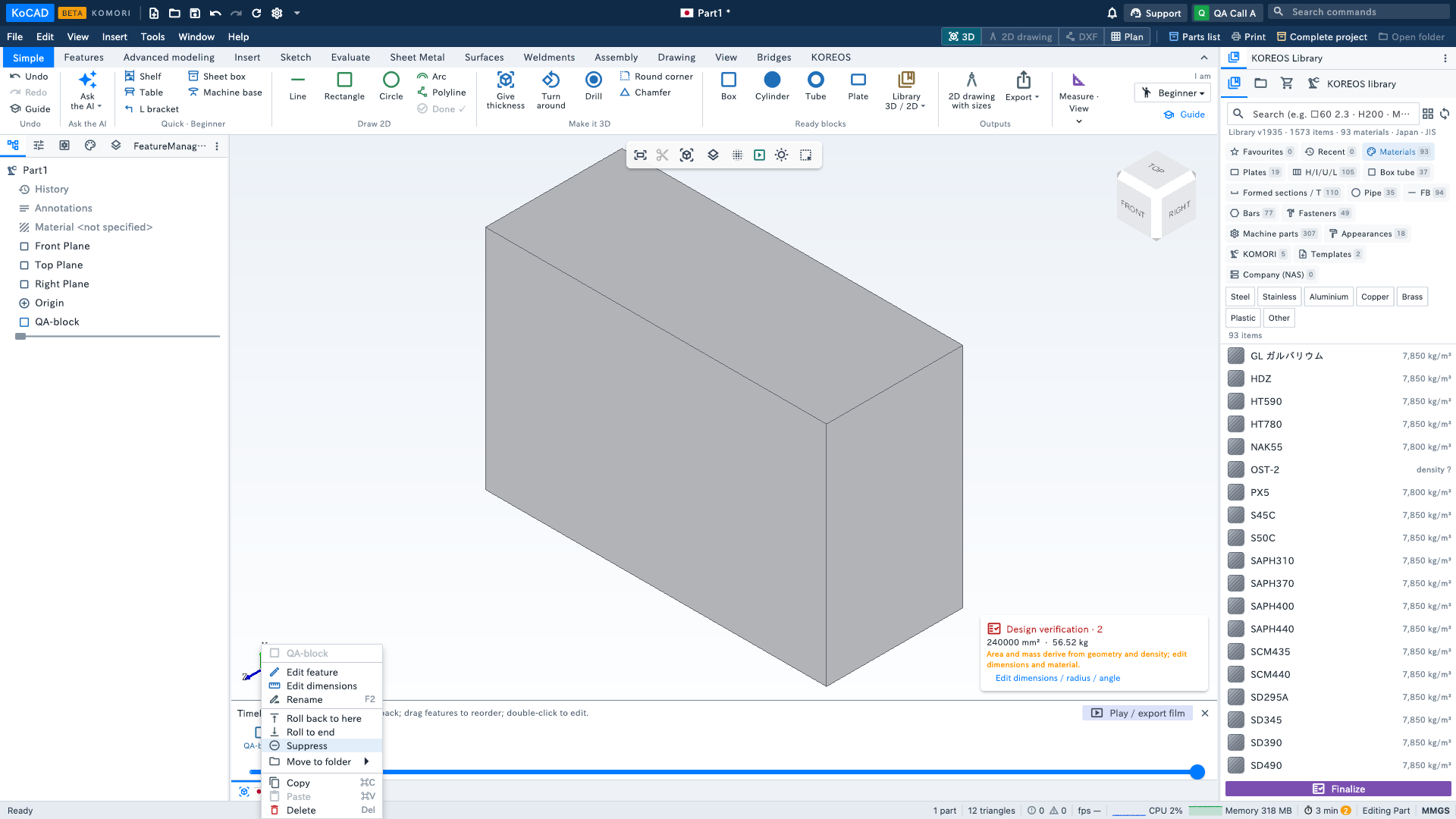
How to test: open a part and Control+click (or two-finger click) a tree row, a layer and the timeline: the menu opens and stays open; Esc or a click outside closes it. If two fingers do nothing, turn on System Settings › Trackpad › Secondary click — Control+click always works.