











KoCAD · Screens & features
Workflow: JIS shop drawing to PDF, DXF and print
From model to sheet: views, auto dimensions, hole callouts, surface texture, title block, check, PDF/DXF/DWG, 1:1 printing and upload to the case.
On this page
Step by step
- Open the part and click Drawing → Create a 2D drawing from this part (save the part when asked). Choose sheet (A0–A4), projection (third angle JIS), scale and auto dimensions.
- Drawing: add projected view, section, detail, broken or partial view. Arrange views tidies the sheet.
- Annotate: dimensions (or Auto dimension), Hole callout (M8, キリ, 深ザグリ, 皿), surface texture, geometric tolerance, weld, balloons and tables.
- Output → Check: overlapping texts, dangling dimensions, orphan views, empty fields.
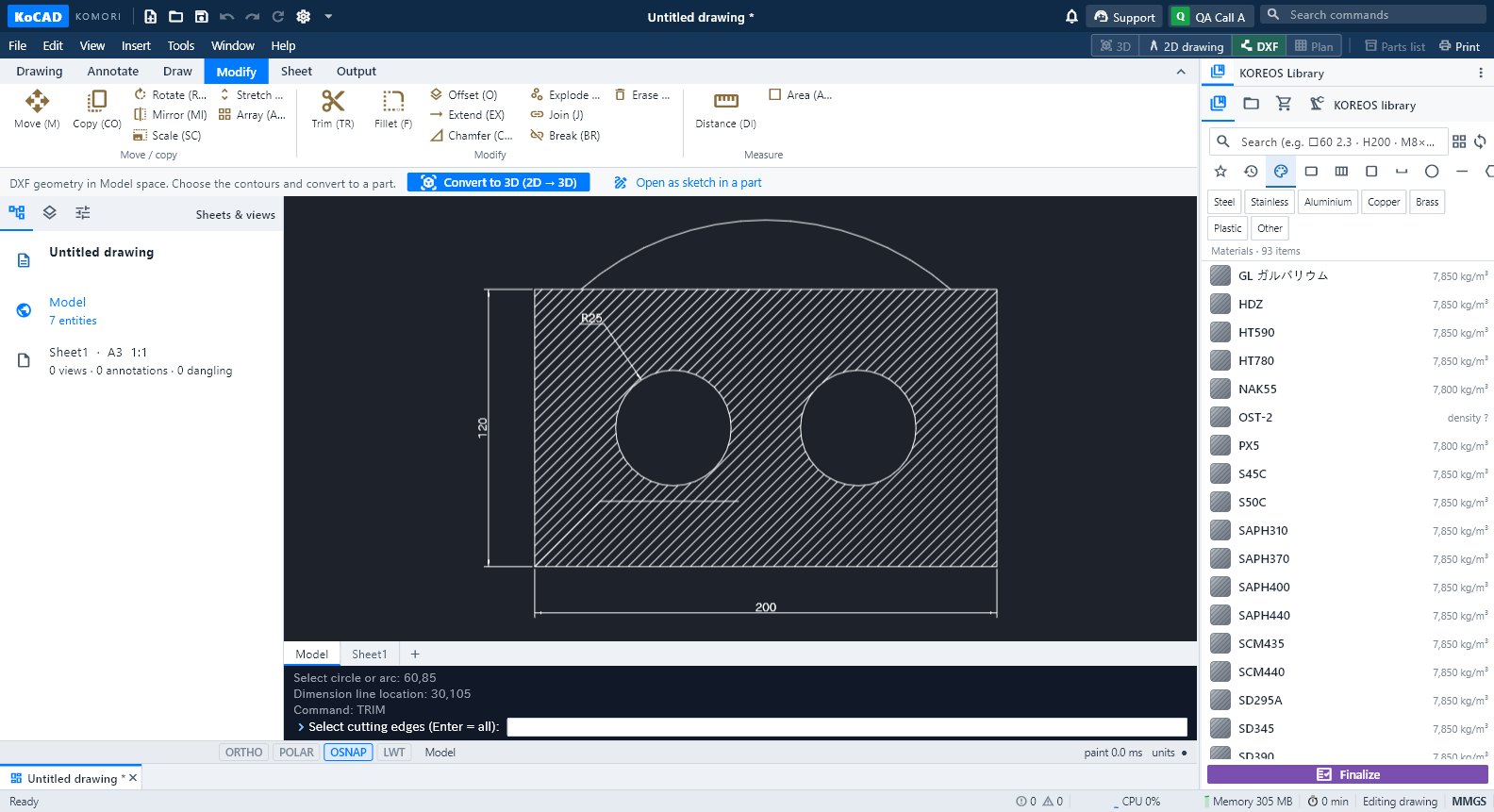
2D from scratch (AutoCAD style)
New 2D drawing → Draw/Modify tabs and the command line (aliases such as L, C, TR; absolute, relative and polar coordinates). Dimensioning and printing work the same.
Tips
- Options → Drawings: default sheet and projection, text height, automatic section A-A for special holes, cut-list balloons, .kcdwt templates per client.
- The drawing is associative: when the part changed, use Update.
Common mistakes
- Print out of scale: tick 1:1 in the print dialog and check the printed ruler.