










Transport management
KŌLOGY
Delivery, fleet and transport management in one workflow.
Start here
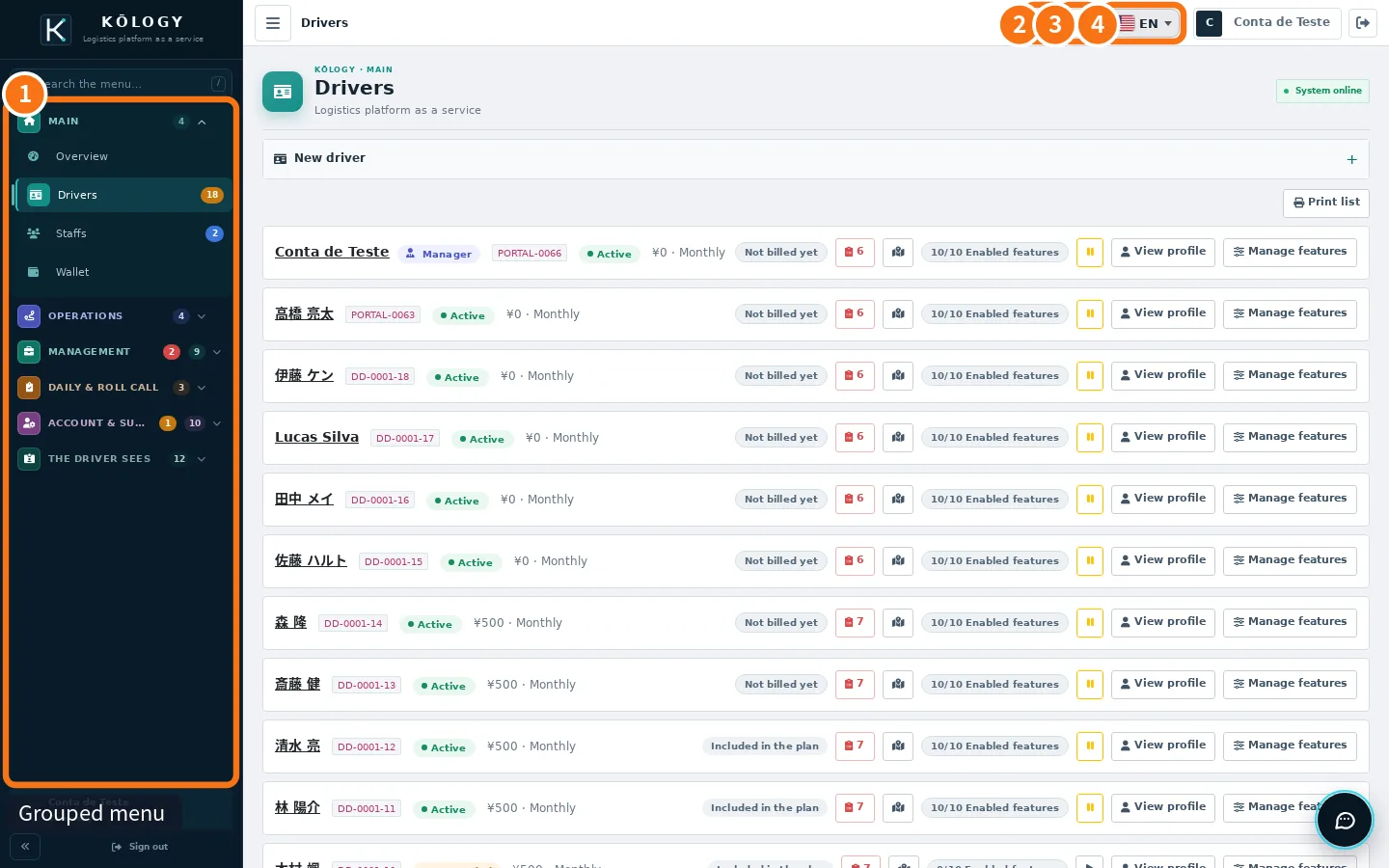 Getting started with KŌLOGY (company and managers)What KŌLOGY is, who uses each part and the shortest path for a company to start operating in the app and on the web.
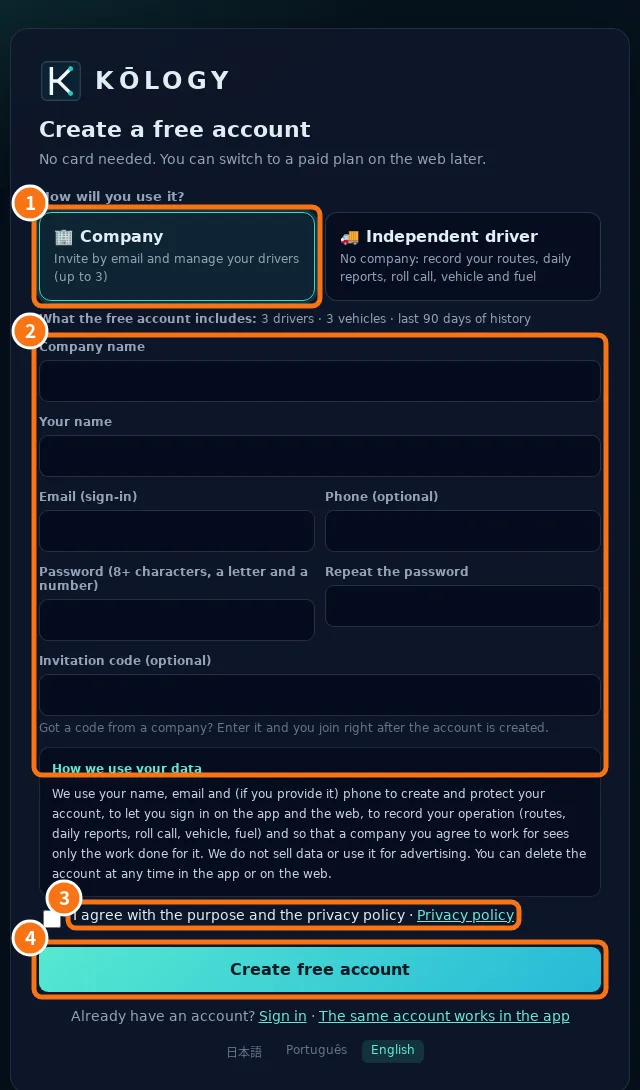 Create the company account and sign inCreate the company's free account in the app or on the web, confirm the email and sign in as a manager.
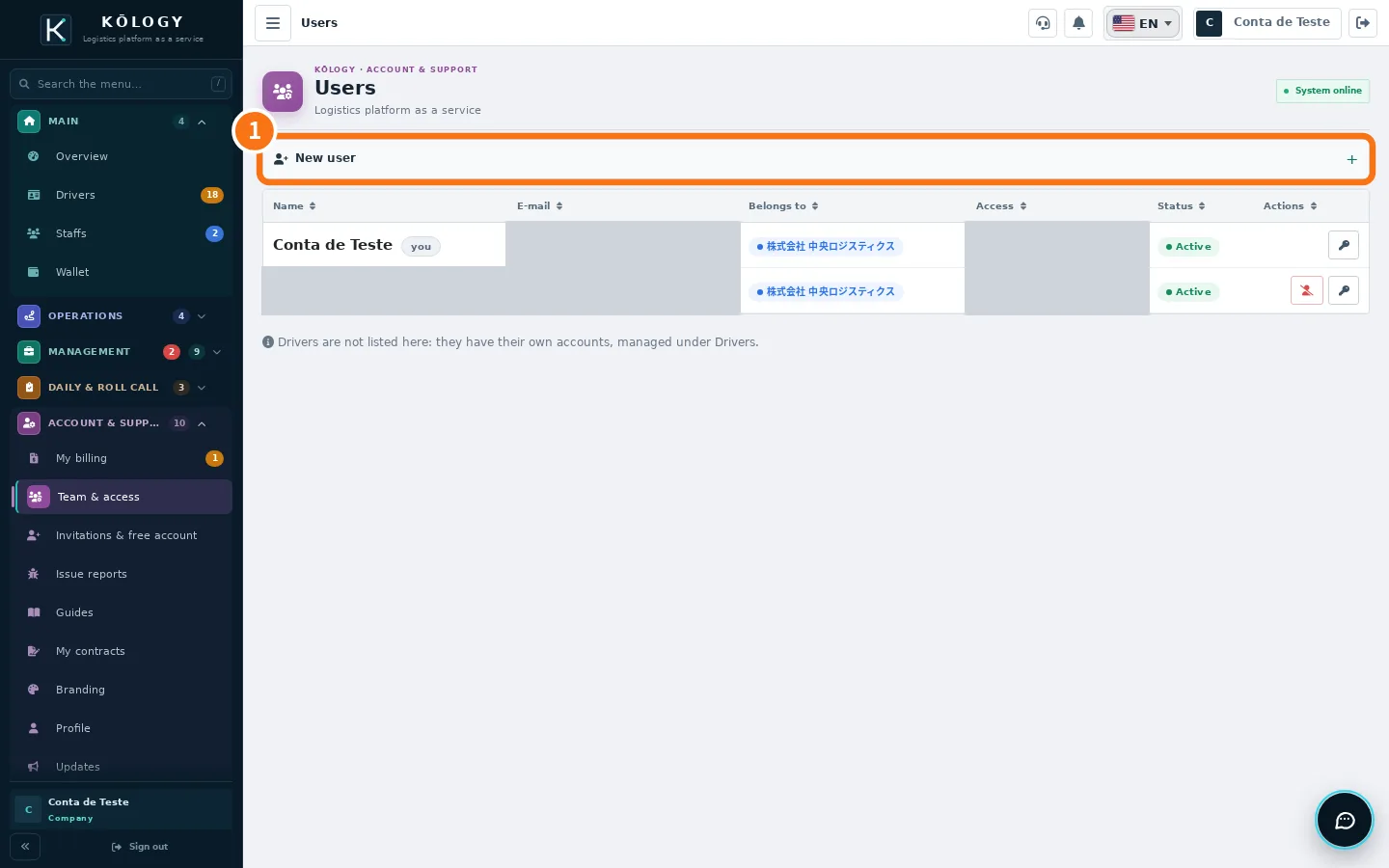 Roles and team accessWho is administrator, manager and driver, how to give access to another office member, the manager's driver mode and how to work for another company.
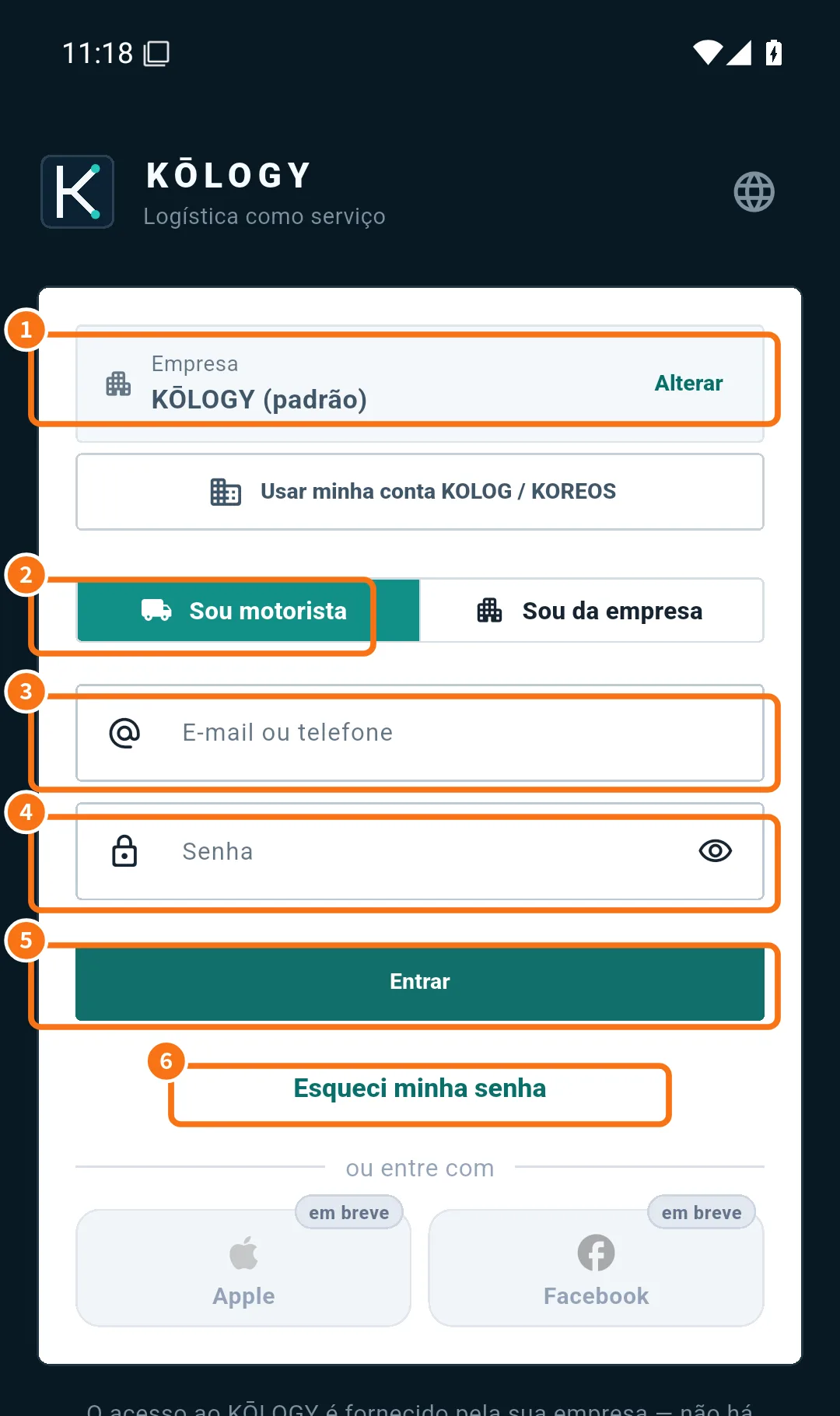 Getting started as a driver: install and sign inInstall KŌLOGY, sign in with the access your company gave you (or request registration) and learn the five driver tabs.
- Independent driver: free account and invitationsCreate a free account as an independent driver, add your vehicle, work in driver mode and accept company invitations.
Screens & features
See all (48) →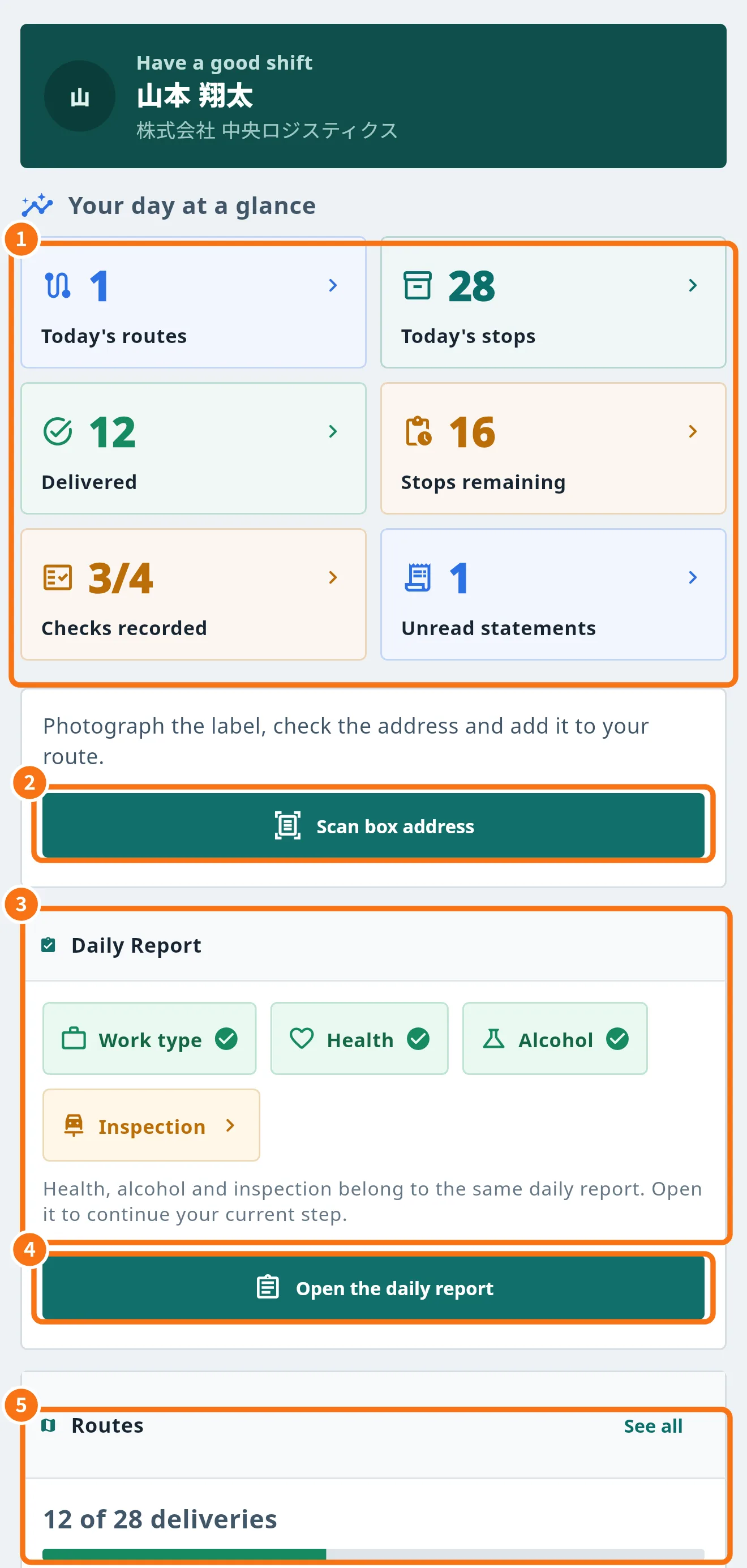 Driver Home (Today) screenYour day at a glance: route numbers, daily-report checks, shortcuts to scan labels and to your work.
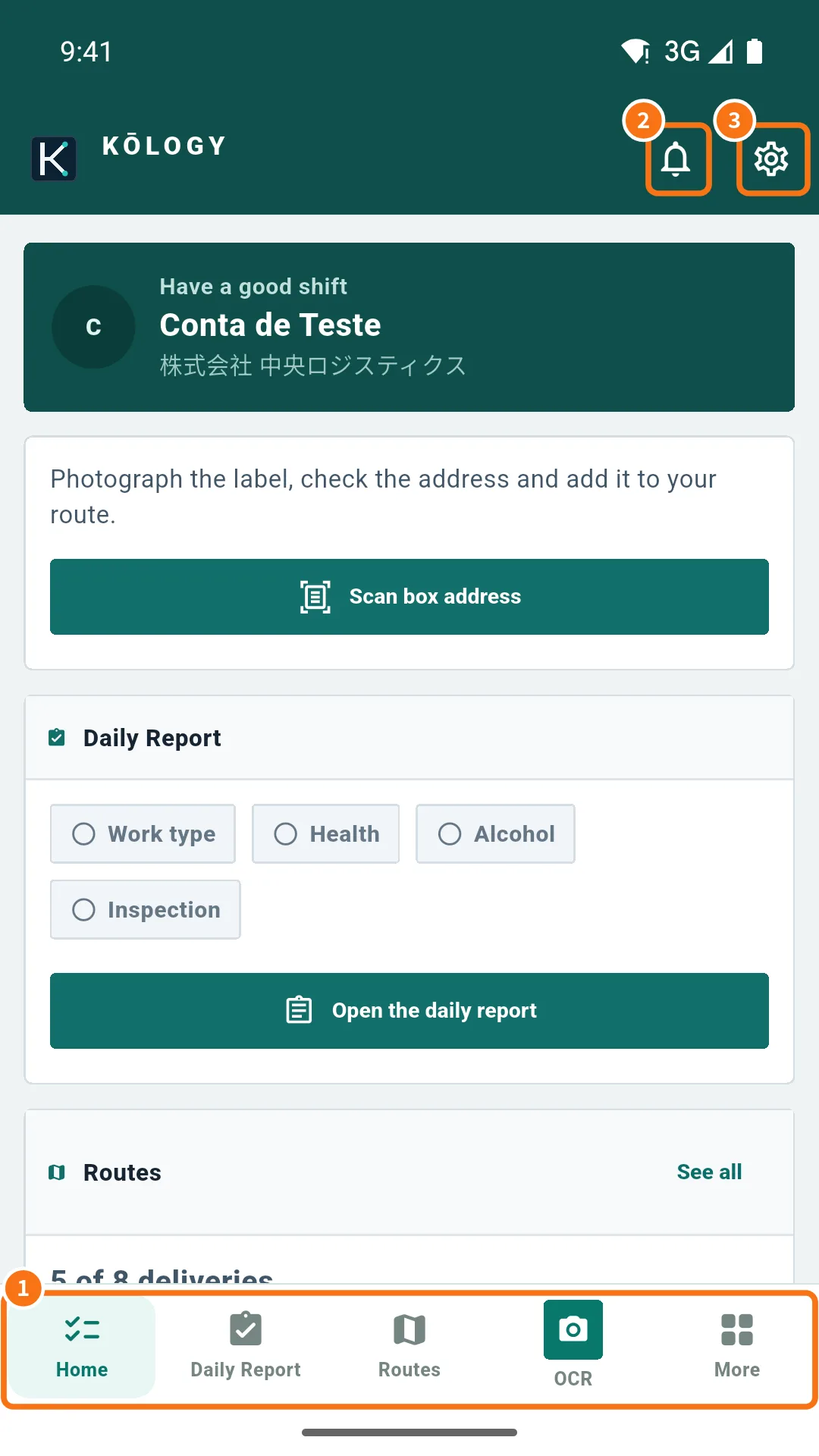 The More menu and driver shortcutsWhere every driver feature lives: bottom bar, top icons and the More menu with Operations, My work and Account.
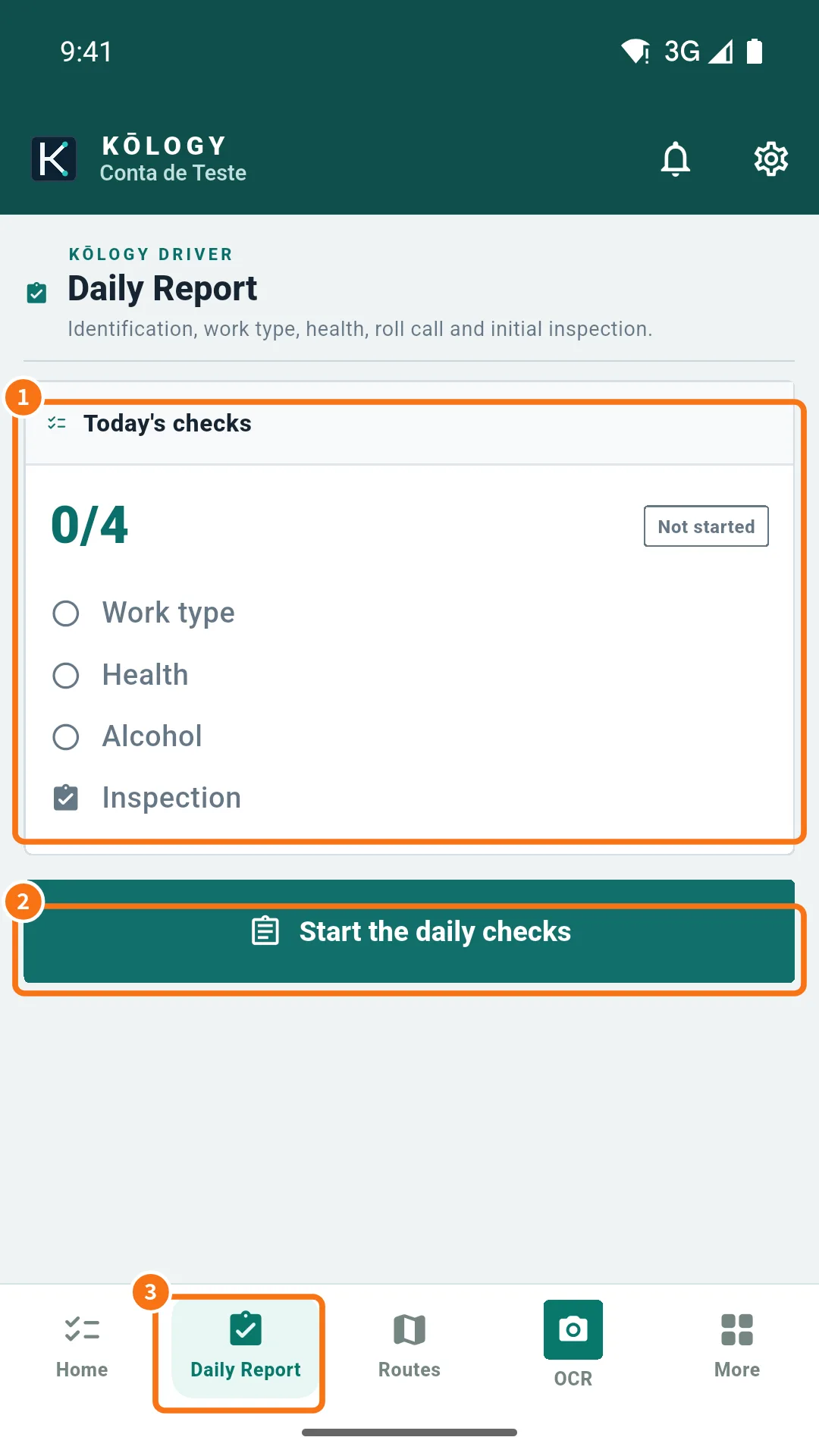 Driver daily report (日報 and 点呼)Do the daily checks — vehicle, work type, health, alcohol and inspection — and record start, end and fuel in the daily report.
- On duty and location for dispatchHow “On duty” tracking works: when location is sent, how to go on and off duty and how to turn it off.
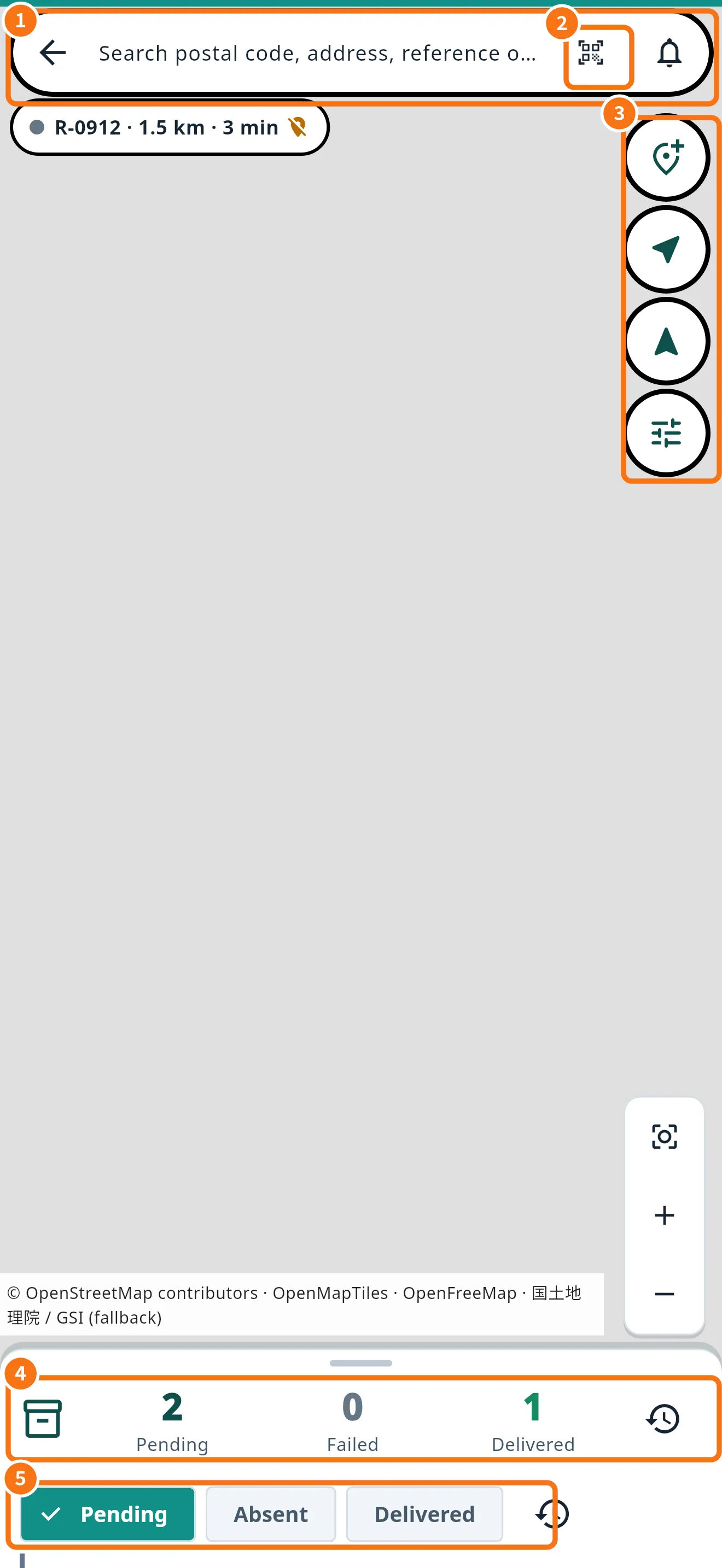 Routes and deliveries on the mapThe route map: search a stop, see what is left, open each delivery and use the actions for each address.
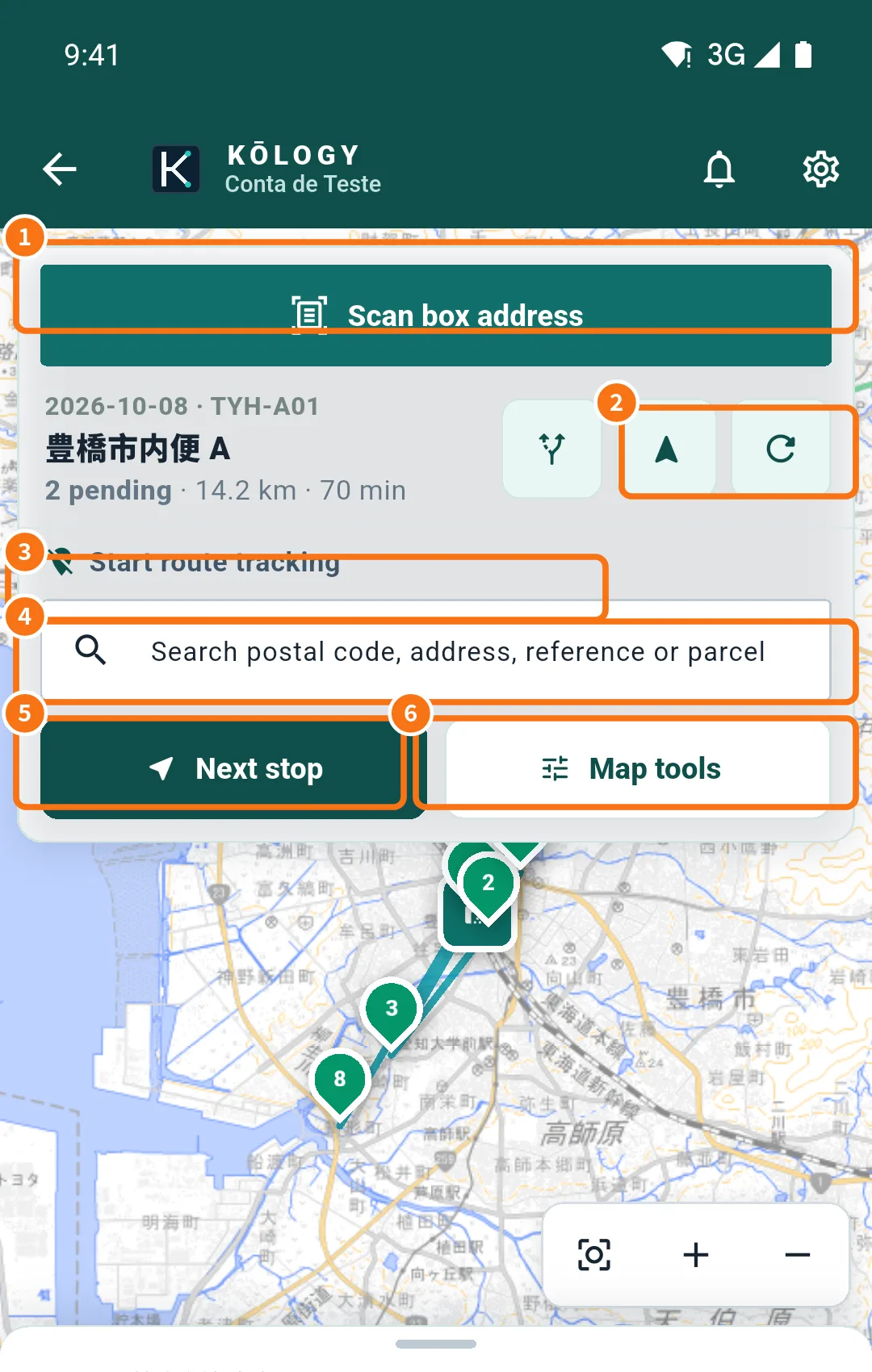 Route order: optimize, reorder and map toolsLet the app calculate the best sequence, change the order by hand and learn each item in Map tools.