











KŌLOGY · Screens & features
Payments, wallet, billing and contracts
Drivers' payment statements (支払明細), the company wallet, KŌLOGY billing and contracts.
On this page
What it is for
Four screens handle money and agreements:
- Payments: each driver's payment statements (支払明細), with approval and sending to the driver portal.
- Wallet: what the company receives from subscriptions paid by drivers.
- My billing: KŌLOGY's invoices to your company.
- Contracts (web: My contracts): the contract with KOMORI and the terms between company and drivers.
Payments (支払明細)
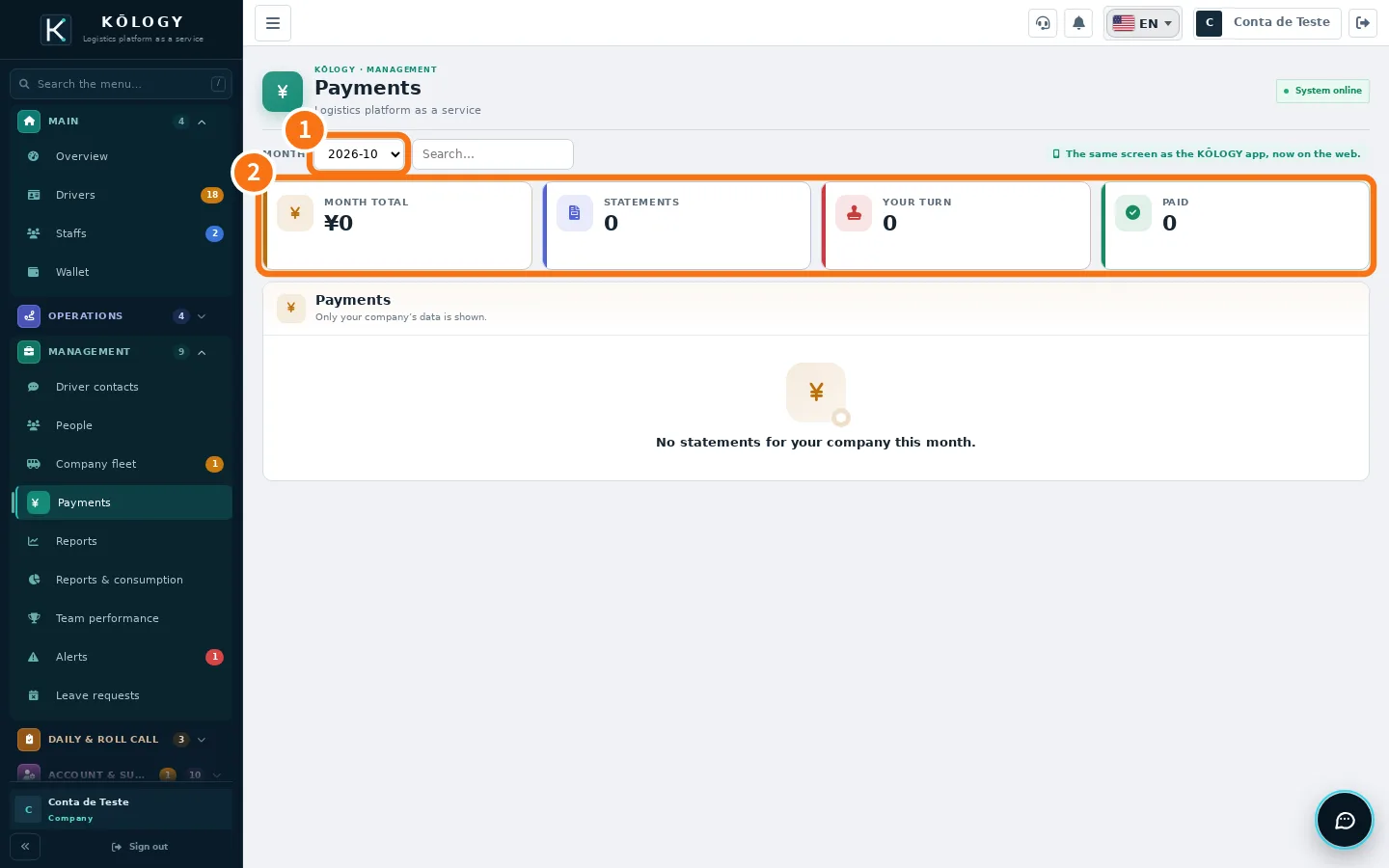
- Choose the ① month and, if you want, search for a driver.
- Check the ② totals: Month total, Statements, Your turn and Paid.
- Open a statement. Depending on the step the buttons are: Stamp and submit for approval, Approve, Send back, Send to portal or Resend to portal.
- The Your turn filter shows the ones waiting for your stamp.
Once sent, the driver opens the statement in the app. The screen shows «Opened» or «Not opened», «Approved by driver» and the Payment due date. If they ask for a fix, it shows «Needs check (sent back)» and you correct and resend.
Wallet
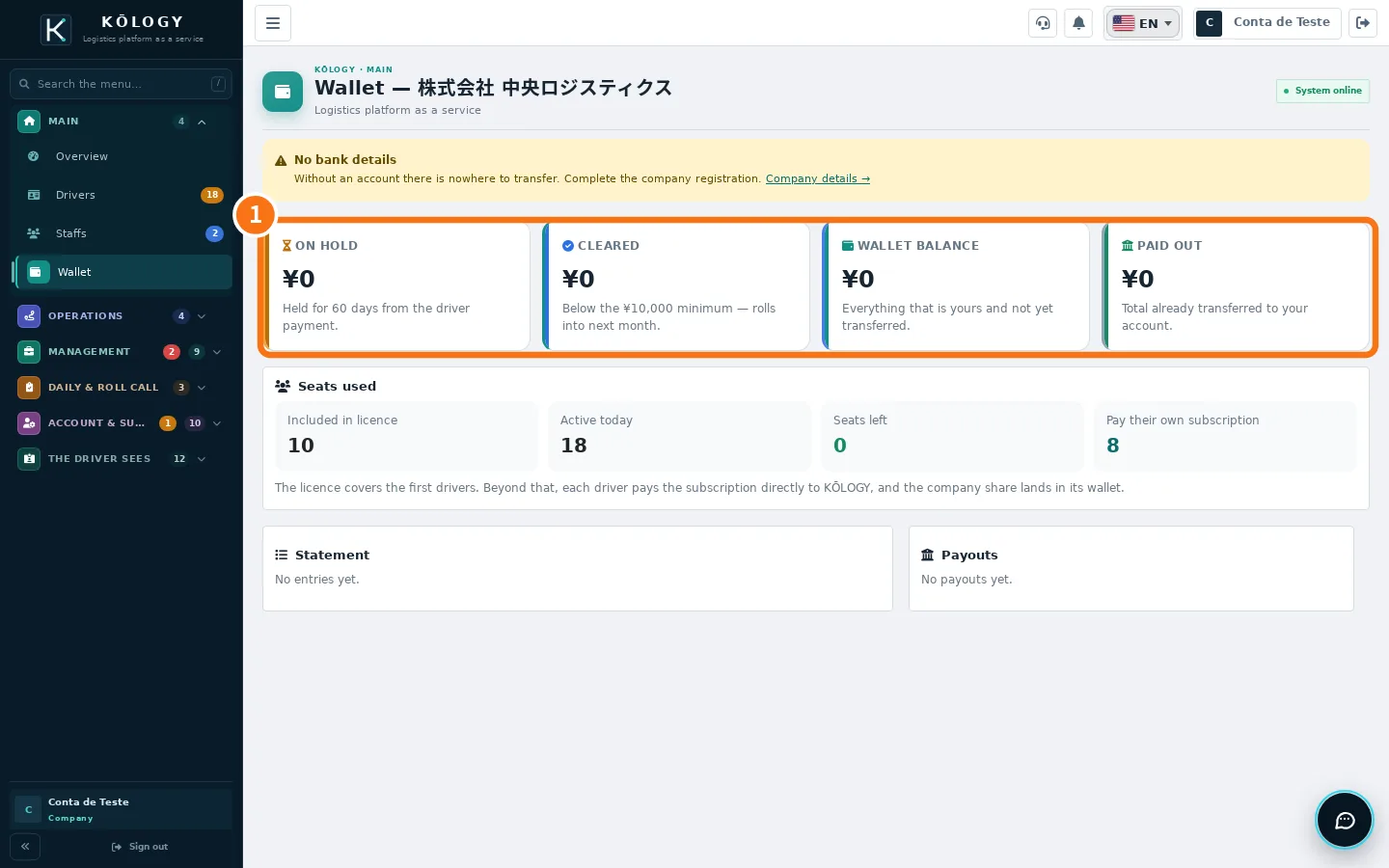
The plan licence covers the first drivers. Beyond that, each driver pays the subscription directly to KŌLOGY and the company's share goes into the wallet. The ① balances are: On hold (60 days from the driver's payment), Cleared (transferred once above ¥10,000; below that it rolls into next month), Wallet balance and Paid out. KOMORI makes the transfer; the screen is for tracking. Without company bank details there is nowhere to transfer: complete the registration in «Company details».
My billing
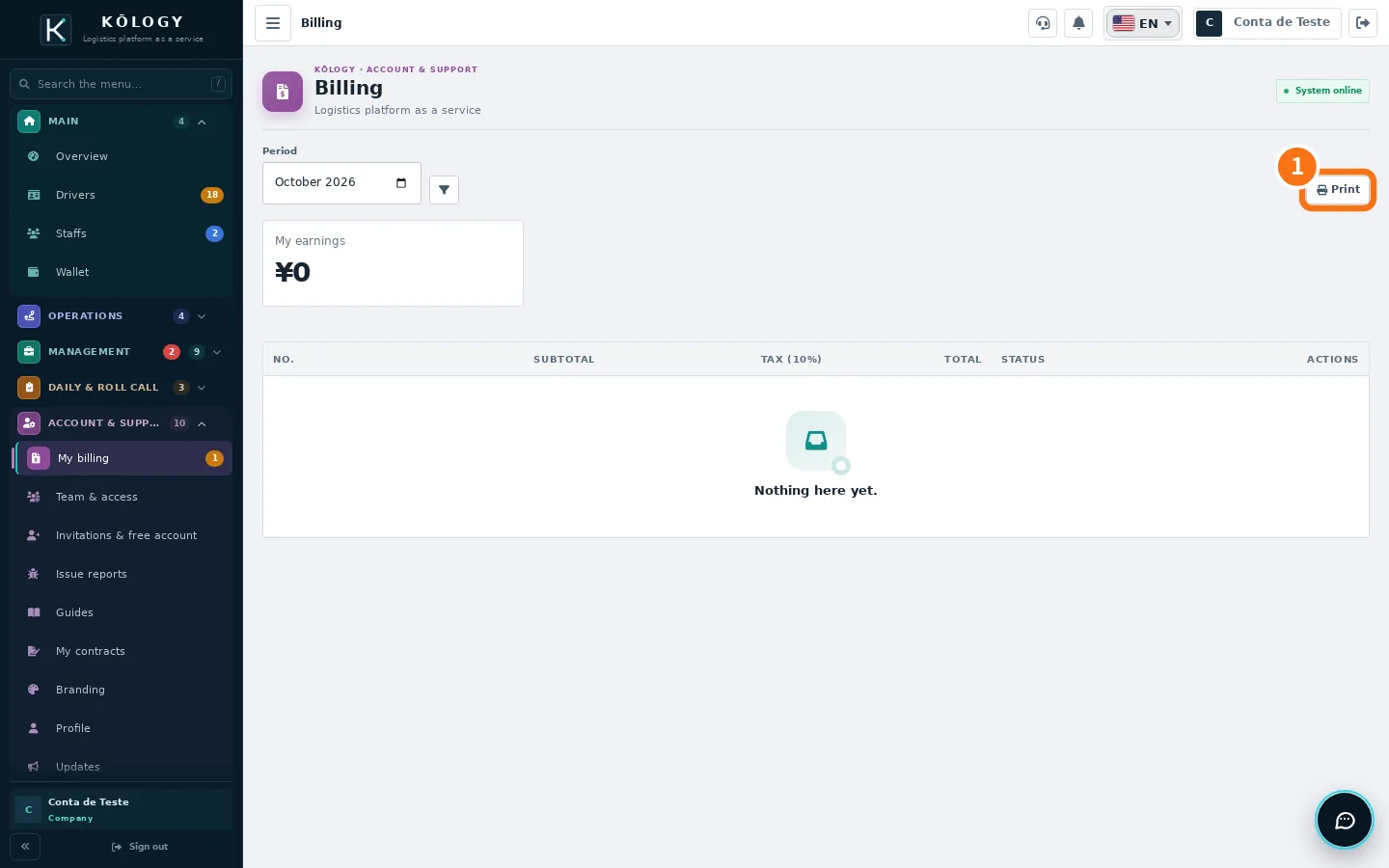
Pick the period and see each invoice with number, subtotal, tax (10%), total and status (Open, Paid, Cancelled). Use ① Print for paper or PDF. In the app, More → Account & support → My billing shows the same invoices, read-only.
Contracts
You and Komori holds the licence agreement, with version and date, and the Read the contract button. You and your drivers holds the usage terms the company sets for drivers and the platform terms. The driver acceptance list shows who has not accepted yet.
Common mistakes
- «No acceptance on file.» The contract has not been accepted yet. Contact KOMORI through Issue reports.
- No statements this month. No payment statements have been created for the chosen month yet.
Related questions
- KŌLOGY plans and limits
- Buying or changing a plan: store or web
- Shifts, leave requests, people and salary advances