KoCAD · Getting started
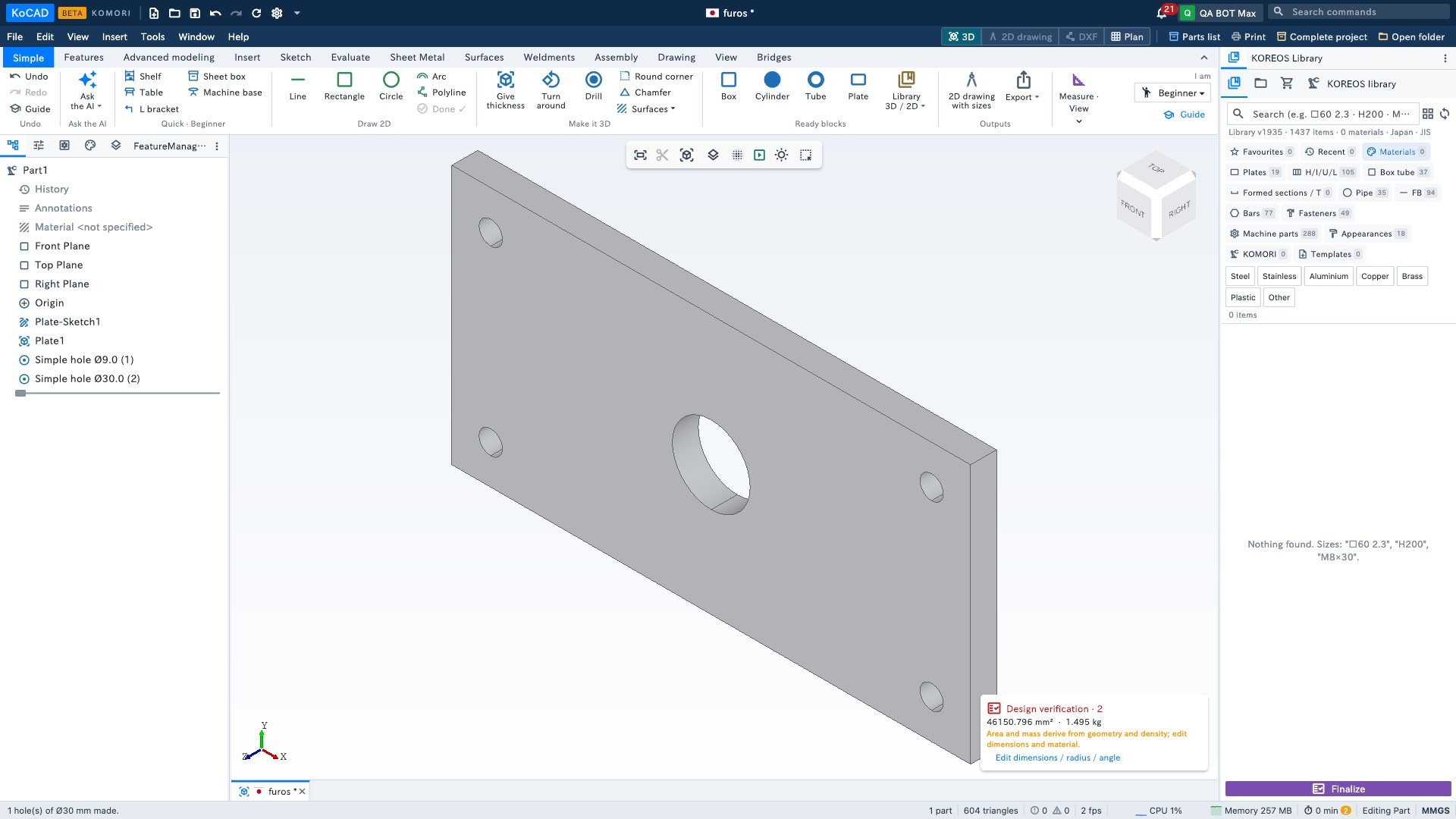
Basics: drill (4 corners, 1 in the centre or a row)
Through holes without drawing anything: pick the layout, the diameter and the distance from the edge.
- Have a part with volume (e.g. Ready blocks › Plate 200 × 100 × 10).
- Click Drill. If you clicked a flat face first, the holes go there; otherwise on the top face.
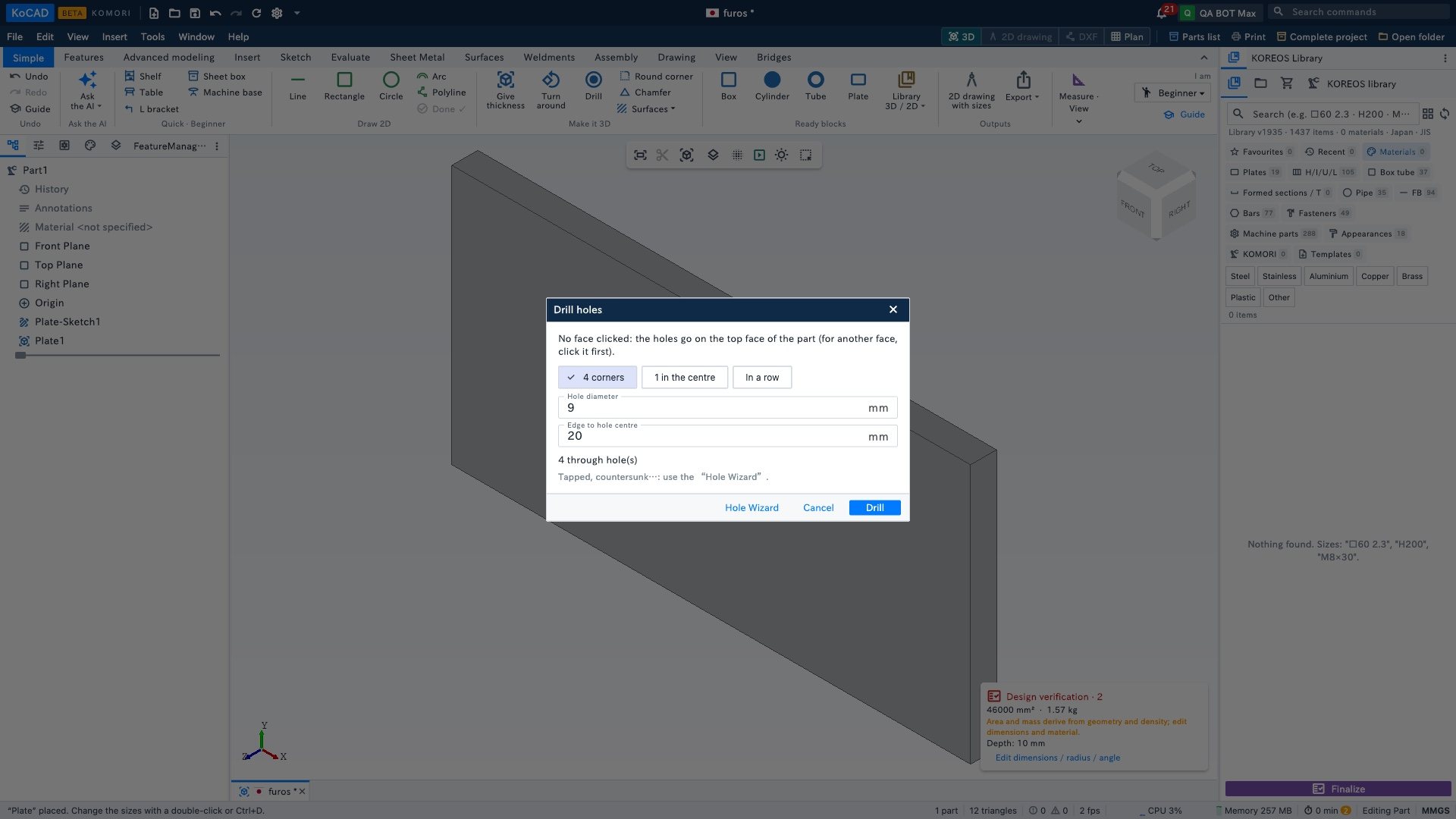
- Choose 4 corners, 1 in the centre or In a row, type the diameter and the distance from the edge, and click Drill.