










Quản lý vận tải
KŌLOGY
Giao hàng, đội xe và vận tải trong một quy trình.
Màn hình & chức năng
Tất cảDriver — Home 2Driver — Daily report and duty 2Driver — Routes and deliveries 3Driver — Navigation 3Driver — Labels and new deliveries 2Driver — Shift 1Driver — Vehicle and fuel 1Driver — Payments and performance 2Driver — Messages and notices 2Driver — Profile and settings 2Company — overview 1Company — team and routes 2Company — drivers 1Company — vehicles and fleet 1Company — shifts and people 1Company — roll call and daily reports 1Company — reports and alerts 1Company — payments and billing 1Company — account and settings 1How to — driver 6How to — company 10Plans and limits 2
How to — driver
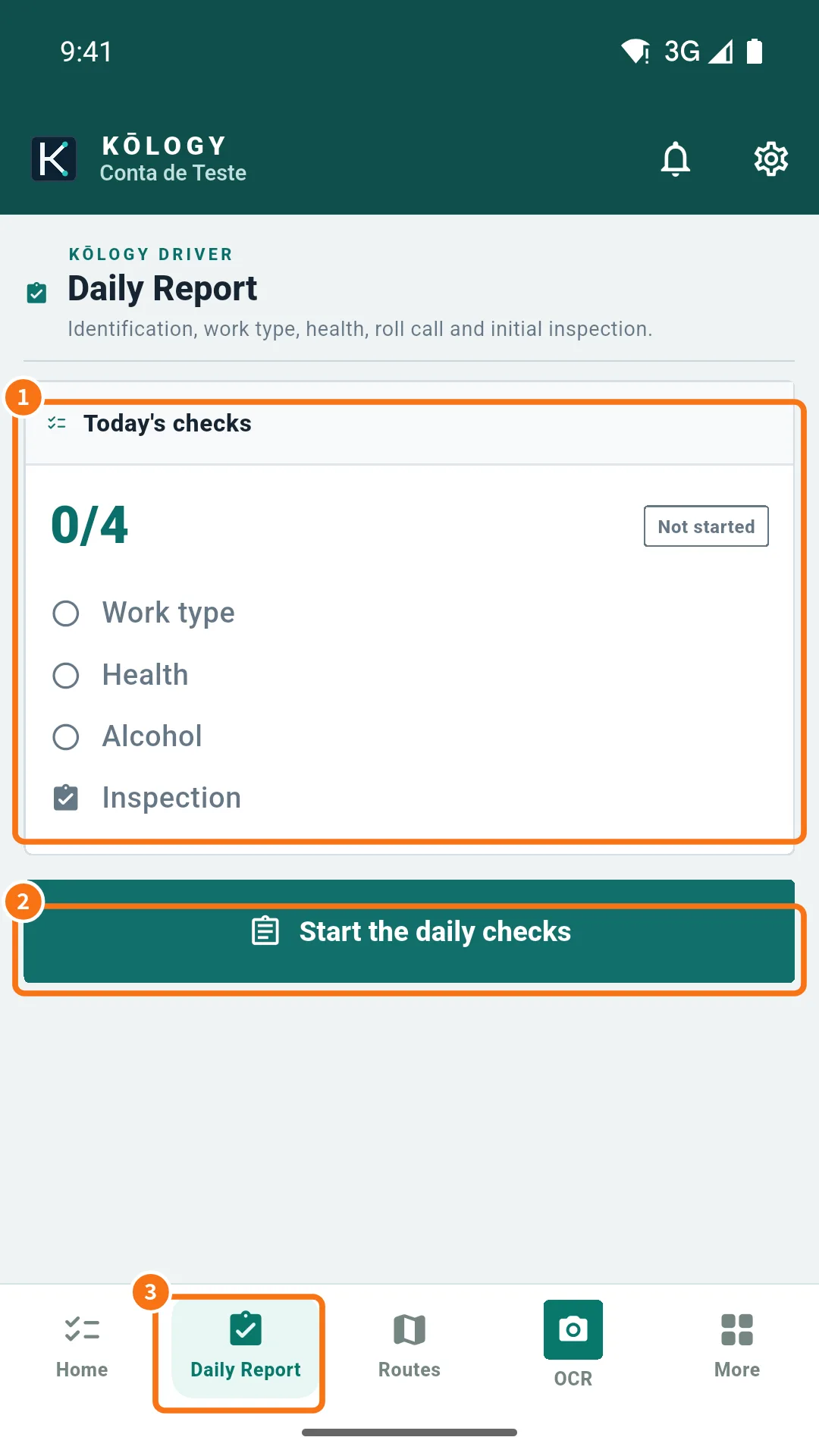 How to do a full working dayFrom the roll call before leaving to submitting the daily report: the recommended sequence of a delivery day in KŌLOGY.English
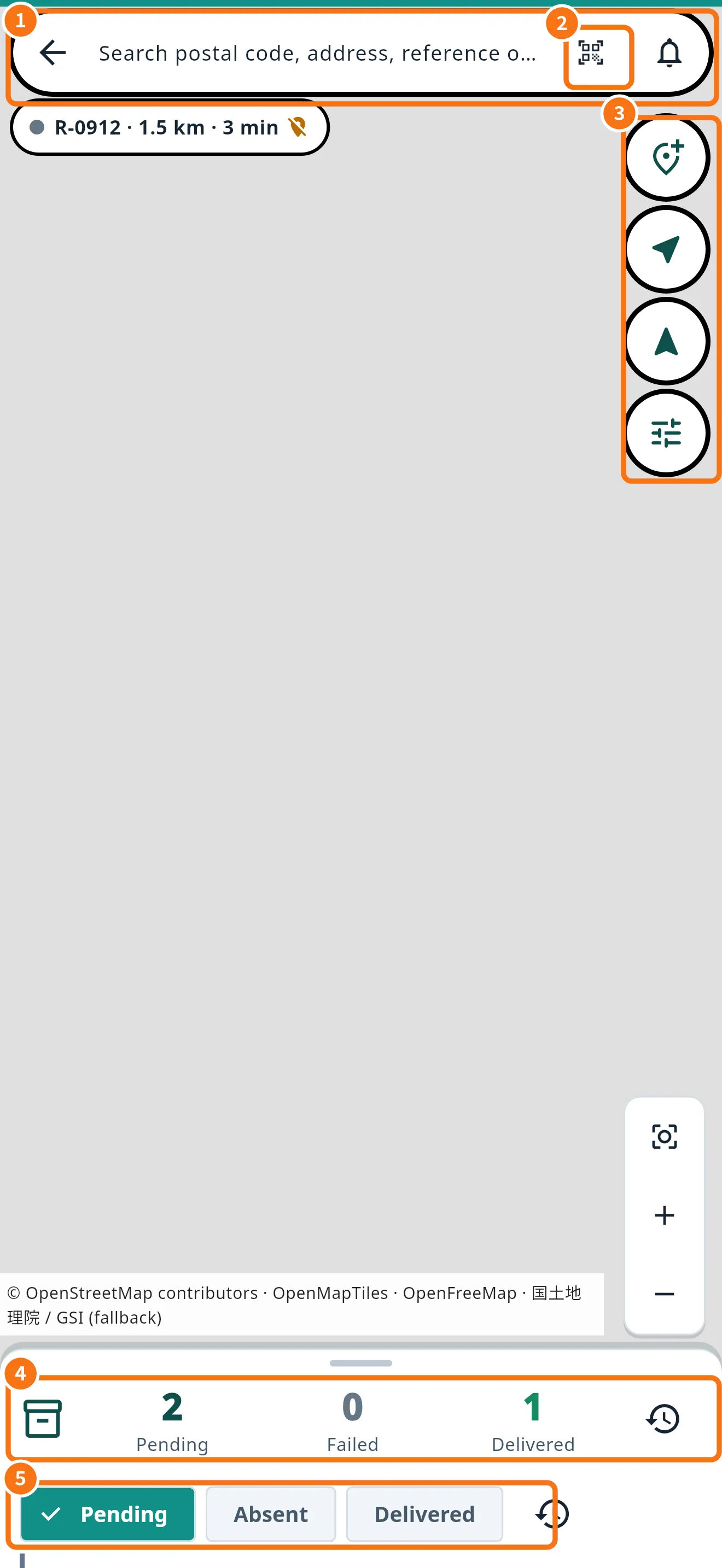 How to record a delivery (delivered, absent, failed)Mark arrival, completed delivery or failure with the reason, confirm the collection, attach a proof photo and fix a wrong record.English
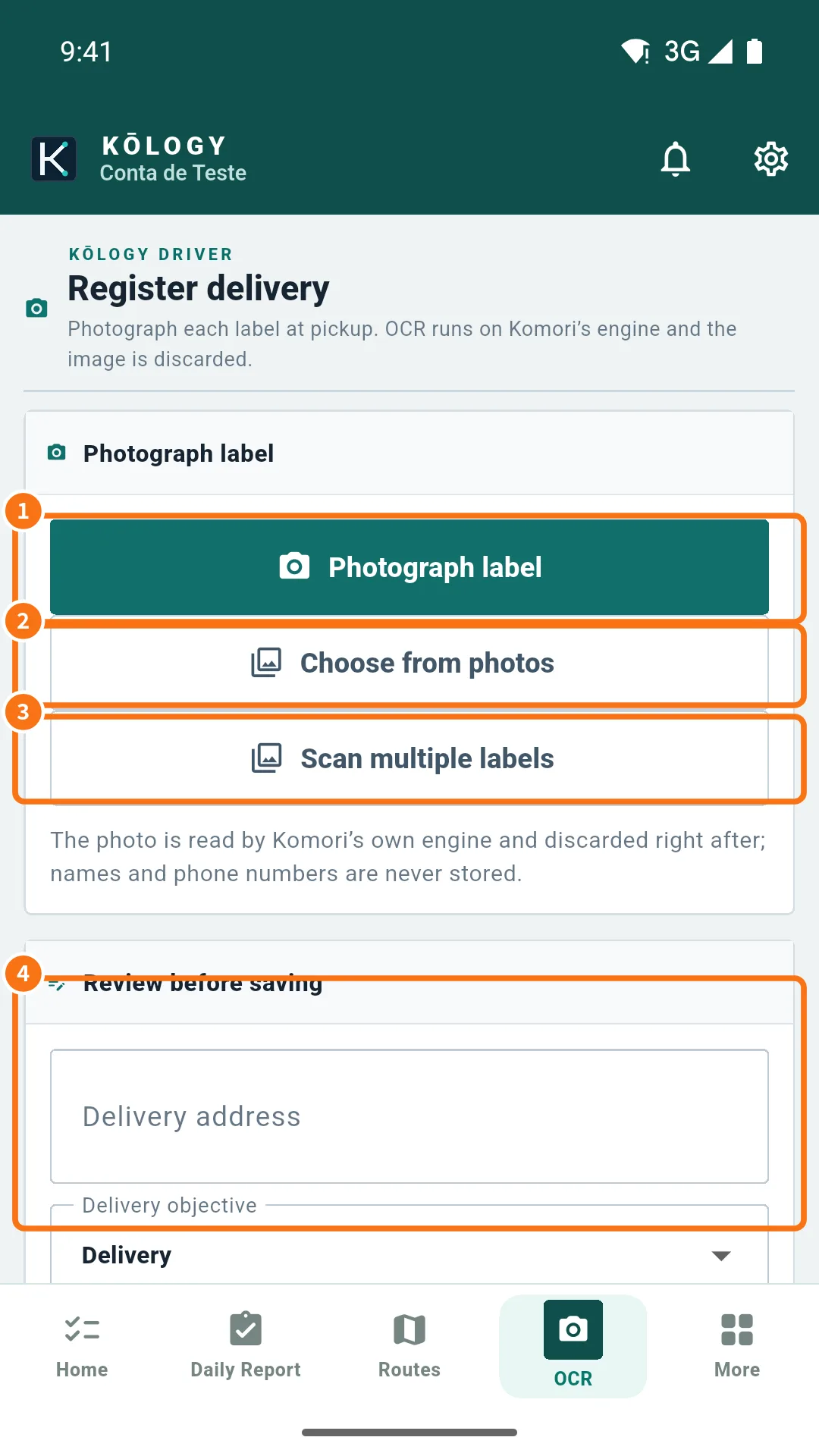 How to register several labels at onceAt pickup, scan several labels in a row, review each draft and save the deliveries one by one without mixing up the boxes.English
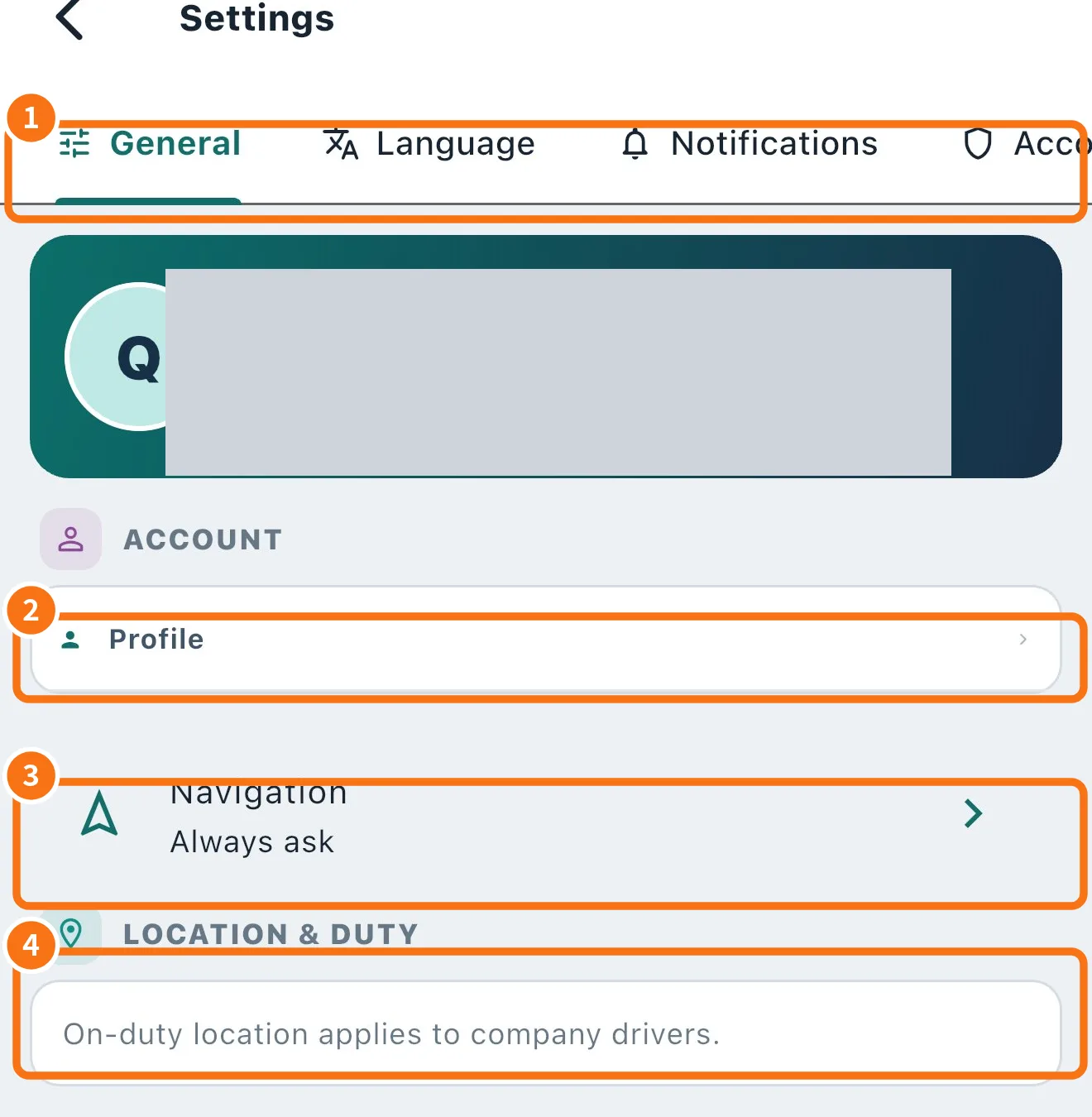 How to change your password, sign out and remove devicesChange the password in Profile, recover a forgotten password, see connected devices and sign out a lost phone.English
- How to update the KŌLOGY appUnderstand the update bar, update from the store or from the direct file (Android), see What's new and what to do on a required update.English
- How to delete your driver accountRequest deletion in the app or on the website: access stops at once, personal data is erased in 30 days and some operational records stay, anonymised.English