











KOCHAT · Screens & features
AI: find and open an agent
The AI entry lists the agents available to your account: search by name and tap an agent to open its conversation.
Use the AI directory
- Tap ☰ at the top left and choose AI (the robot icon). The AI agents screen opens with the agents available to your account.
- ① In the AI agents search field, type the agent's name (for example, KOSOL). The list shows only the matches.
- ② Tap the agent.
- ③ Its conversation opens directly, with the name and AI Agent at the top. Just type your message.
- To see the full list again, clear the search text.
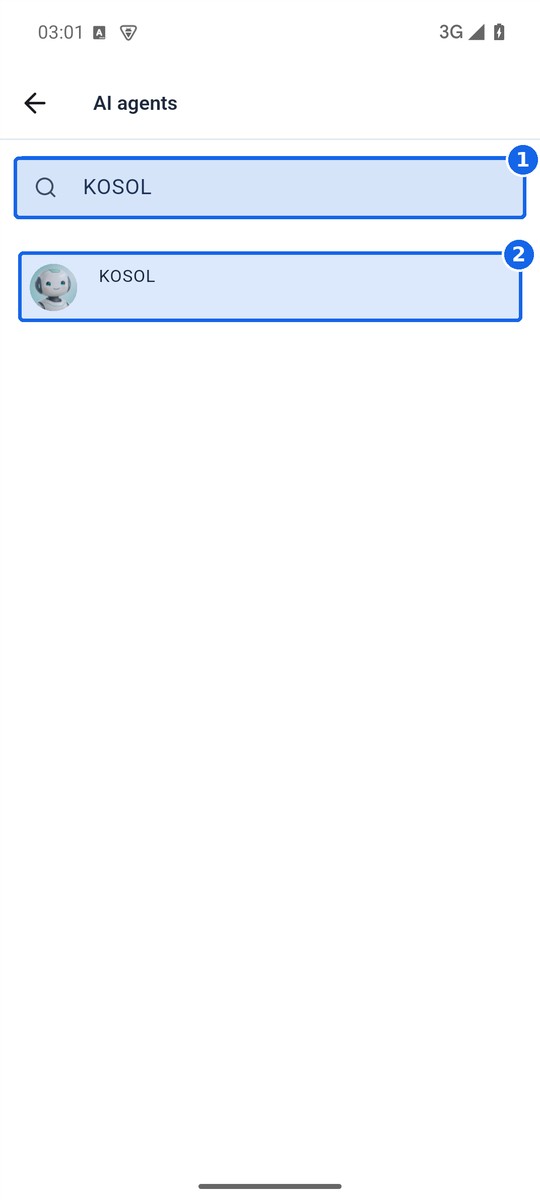
① Type the name in the search field. ② Tap the agent you found.
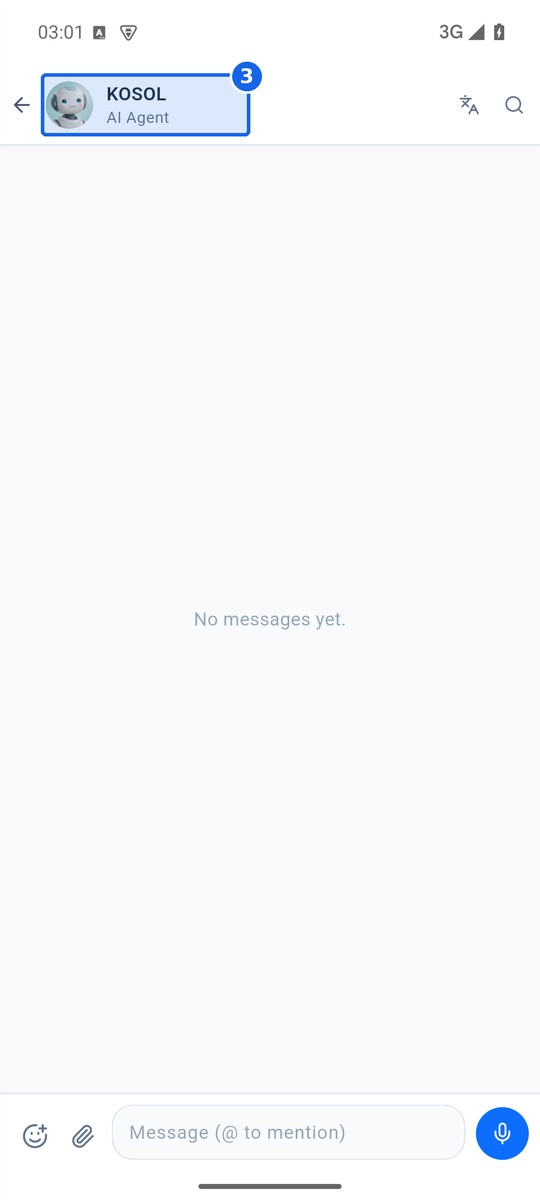
③ The conversation with the agent opens right away.
The AI entry lists the agents available to your account, based on your permissions; it is not a fixed global list. It is separate from people and does not list every technical bot in the system. If an agent is missing, ask an administrator whether it is available to you.