










- NewNew Discord-style profile: a banner on top (colour or image), an animated decoration around the photo, a status with emoji and time limit (30 min, 1 h, today or no limit) and the presence dot with a moon (away) and a dash (do not disturb). Edit it in My profile and see the preview as you type.
- Improved"Typing…" now shows who: the photo and name of the person writing appear in the chat, at the top of the group and in the list.
- ImprovedMemory: tapping a topic in the graph shows its notes already linked to nearby topics, and the chosen tag moves to the front of the bar. In Portuguese and English, "1 link" is now singular.

Team communication
KOCHAT
Chats, groups and files for teamwork.
Start here
See all (10) → Start here: learn KOCHATA path for each person, with the right articles in the right order.
- Path — Personal: everyday chatsThe articles for people who use KOCHAT with friends, family or colleagues, in the right order.
 Path — Business: teams, groups and multiple devicesThe articles for people who use KOCHAT at work, with a company account, in the right order.
- KOCHAT simple glossaryThe words you see in the app, explained in one line.
 What KOCHAT is and where to use itKOMORI’s work messenger: chats, groups, calls and files on your phone, computer and browser.
- Install KOCHAT (phone, computer and web)Where to download the app for Android, iPhone, Windows and Mac, how to use it in the browser and what differs on each platform.
Screens & features
See all (54) →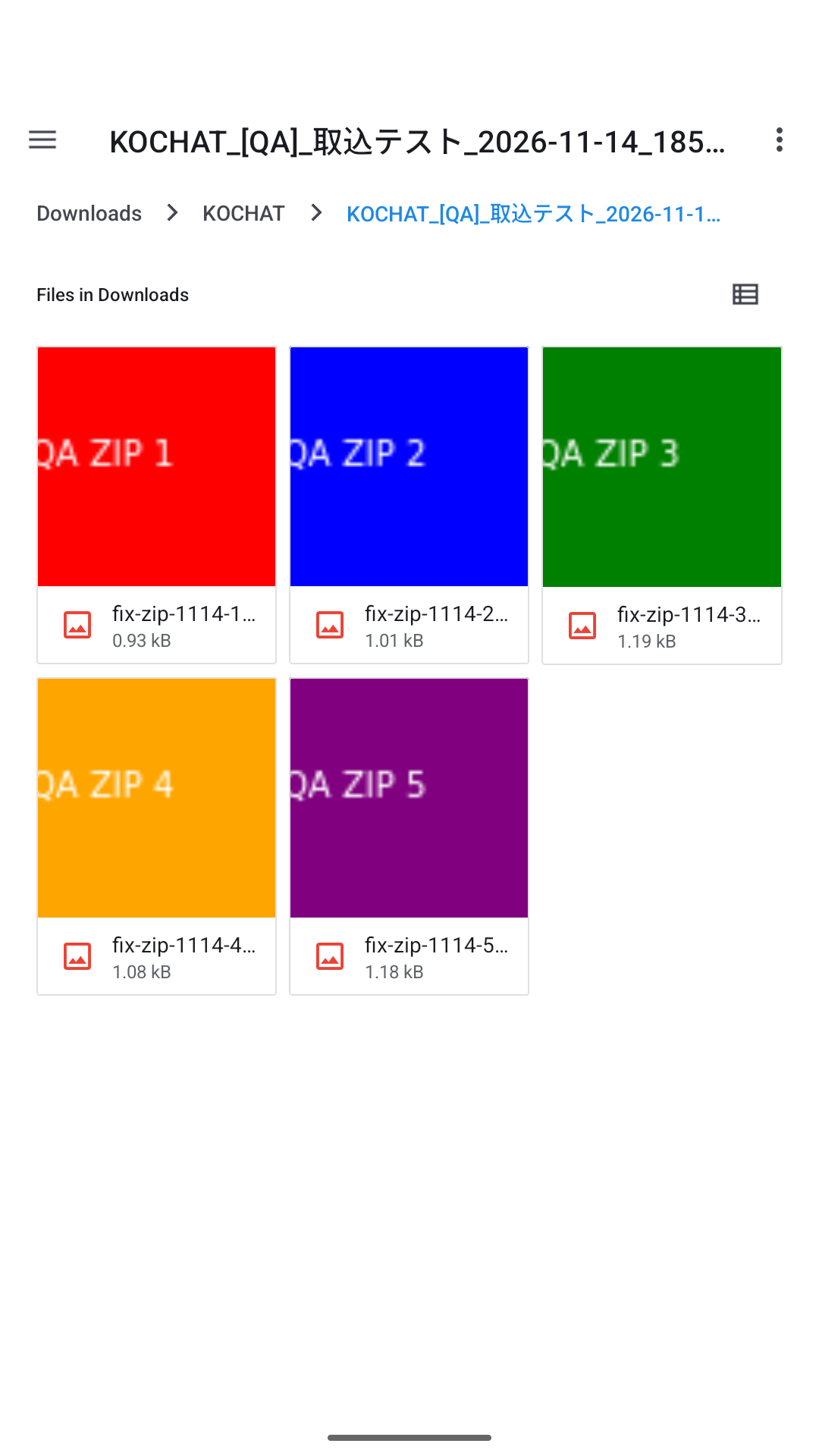 Share photos and filesDownload photos and files as ZIP and give each photo its own caption on the web and in KOCHAT 1.8.55 (115) for Android, Windows and Linux.
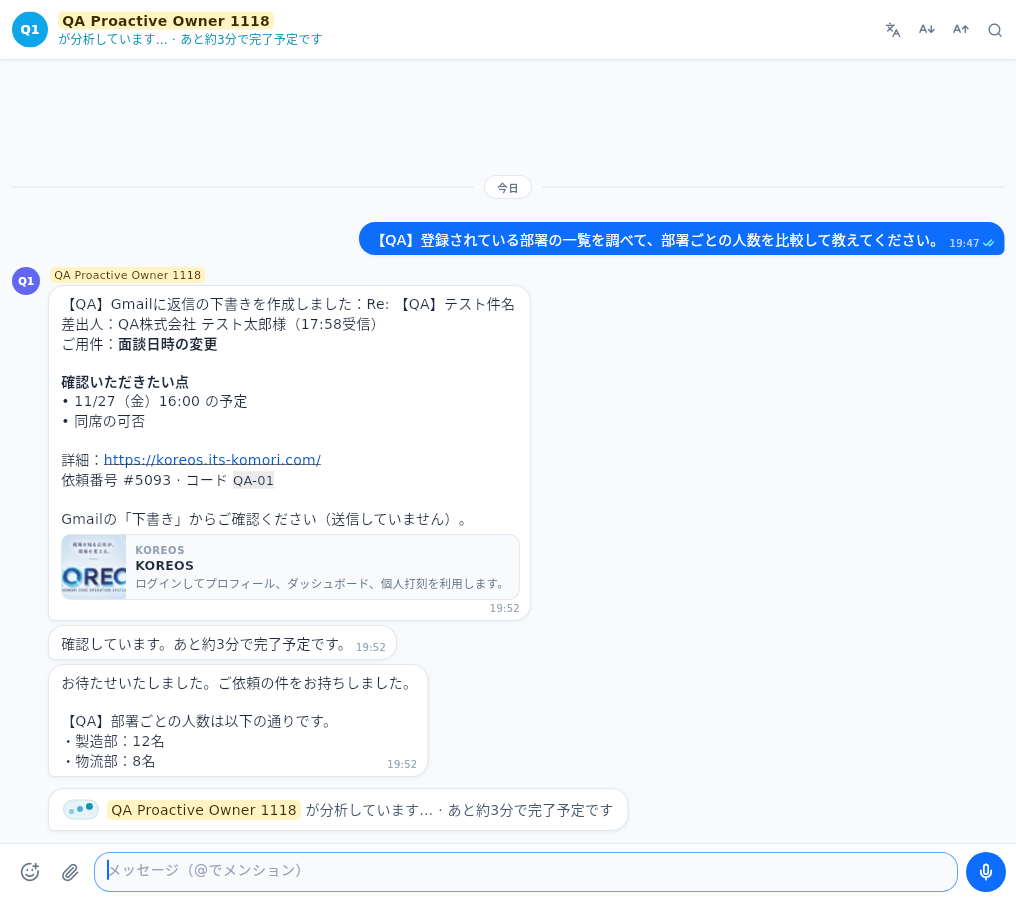 Call agents with @Mention conversation members or call an authorized agent without adding members.
 Inside a chat: header, messages and read statusWhat each top button does (call, translation, text size, search, help), how to read the read status and what “Sending…” and “Failed” mean.
 Writing: text, mentions, emoji, GIFs and stickersThe message box: Enter and line breaks, @ to mention, long texts, pasting screenshots and the emoji, GIF and sticker panel with search and favorites.
- Message menu: react, reply, copy, pin and moreTouch and hold (or right-click) a message to react, reply, copy, forward, pin, star, translate, save, delete or report it.
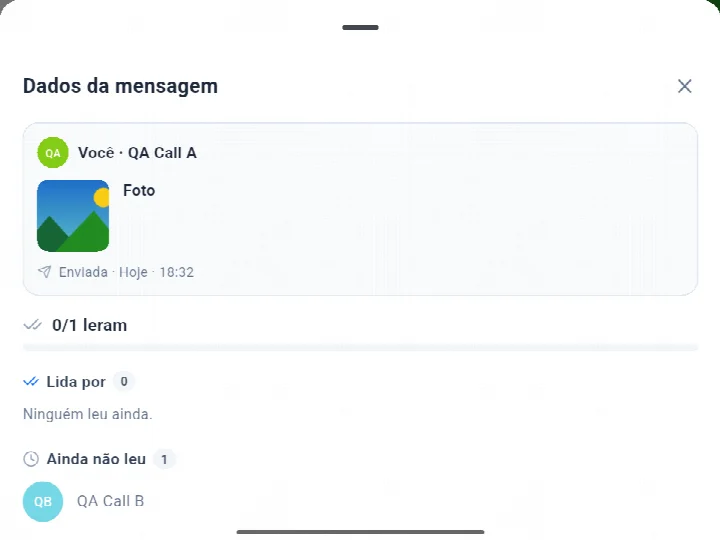 Message info: who read it and who has notView message previews, sent times and readers on the web and in KOCHAT 1.8.55 (115) for Android, Windows and Linux.
FAQ
- Questions from KOCHAT beginnersThe most common first-day questions, answered briefly.
- FAQ: account, devices and plansPrice, who needs an account, phone and computer together, password, iPhone, name and photo, deletion, location and the phone browser.
- FAQ: chats, attachments and translationRead receipts, deleting, forwarding, saving attachments, long messages, file size, safety labels, pinning and translation.
- FAQ: calls, notifications and statusVoice and video calls, several devices, declining on a locked phone, audio output, notification types, status colors and stories.
Troubleshooting
- Common beginner mistakes in KOCHATWhat usually goes wrong in the first weeks and how to fix it.
- Problems: sign-in and accountCannot sign in, no connection, session keeps expiring, quick sign-in does not return, chats paused and sign-up code not arriving.
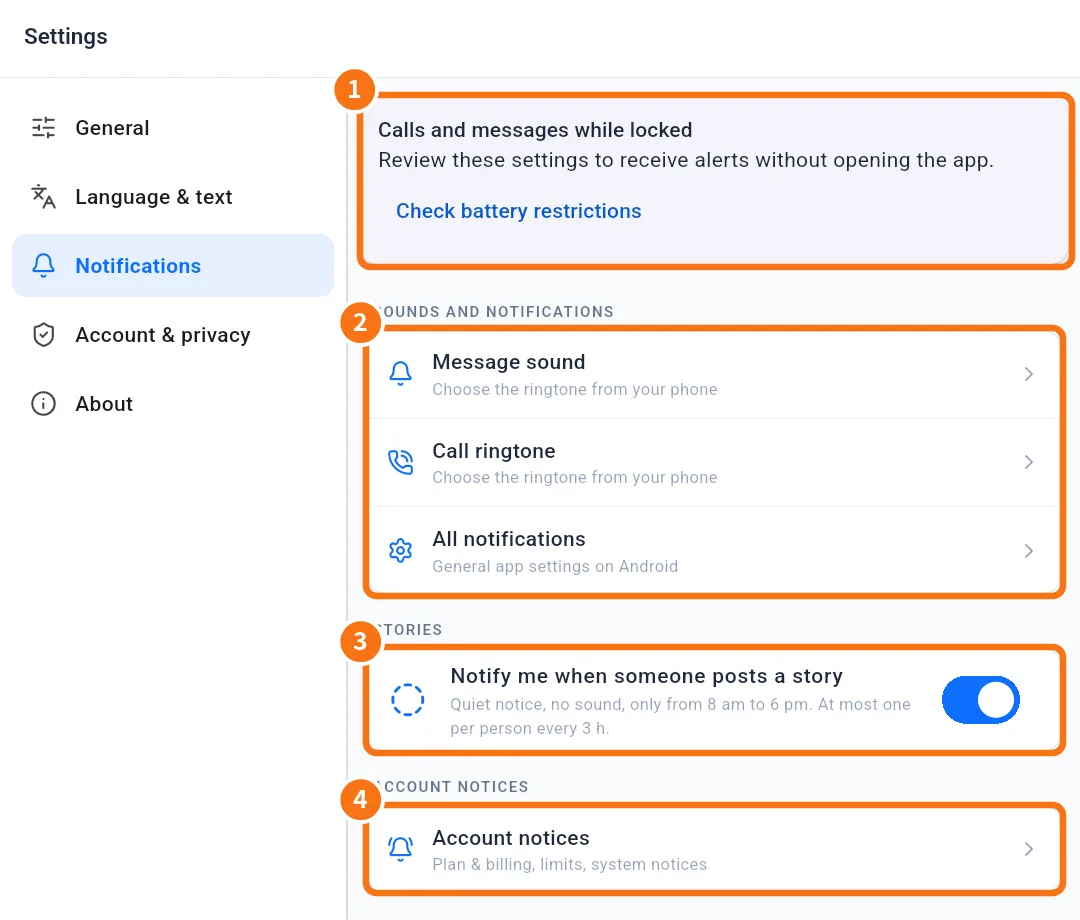 Problems: notifications, calls, audio and cameraAlerts do not arrive, calls do not ring on the locked screen, the other side cannot hear me, the camera does not open and sound comes out of the wrong place.
- Problems: attachments, translation and desktop appAttachment that will not open or send, slow video, translation not showing, outdated list and a desktop app that does not update or notify.