











KMR · Pantallas y funciones
How to bring a new person into the team
Two ways: register the staff member and send access, or invite by e-mail someone who has (or will create) a free account.
Este artículo aún no está traducido a su idioma: se muestra la versión en English.
En esta página
Choose the path
- Register staff: you fill in the details and send access. Good for people who will work under a company contract and need bank details, hourly rate and documents.
- Invite (free account): the person gets a code by e-mail and joins with their own free account. Good for people who already use KMR on their own.
Path 1: register staff
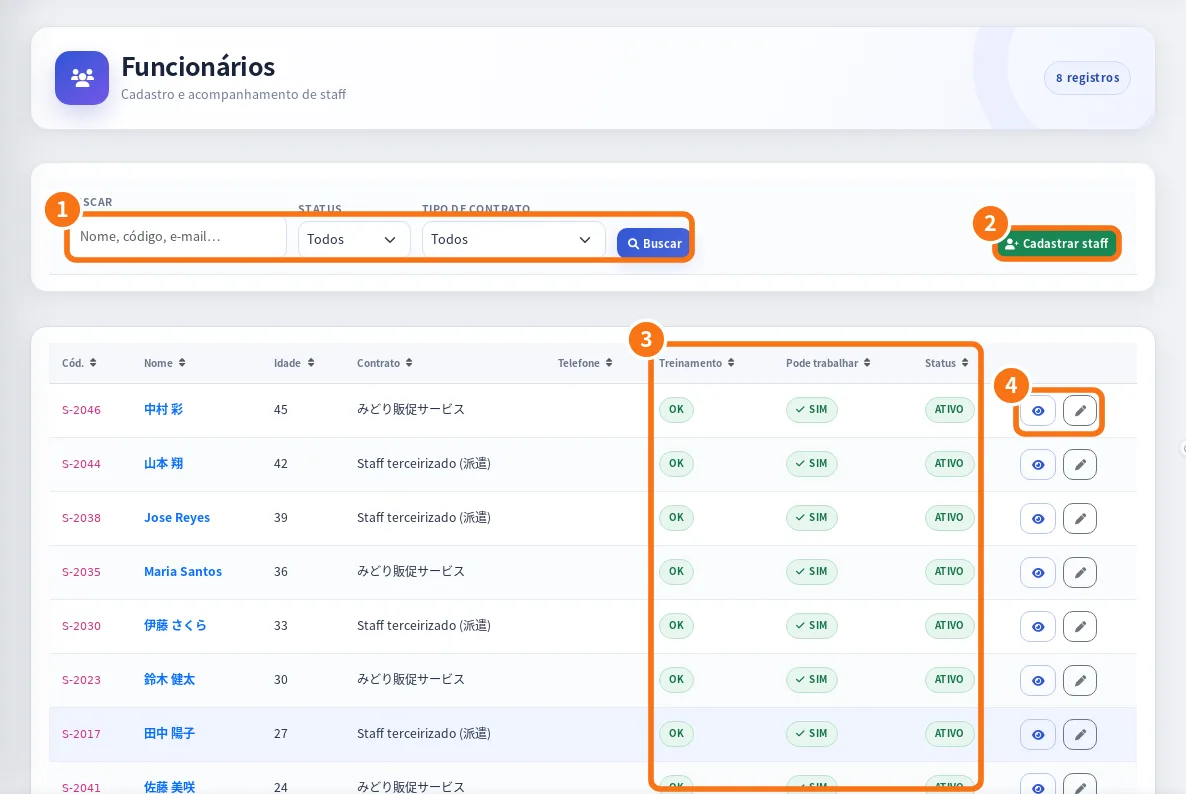
- Open Menu → Staff and tap New staff (on the web, register staff, ②).
- Fill in name, e-mail, phone, address, Contract type, Hourly rate and Transport.
- Fill in Bank & address for the statements.
- In Portal access, tap Send password setup e-mail or Send password setup SMS.
- Tap Save. The person installs the app, signs in as Staff (field) and completes Profile & documents.
- Review the documents in Menu → Staff documents and approve them.
- If there is mandatory training, follow progress in Menu → Training.
Path 2: invite by e-mail (free account)
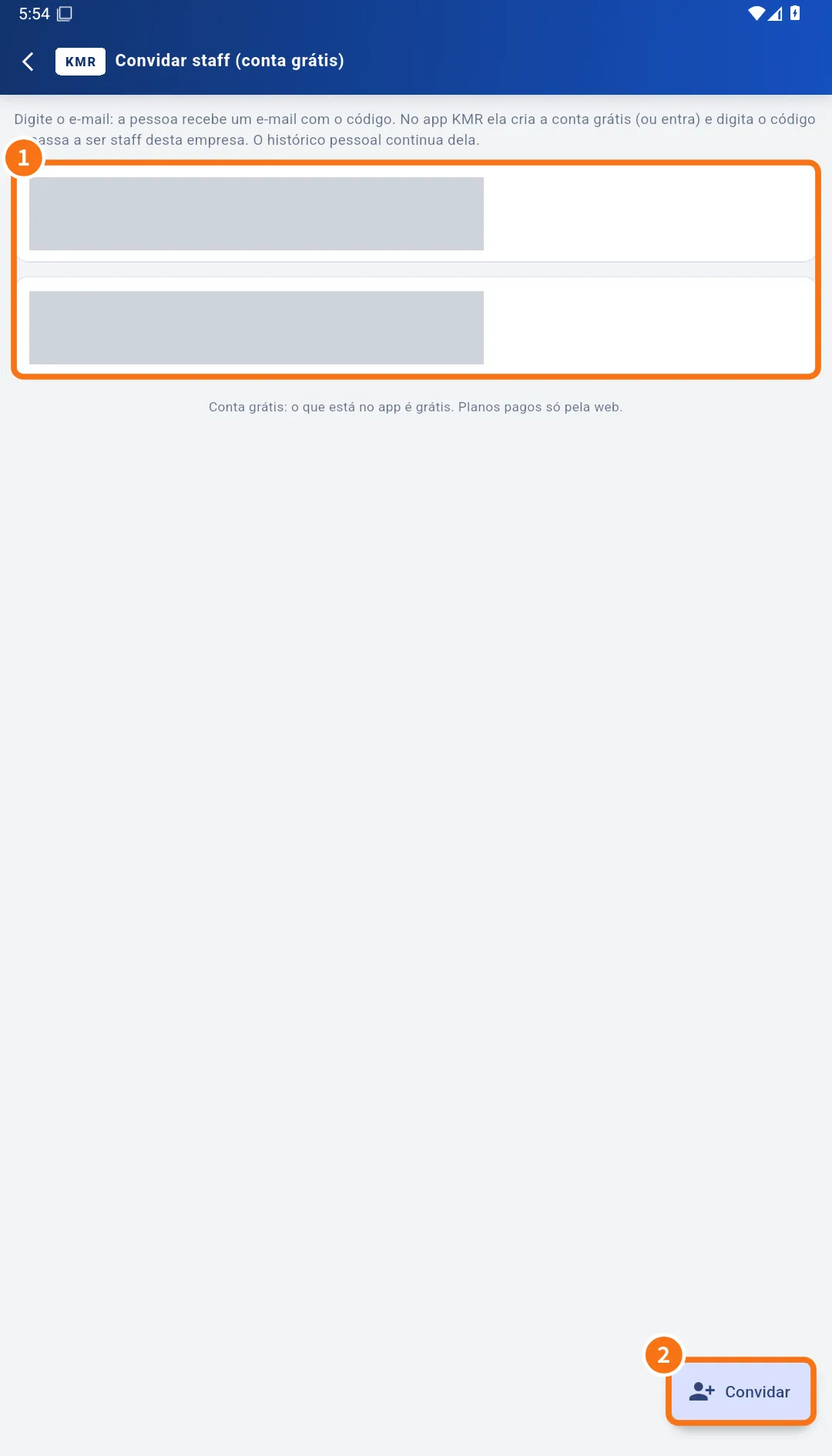
- Open Menu → Invite staff (free account) and tap Invite (②).
- Enter the E-mail (and Name (optional)) and tap Send invitation.
- Note the code shown (only now) and give it to the person if the e-mail does not arrive.
- The person enters the code in the app; the invitation shows as accepted in the list (①).
- Complete their record in Staff (hourly rate, contract) before scheduling.
Common mistakes
- The person did not get the e-mail: check the address and use Resend; for registered staff, use Send password link.
- The invitation expired: cancel it and send a new one.
- “Training pending” on the schedule: the person has not finished mandatory training.
Related questions
- Staff and staff documents: records, profile and review
- Accounts, free-account invitations and worker mode
- Company invitations: link your free account to a company