











KŌLOGY · Primeros pasos
Driver path: your day in the app
From the roll-call (点呼) to the last delivery, in the order the day happens.
Este artículo aún no está traducido a su idioma: se muestra la versión en English.
En esta página
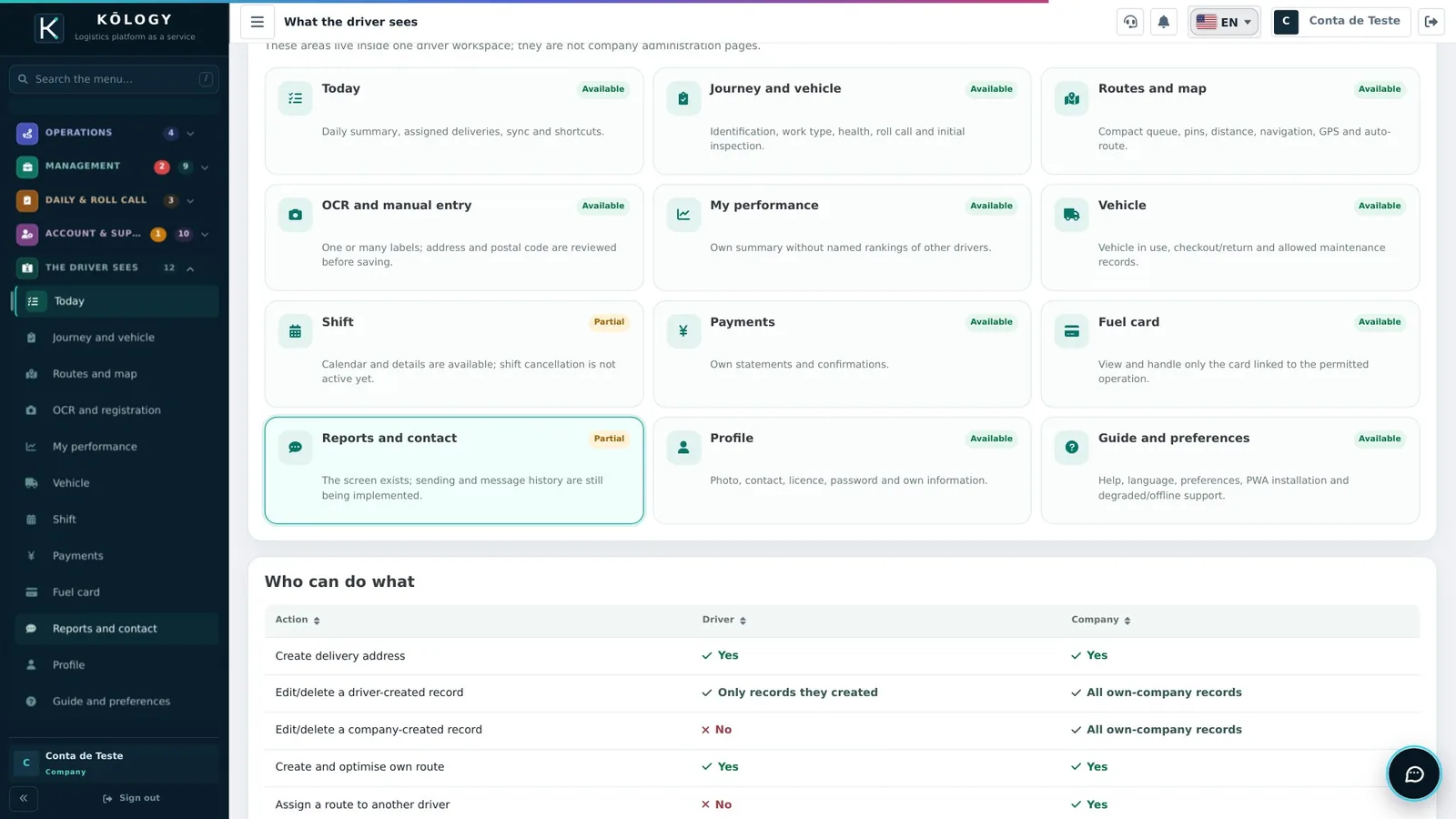
For whoever drives. The KŌLOGY app on your phone guides the whole day. The video shows the app's areas (as the company checks them in the dashboard); the steps below follow the order of your day.
Your day in 7 steps
- Sign in — use the login your company sent (or the e-mail invitation).
- Today — see the day's deliveries, notices and what is left.
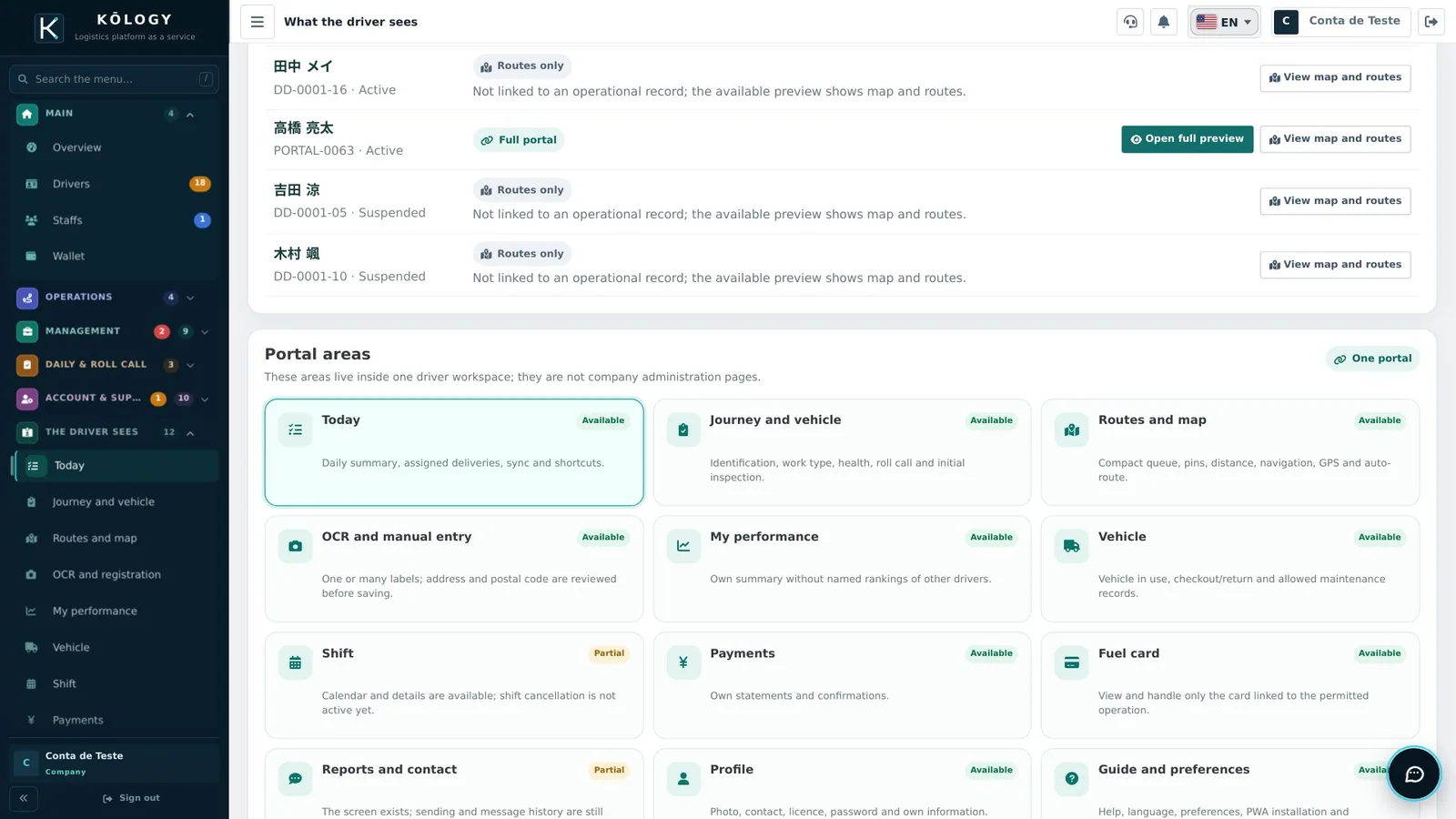
- Journey and vehicle — do the roll-call (点呼) and vehicle check before leaving.
- On duty — when you start, the app shares your location with the office (only while on duty).
- Routes and map — follow the order of stops; tap the address to navigate.
- Record the delivery — delivered, absent or failed, with a photo when asked.
- End of day — end your duty and check the daily report (日報). Payments are under Payments.
Next articles
- Getting started as a driver: install and sign in
- The driver's day (日報 and 点呼)
- How to record a delivery (delivered, absent, failed)
- Read a label (OCR) and add a delivery