











KŌLOGY · Pantallas y funciones
Roll call (点呼), daily operations and daily reports
Check who did the roll call, the status of each vehicle and the month's daily reports — and correct a daily report when needed.
Este artículo aún no está traducido a su idioma: se muestra la versión en English.
En esta página
What it is for
Drivers record in the app the 点呼 (roll call: health and alcohol check), the 点検 (vehicle inspection), the odometer and the deliveries, and send the 日報 (daily report) at the end of the day. These screens show all of it to the office.
Where: web, the Daily & roll call group and Management → Reports; app, More → Daily & roll call and More → Management → Reports & consumption.
Roll-call for the day
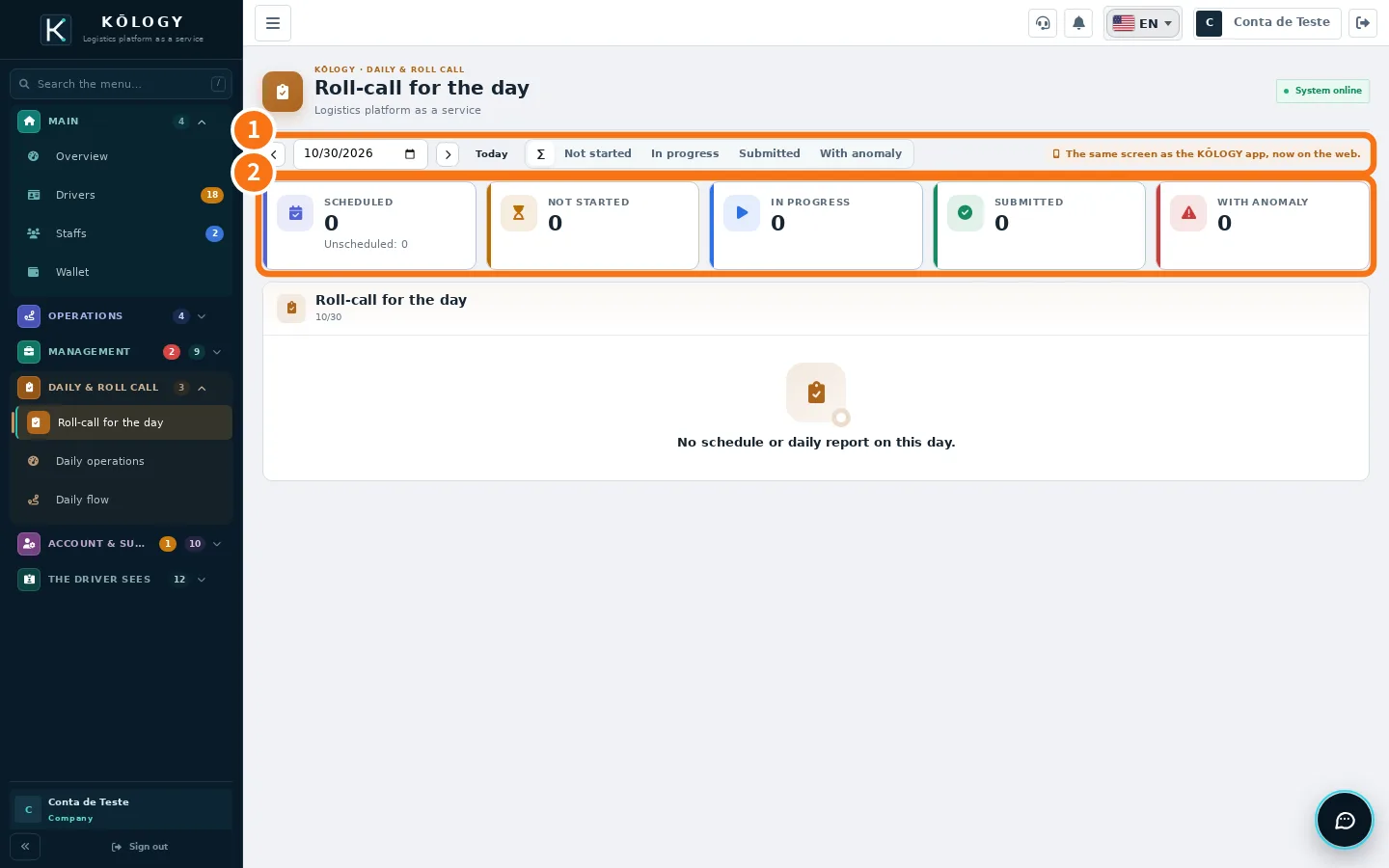
- ① Date: use the arrows or Today. Filters: Not started, In progress, Submitted, With anomaly.
- ② Numbers: Scheduled (and unscheduled), Not started, In progress, Submitted, With anomaly.
The screen matches the schedule with the daily reports: who has done each check and who has not started. Tap a person to see the Roll-call detail: work type, vehicle, start and submit time, Health (temperature, sleep, condition), Alcohol, Inspection, Odometer and Near miss. To see everything, tap Open the full daily report.
Daily operations
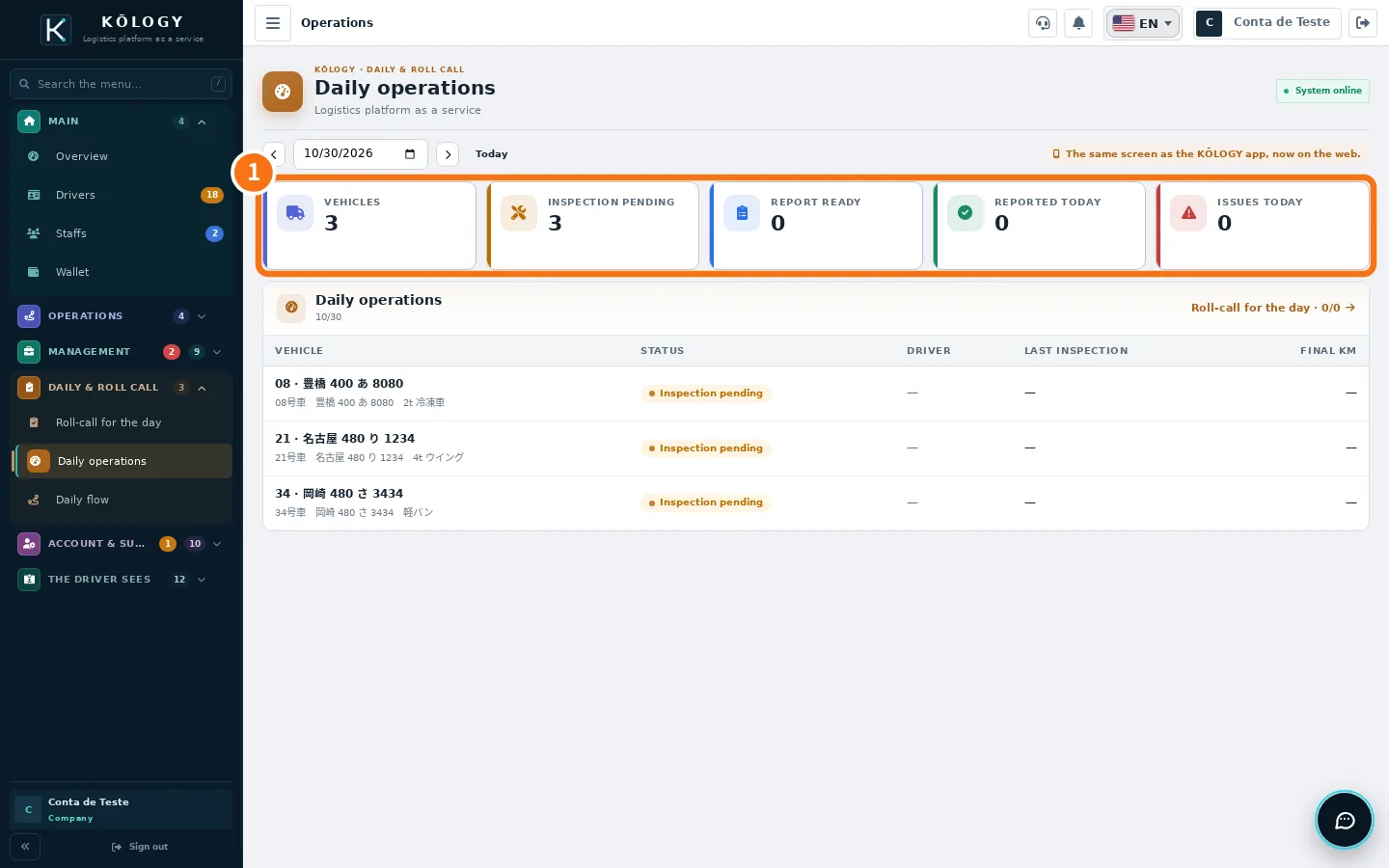
One panel per day with ① Vehicles, Inspection pending, Report ready, Reported today and Issues today, and the vehicle list with status, driver, last inspection and final km. In the app there are shortcuts to Inspection history (by vehicle and by driver, OK only or NG only), Vehicle usage (check-outs and returns) and Inspection settings (view only; changes are made on the web), plus Unsubmitted reports (last 7 days).
Reports (the month's daily reports)
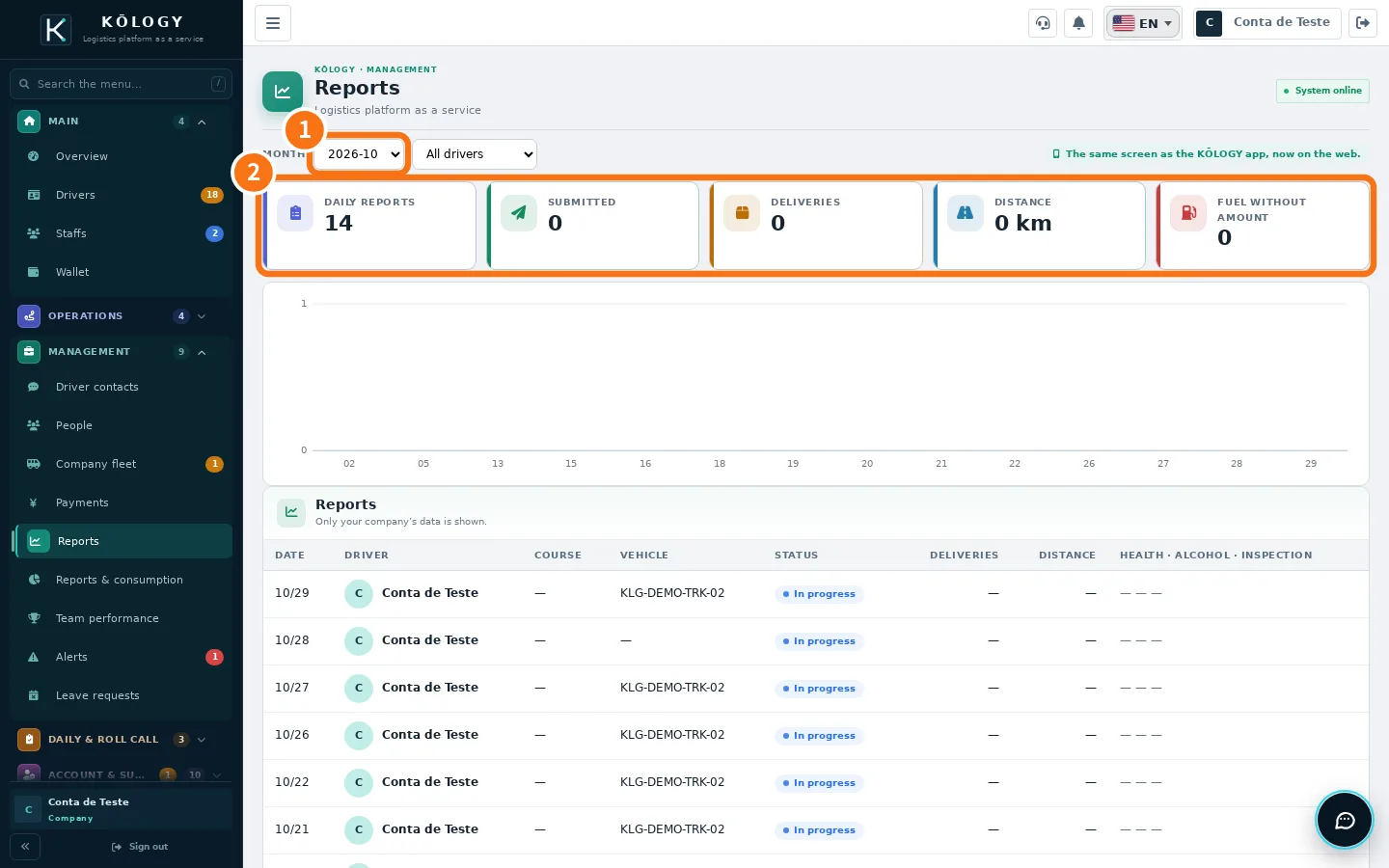
- Choose the ① month and, if you want, a driver.
- Check the ② numbers: daily reports in the month, Submitted, Deliveries, Distance and fuel without amount.
- Tap a day in the list to open the report.
Correct a daily report
In the app, open the report and tap Edit daily report. The parts are: Operation, Health and alcohol, Vehicle inspection, Delivery results, Refuelling and Odometer. Correct and tap Save changes. Delete report also removes that day's health, alcohol, inspection, odometer and delivery records — use it only for a report created by mistake.
Common mistakes
- «No schedule or daily report on this day.» There is neither a shift nor a report on that date. Check the schedule.
- A driver shows as «Not started». They have not opened today's daily report in the app yet.
Related questions
- Review and correct a daily report
- Shifts, leave requests, people and salary advances
- Reports, fuel, team performance and alerts