











KŌLOGY · 入门
Manager path: day to day in KŌLOGY
6 stops: overview, shifts, alerts, performance, reports and the live team.
此文章暂无您的语言版本,以English显示。
本页目录
For whoever runs the company's operation. Watch the video, then follow the stops in order; each takes 2 to 5 minutes.
The 6 stops
- Overview — start the day with the "What needs your action" list (late deliveries, incomplete records, 車検 expiring).
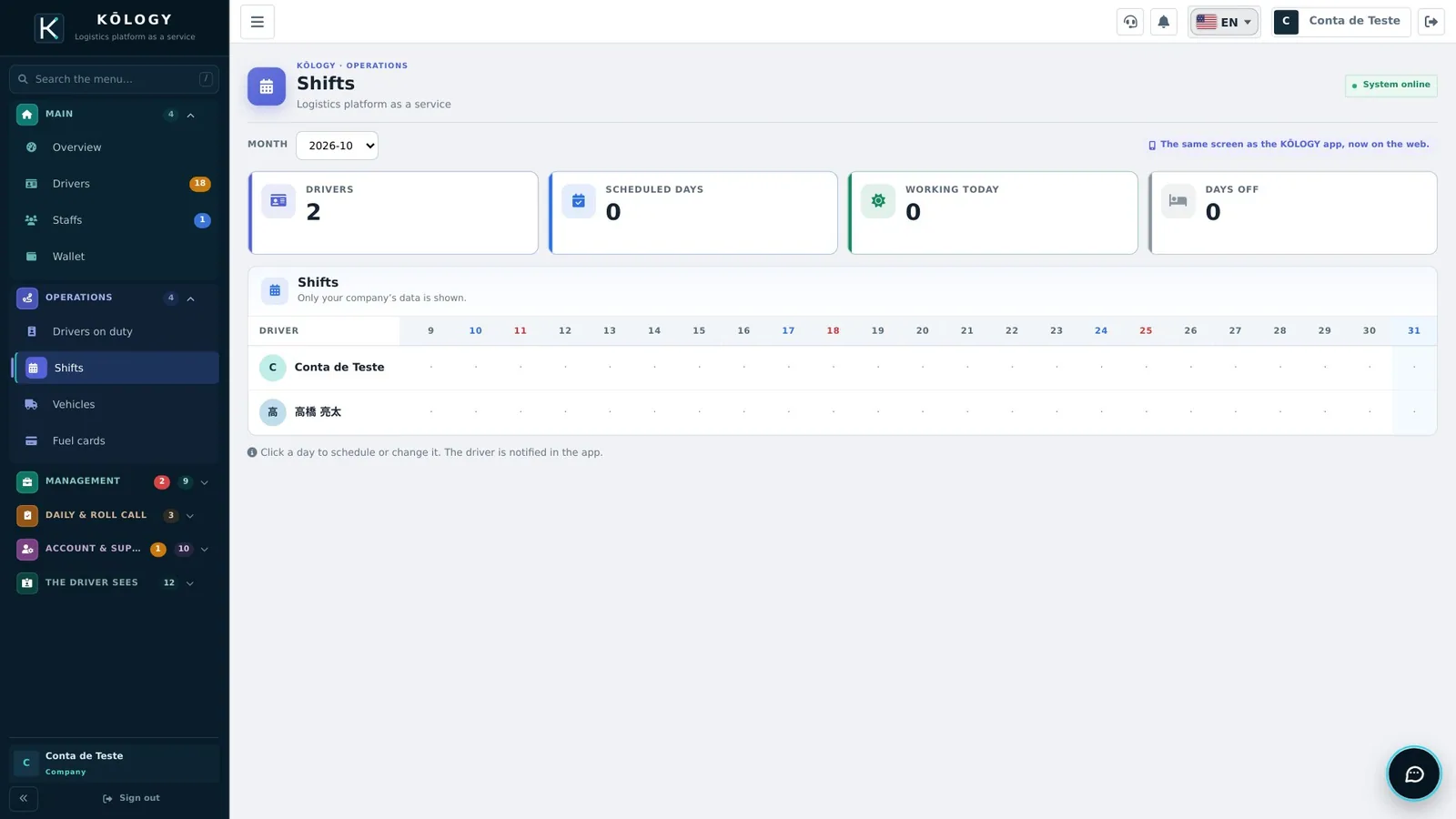
- Operations › Shifts — click a day to schedule or give a day off. The driver sees the change in the app.
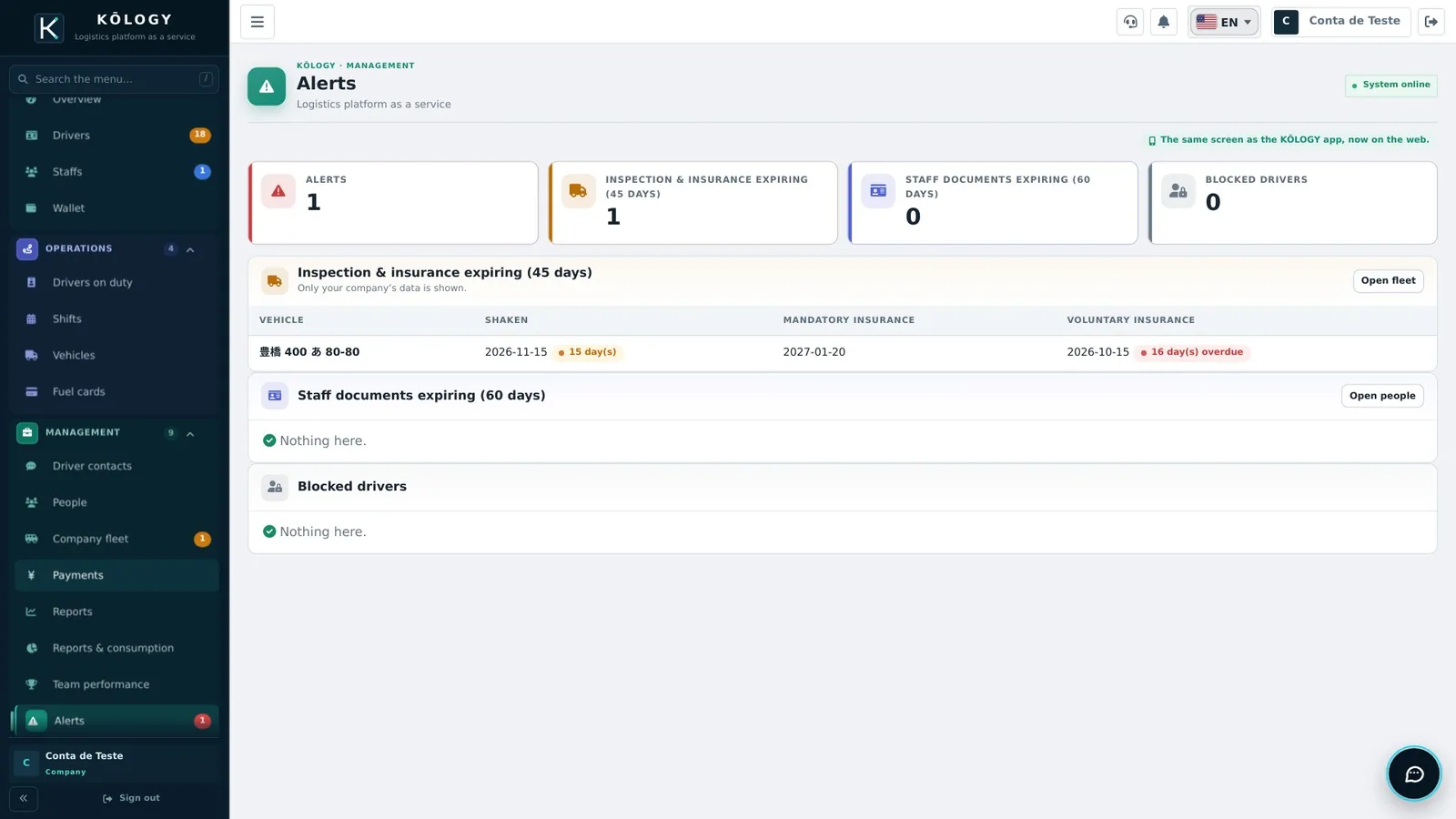
- Management › Alerts — expired shows in red, expiring soon in yellow.
- Management › Team performance — pick the period at the top and compare deliveries, km and daily reports.
- Management › Reports — the month in numbers; filter by driver.
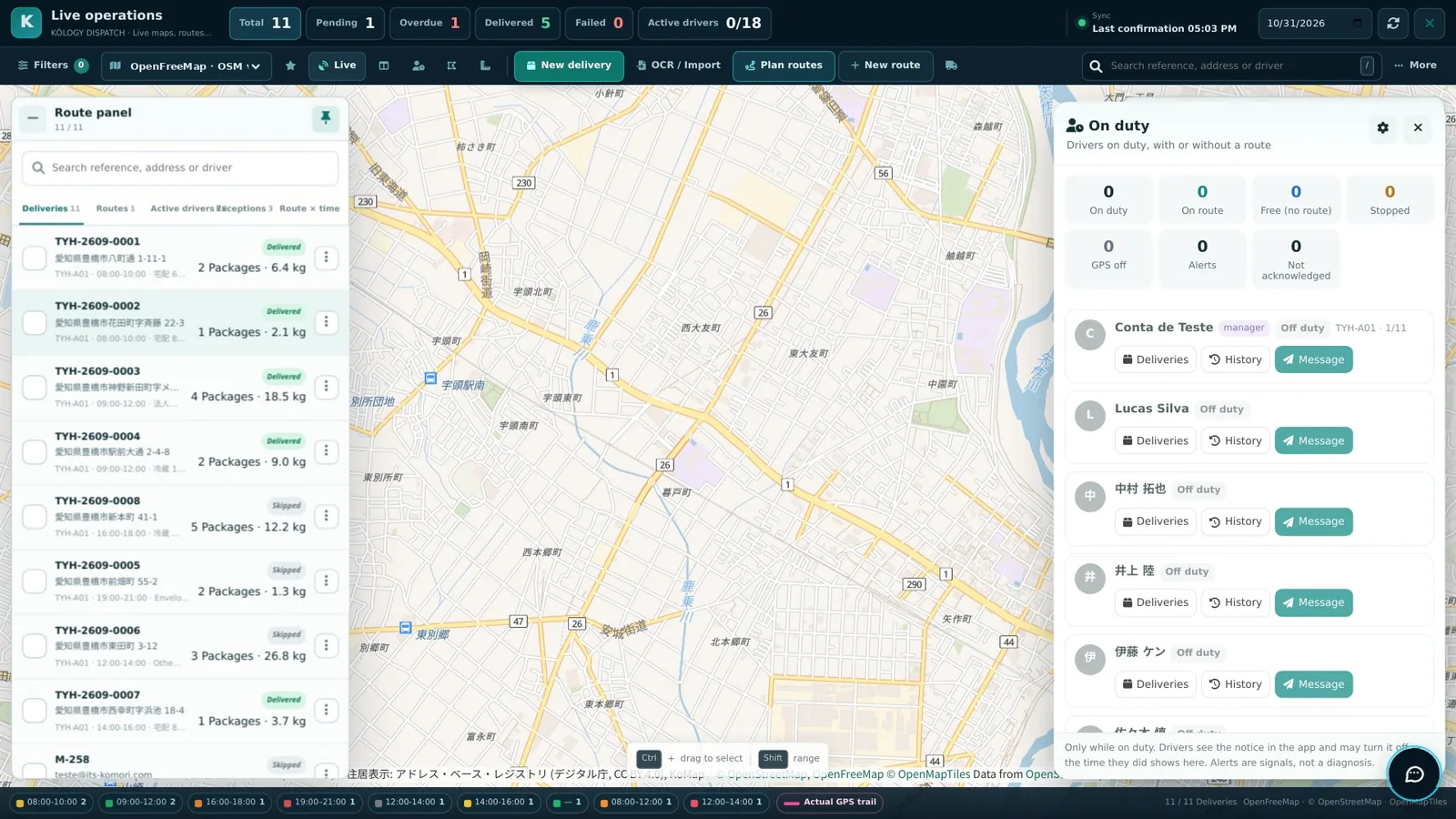
- Operations › Drivers on duty — routes, map and who is working now, with direct messages.
Next articles
- How to invite drivers by e-mail
- How to create a route and add deliveries
- How to schedule a driver
- Daily roll-call (点呼), daily operations and 日報