











KoCAD · Mga screen at feature
Tab na Assembly: component, mate, exploded view at BOM
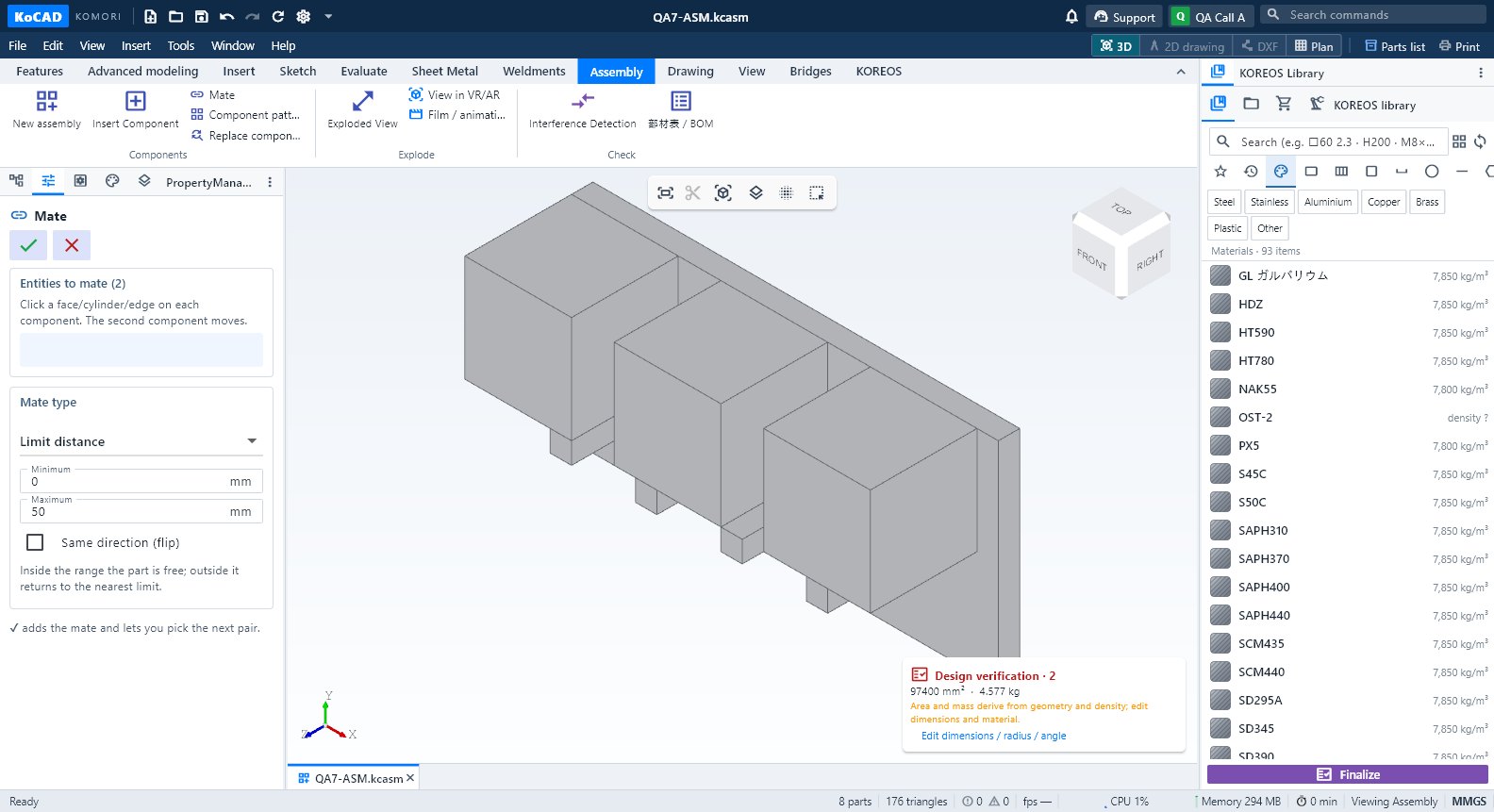
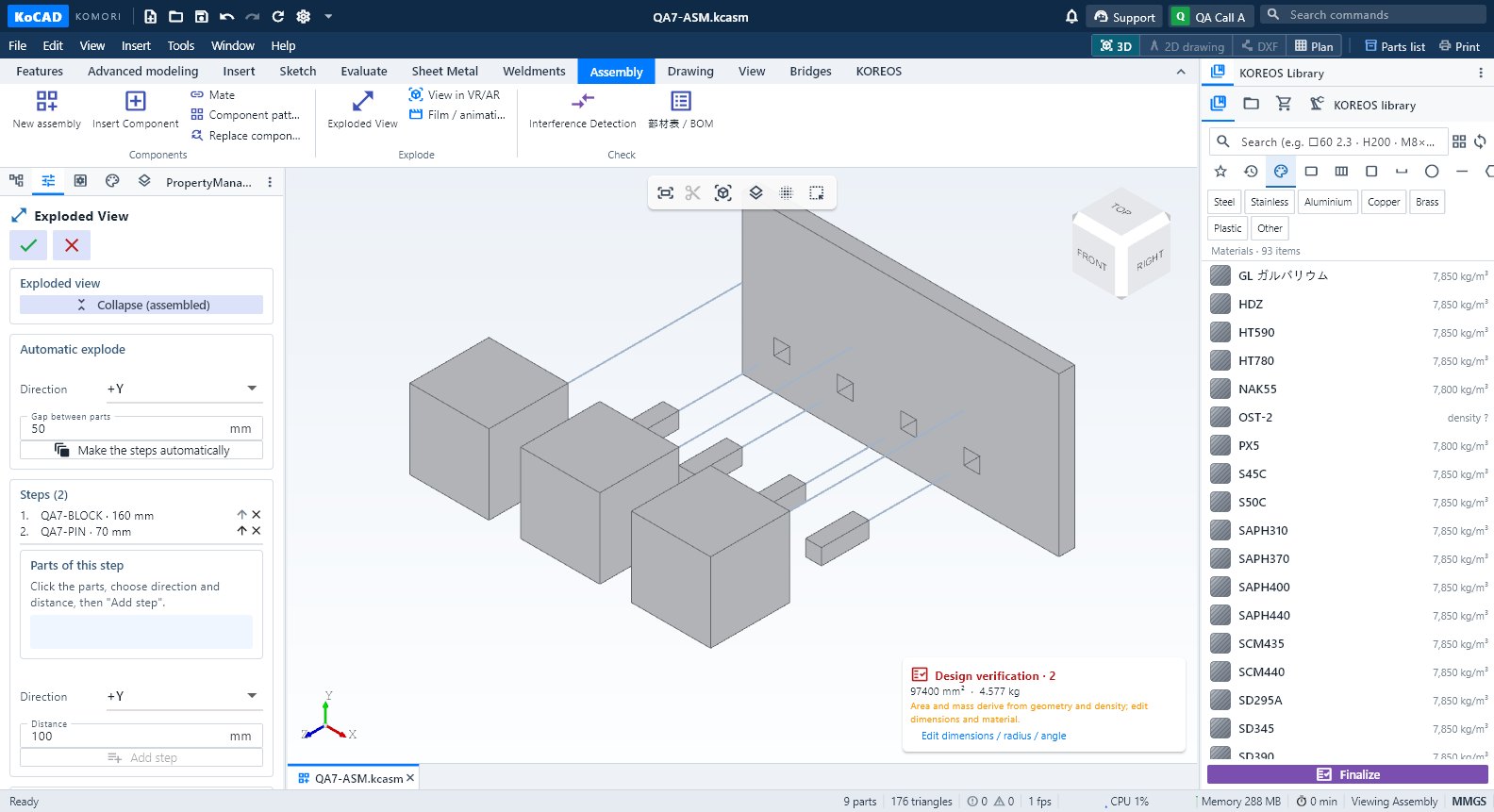
New assembly, Insert Component, Mate, Component pattern, Replace component, Exploded View, VR/AR, Film, Interference at 部材表/BOM.
Sa pahinang ito
Mga grupo
- Components: New assembly · Insert Component · Mate · Component pattern · Replace component. Explode: Exploded View · View in VR/AR · Film / animation. Check: Interference Detection · 部材表 / BOM.
Hakbang-hakbang
- New assembly → Insert Component. 2. Mate (coincident, concentric, parallel, distance, perpendicular, angle, limit). 3. Exploded View: Add step o Make the steps automatically; Play. 4. 部材表 / BOM.
Karaniwang mali
- Tinanggihan ang mate: salungat sa iba. Walang explode sa film: gumawa muna ng exploded view.