











KoCAD
Lightweight 2D/3D manufacturing CAD linked to KOREOS cases.
界面与功能
全部Workflows 13Getting started 1Screens · ribbon tabs 11Screens · panels, windows and menus 6Engineering 3
Screens · ribbon tabs
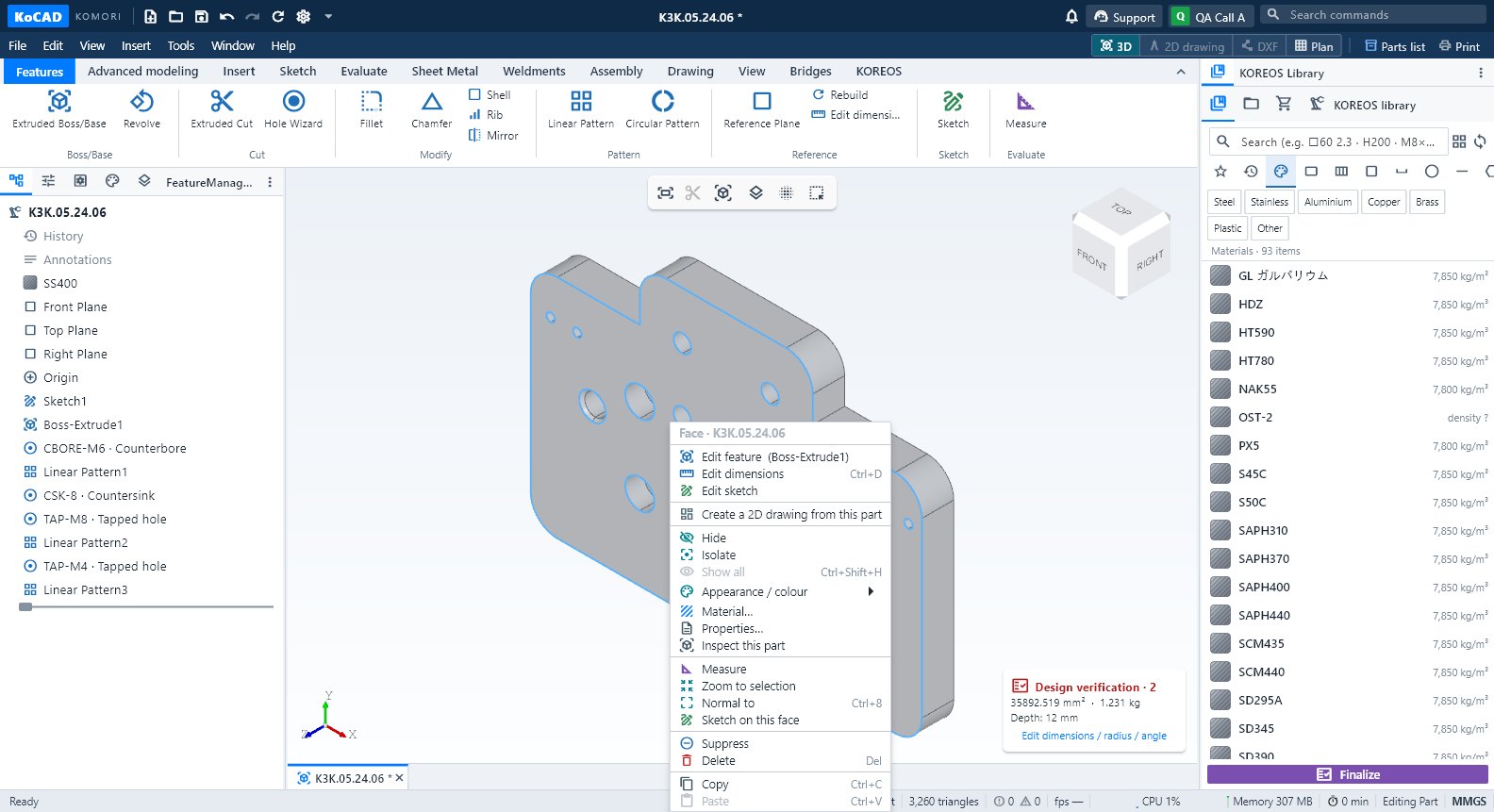 Features tab: extrude, cut, holes, fillets and patternsThe everyday part commands: Extruded Boss/Base, Revolve, Extruded Cut, Hole Wizard, Fillet, Chamfer, Shell, Rib, Mirror, Patterns and Reference Plane.English
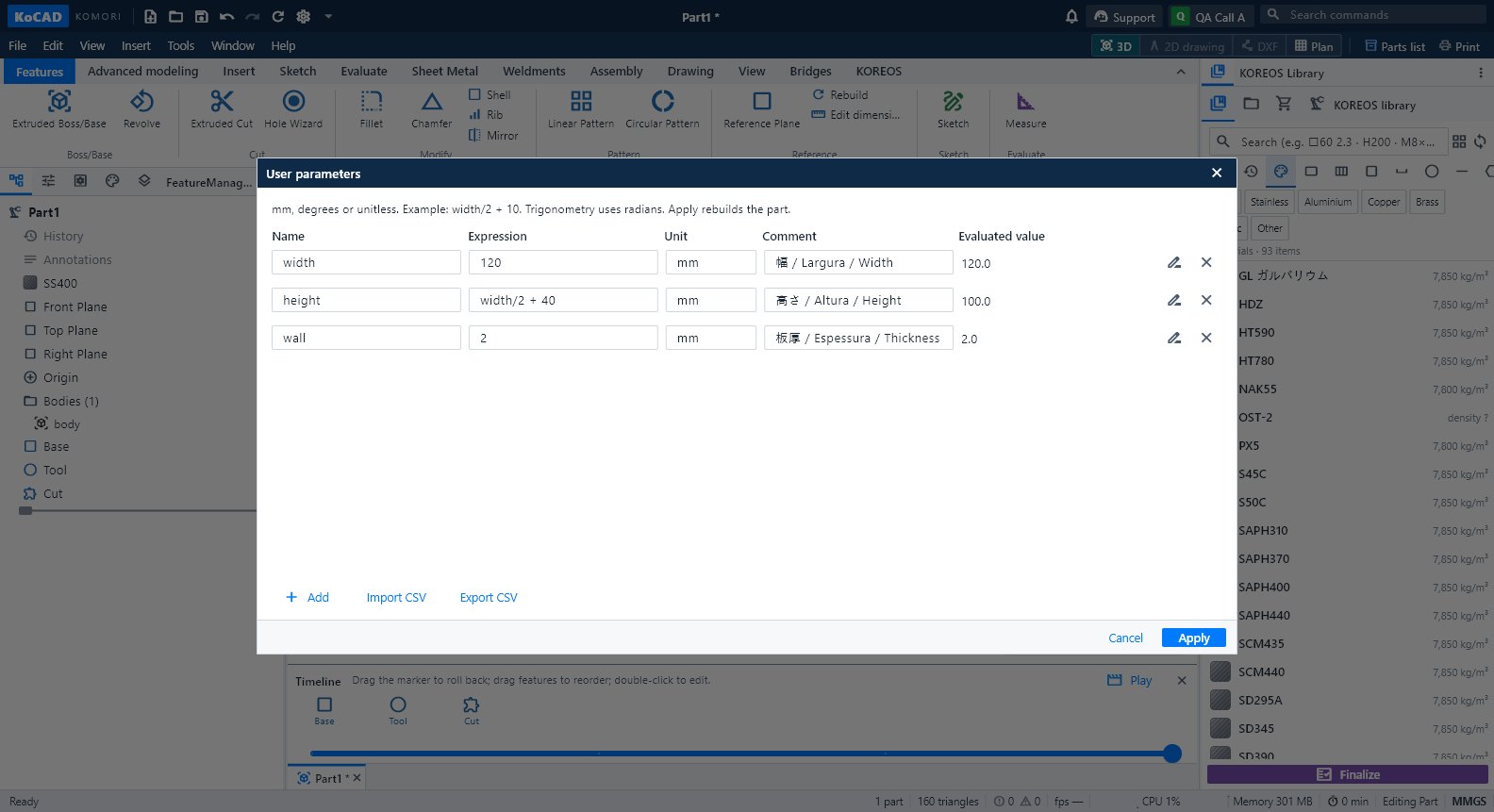 Advanced modeling tab: parameters, timeline, bodies and AIUser parameters with formulas, Timeline, Sweep, Loft, combine/move/split bodies and the Generate with AI group.English
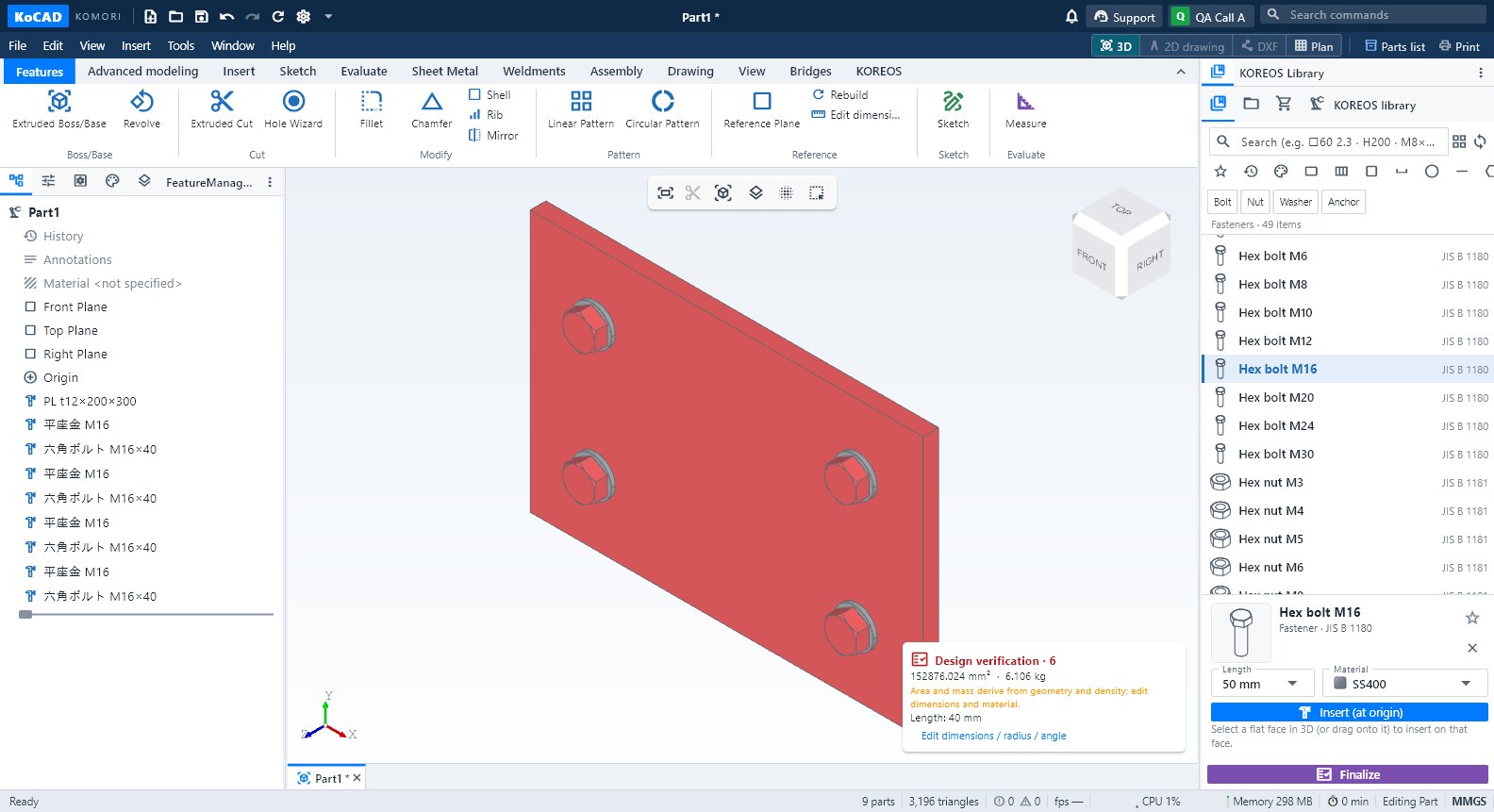 Insert tab: standard parts, materials and membersStandard parts (bolts, nuts, washers, bearings…), KOREOS Materials and Structural Member from the company library.English
 Sketch tab: draw, dimension and trace an imageLine, Rectangle, Circle, arcs, Spline, Point and Centerline; Smart Dimension (D); constrained rectangle sketch; Image reference calibrated by two points.English
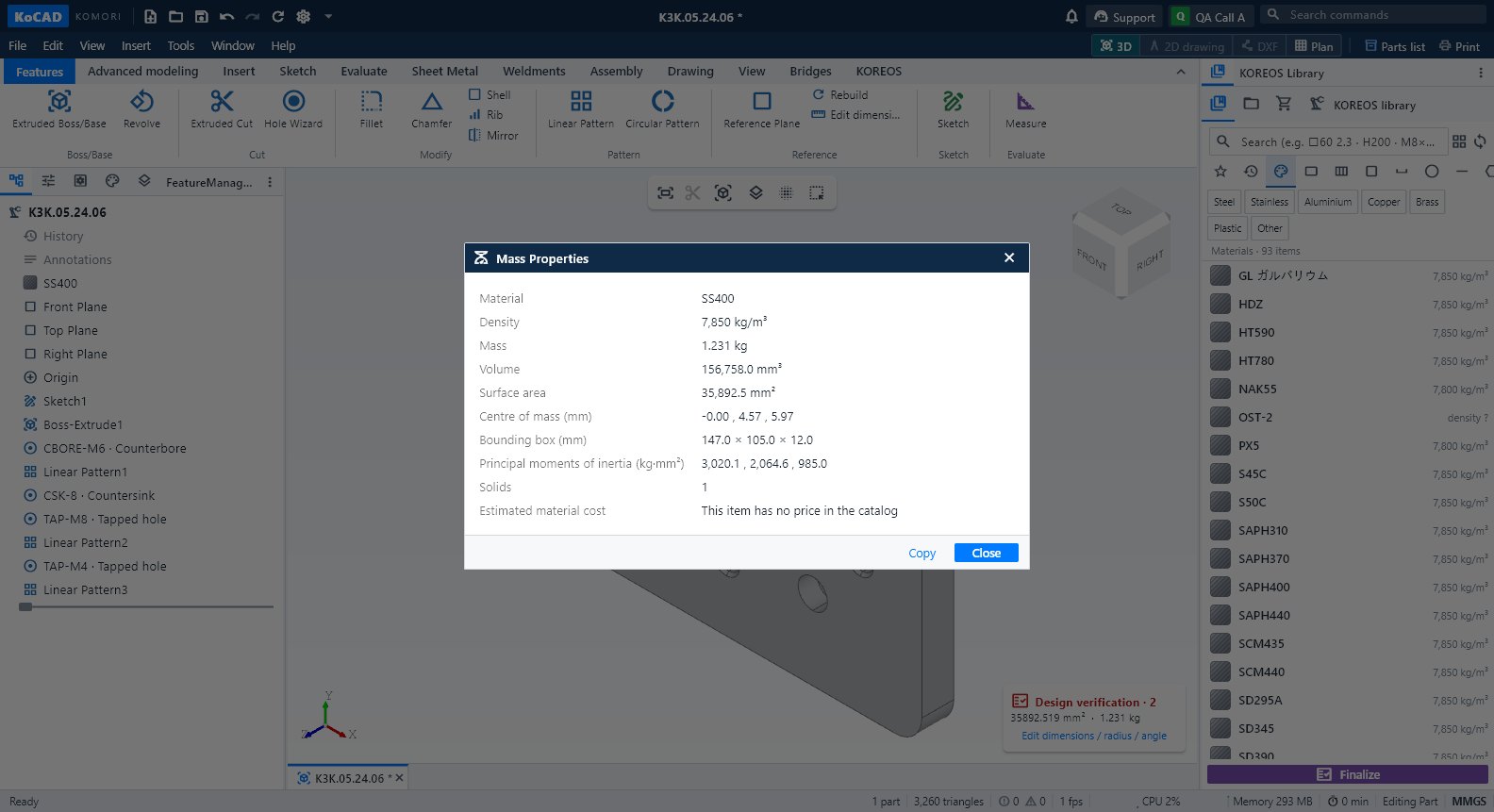 Evaluate tab: measure, mass, verification, interference and costMeasure, Mass Properties, Design verification (design rules), Section View, Interference Detection, sheet-metal manufacturability and Process cost.English
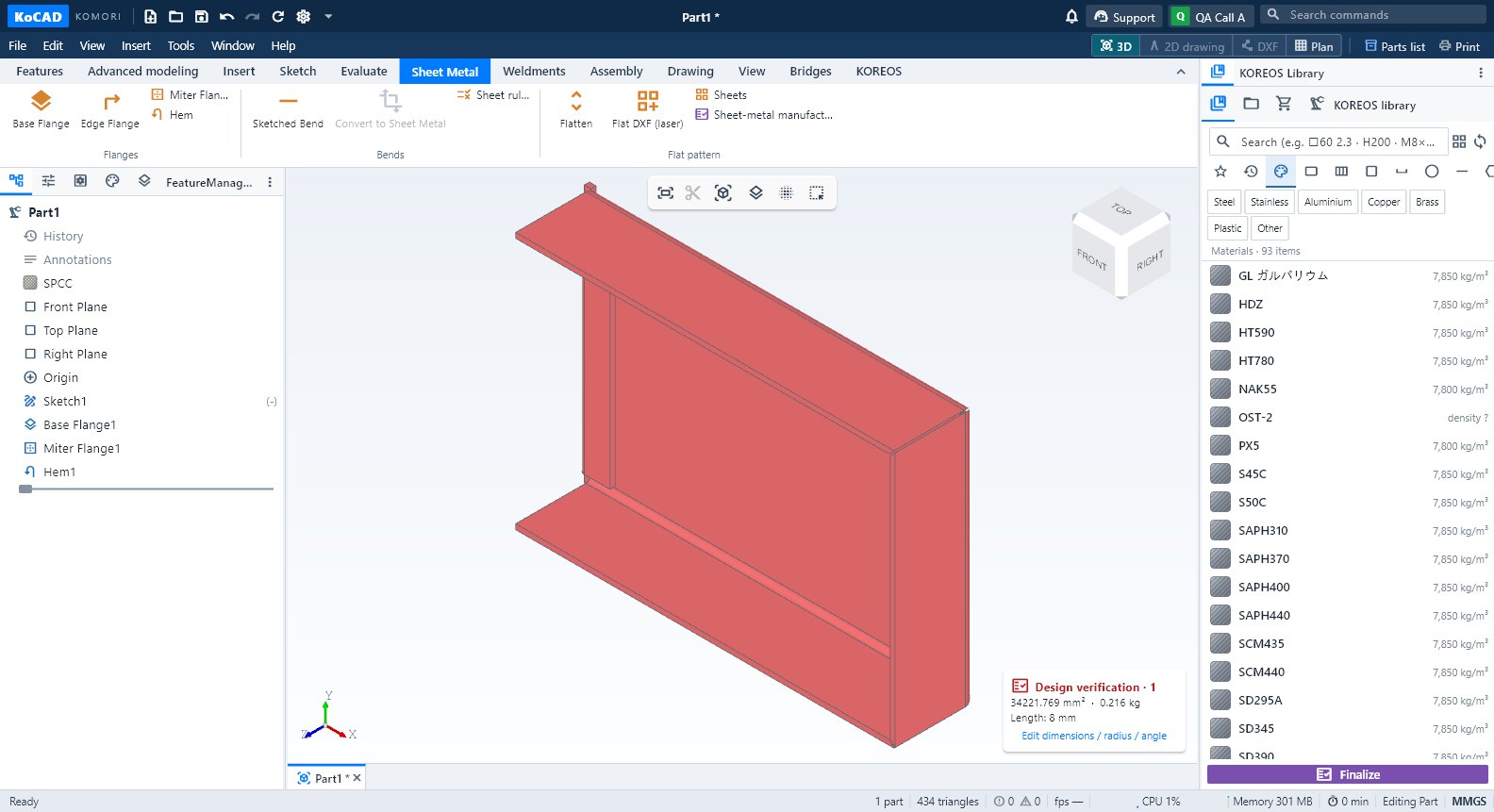 Sheet Metal tab: flanges, bends, flat pattern and laser DXFBase Flange, Edge Flange, Miter Flange, Hem, Sketched Bend, Convert to Sheet Metal, Sheet rules (K = 0.44 default), Flatten, Flat DXF (laser), Sheets and manufacturability.English
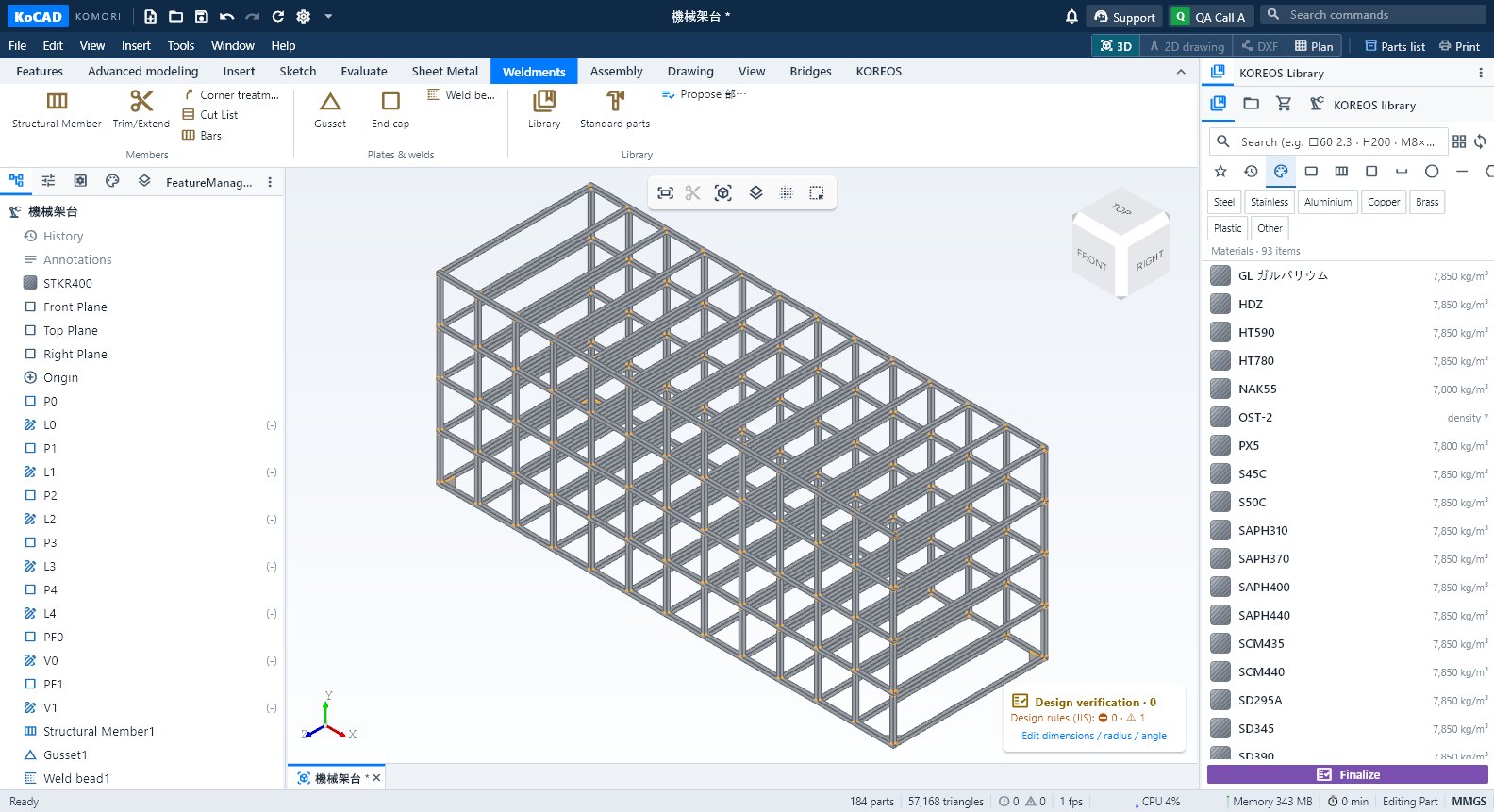 Weldments tab: members, gussets, welds and cut listStructural Member, Trim/Extend, Corner treatment, Cut List, Bars, Gusset, End cap, Weld bead, Library, Standard parts and Propose 部材表.English
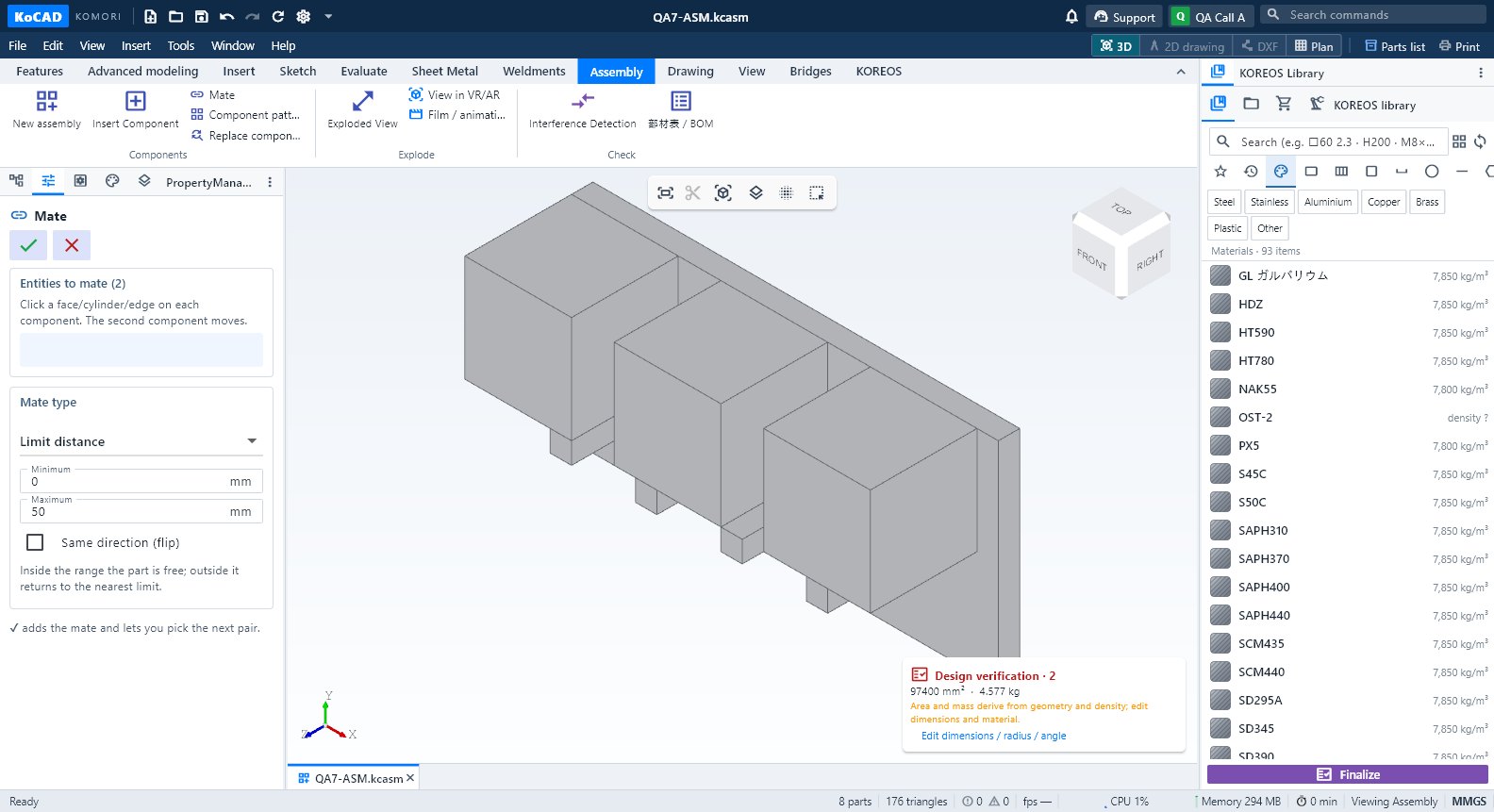 Assembly tab: components, mates, exploded view and BOMNew assembly, Insert Component, Mate, Component pattern, Replace component, Exploded View, VR/AR, Film, Interference Detection and 部材表/BOM.English
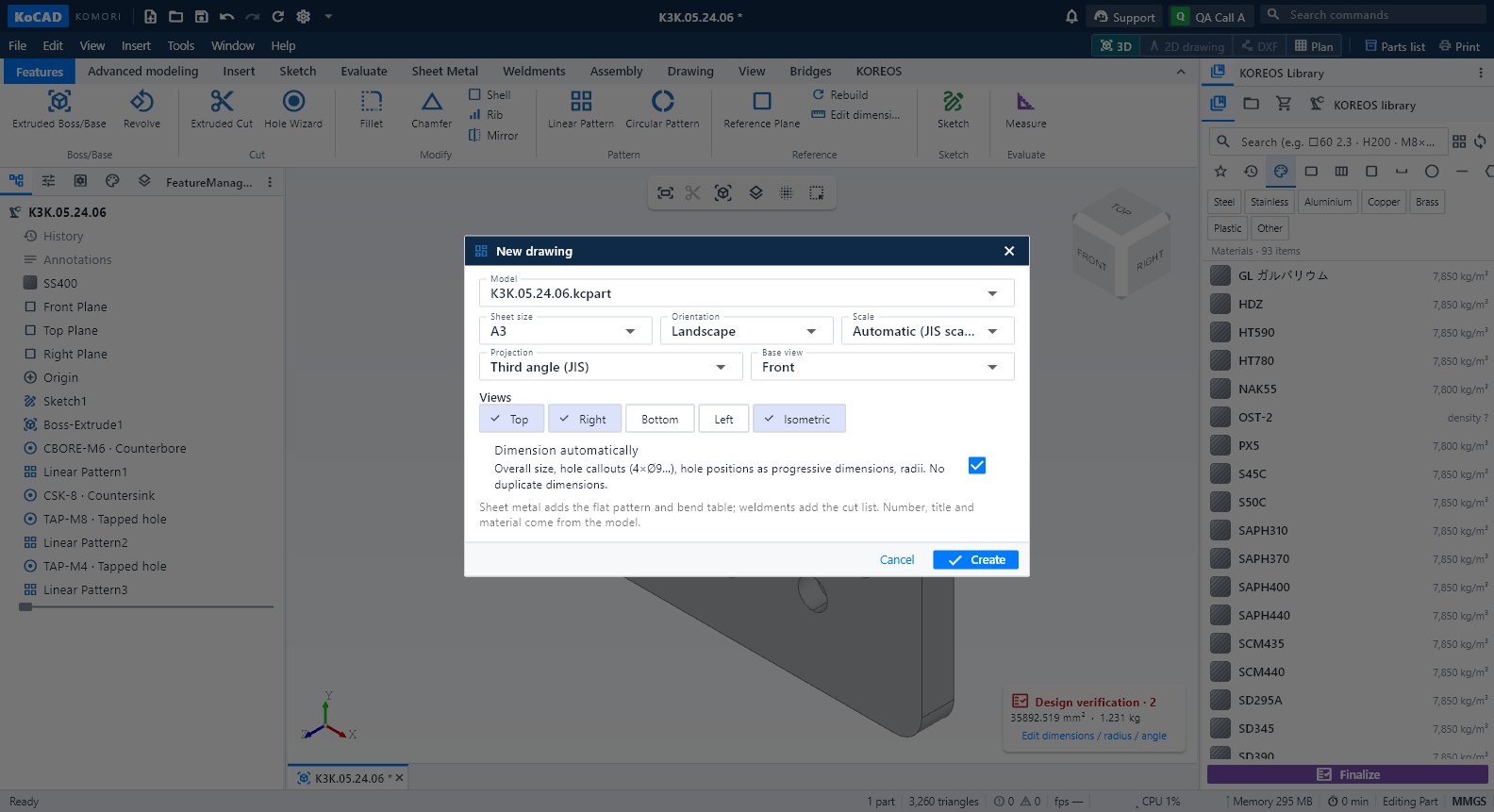 Drawing tab and the 2D drawing workspaceCreate a 2D drawing from this part, New 2D drawing, 3-view DXF, flat DXF and DWG; inside the drawing, the Drawing, Annotate, Draw, Modify, Sheet and Output tabs.English
- View tab: orientation, style, visibility and windowsZoom to Fit (F), Normal to, standard views (Ctrl+1…7), display styles, Perspective, Section View, Hide/Isolate/Show all, detach window, layout and dark theme.English
 Bridges tab: SolidWorks, project folder and other programsOpen SolidWorks files (.sldprt/.sldasm/.slddrw), Open project folder, STEP to SolidWorks and All bridges — optional; KoCAD is complete on its own.English