











KoCAD · 界面与功能
Workflow: film of the build or of the assembly (MP4 / GIF)
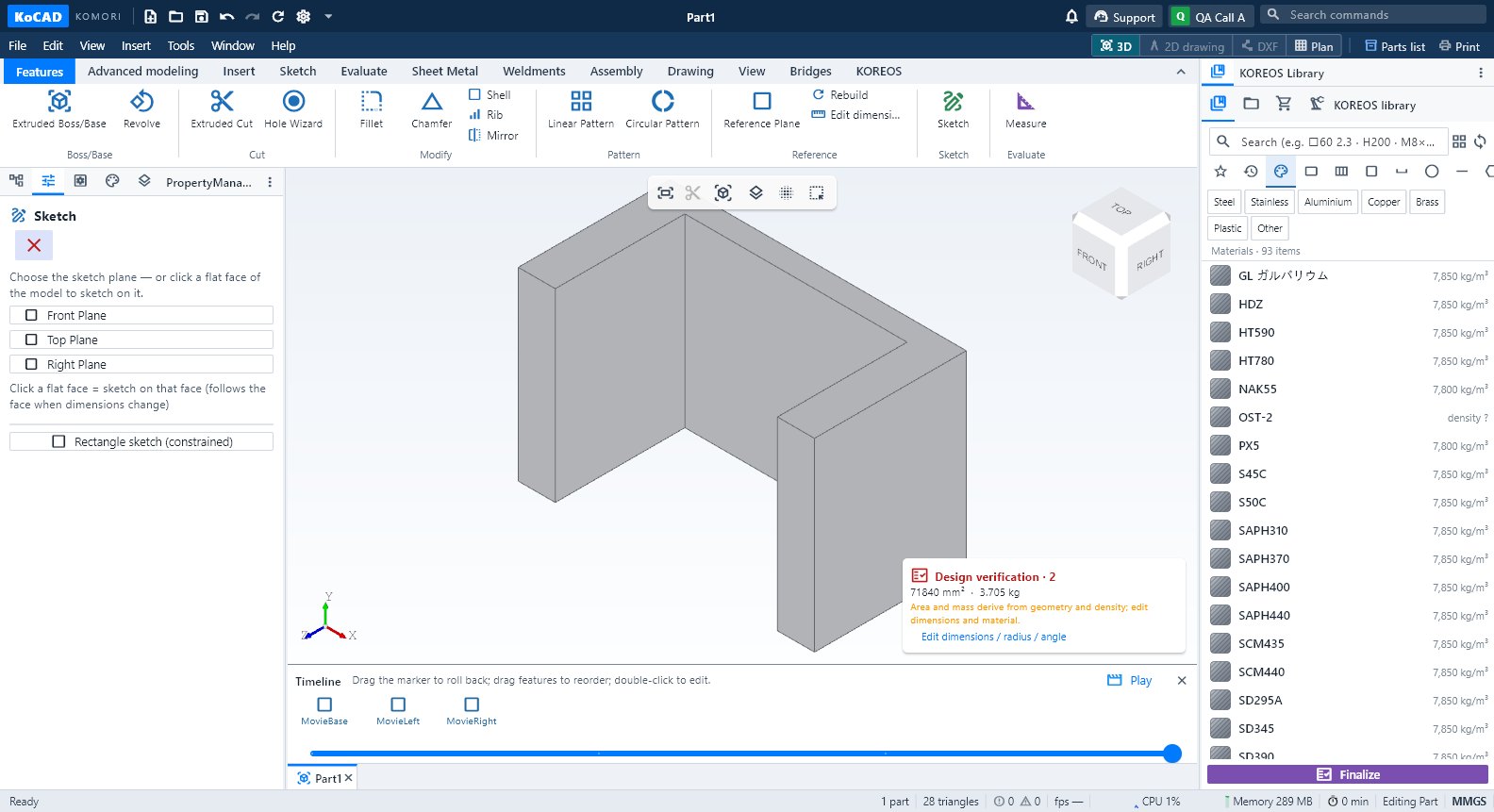
Timeline → Play: build feature by feature, exploded view or assembly; export MP4 720p/1080p or GIF, offline.
此文章暂无您的语言版本,以English显示。
本页目录
Step by step
- Open the model and turn on the Timeline (Advanced modeling → Timeline).
- Click Play, next to the bar. A local preview opens: file, parameters and undo history stay untouched.
- Choose Build (features in design order), Exploded view or Assembly (steps in reverse). The last two need an exploded view in the project.
- Green button = play/pause; drag the bar; speed 0.5×, 1×, 2× or 4×. The camera turns smoothly.
- To save: MP4 720p or 1080p (H.264, 30 fps) or GIF (640×360, 10 fps, up to 6 s) → Export video with a new name. Cancel discards only this export.
- Close with X to return to the previous model and camera.
Tips
- Works offline. The video has only the 3D view: menus, messages and sign-in data are not included.
- Windows uses Media Foundation, Mac uses AVFoundation; on Linux the system needs GStreamer with H.264.
- For a film with camera, texts and animated parts use the VR/AR studio (see the VR/AR workflow).
Common mistakes
- "Exploded view" greyed out: create the exploded view on the Assembly tab first.
- Linux without an encoder: an error appears (the model is never sent to the cloud). Install the GStreamer H.264 components.