











KoCAD · Mga screen at feature
Tab na Advanced modeling: parameter, timeline, body at AI
User parameters na may formula, Timeline, Sweep, Loft, combine/move/split body at grupong Generate with AI.
Sa pahinang ito
Mga grupo
- User parameters: User parameters · Timeline.
- Bodies: Sweep · Loft · Combine bodies · Move/copy body · Split body.
- Generate with AI: 2D → 3D · Generate with AI · Appearance and textures · AI texture.
Hakbang-hakbang
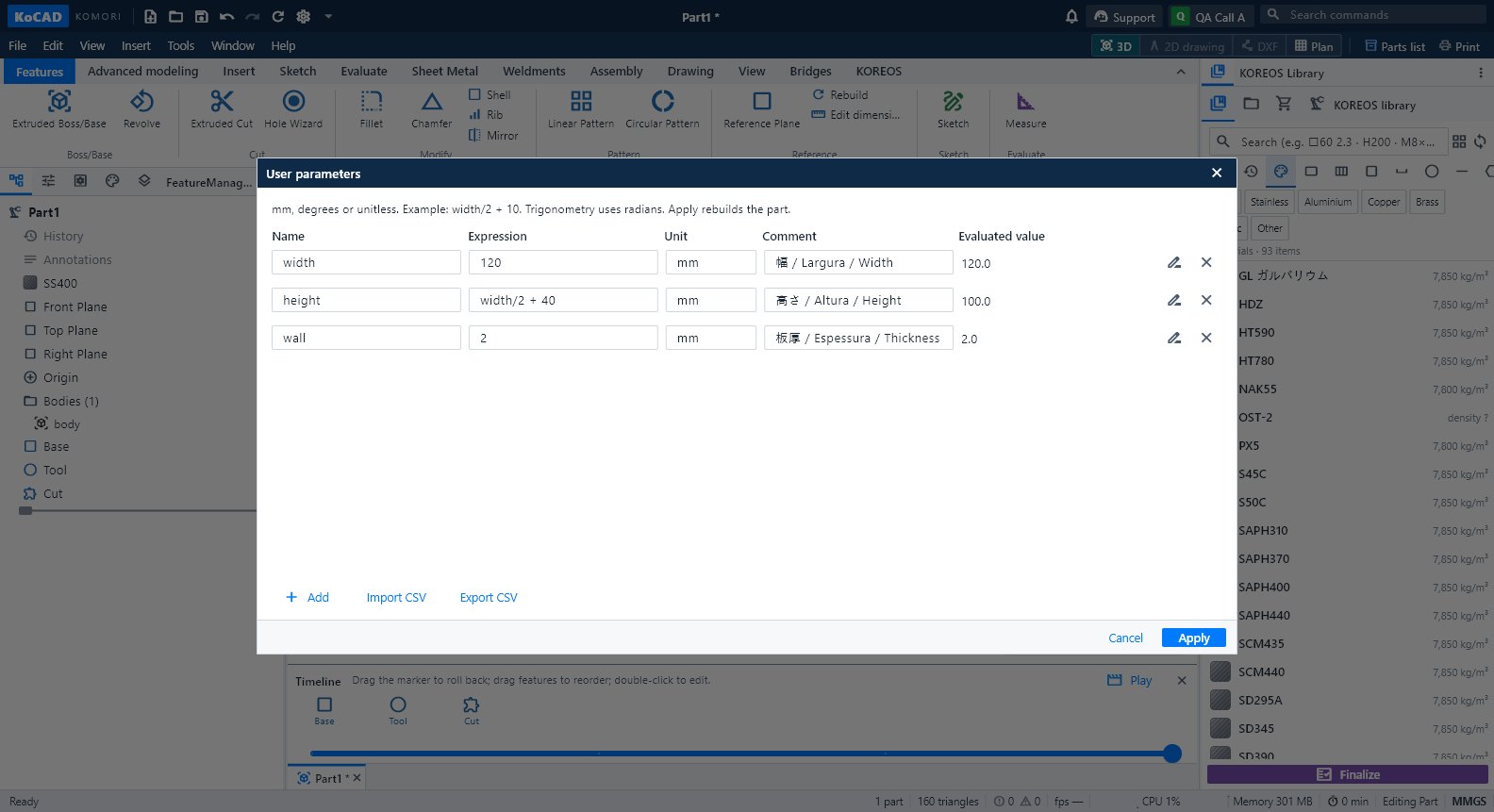
- User parameters: pangalan, formula, unit at komento (hal. width = 120). Apply.
- I-type ang pangalan sa sukat ng sketch o feature; palitan ang value at mag-a-update ang buong piyesa.
- Para palitan ang pangalan: Rename with references.
Sweep, Loft, Bodies, Timeline
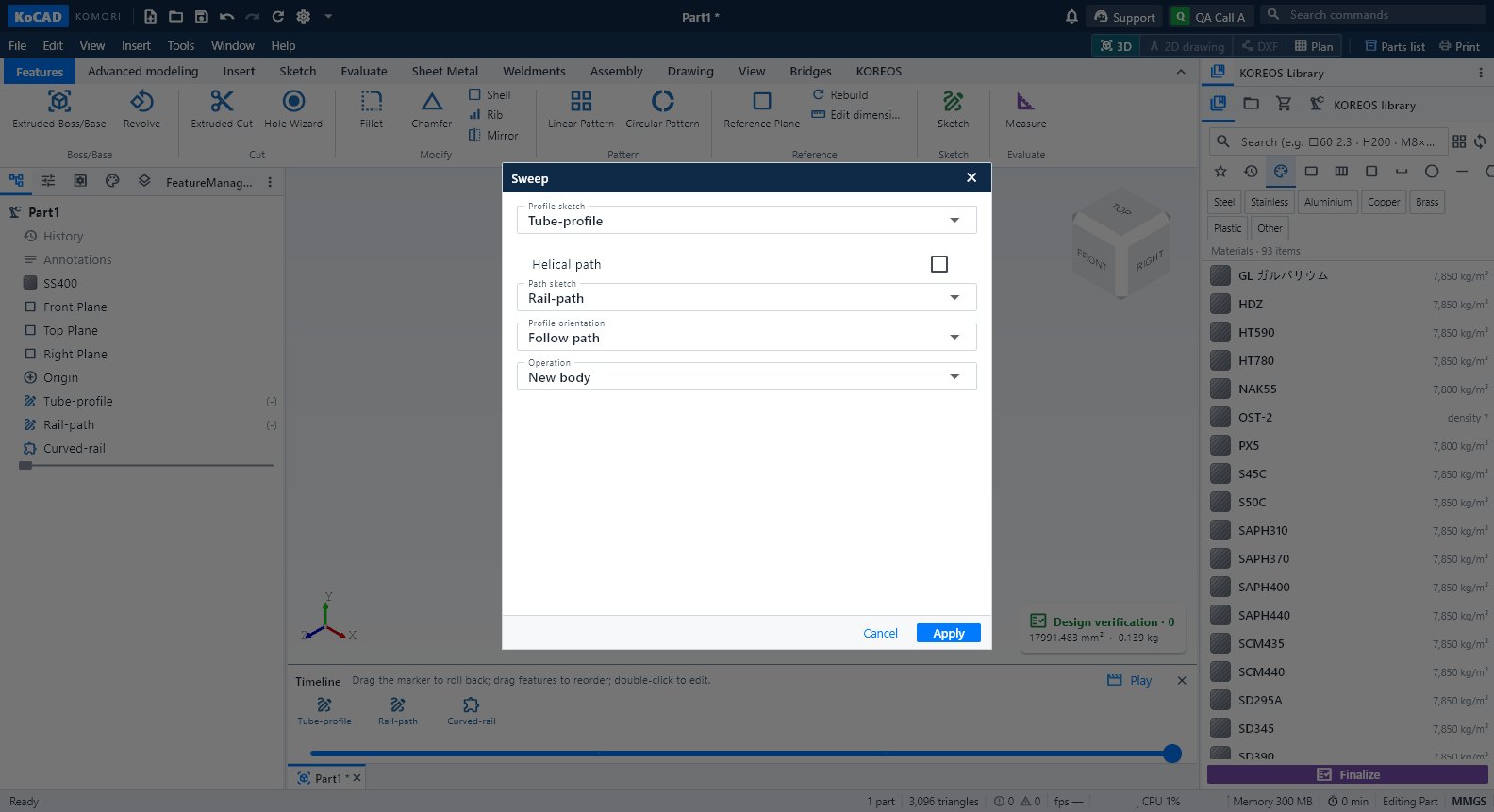
- Sweep: saradong profile + tuloy-tuloy na path (may helical). Loft: mga profile sa iba't ibang plane ayon sa pagkakasunod.
- Bodies: Combine (union, cut, intersect), Move/copy, Split gamit ang plane.
- Timeline: i-drag ang marker para bumalik; Play para sa pelikula ng pagbuo.
Karaniwang mali
- Circular reference: ayusin ang formula. CSV: UTF-8 at tuldok bilang decimal.