











KOREOS · Pantallas y funciones
VR room: how to use
How to create a 3D/VR room and review products together with participants.
Este artículo aún no está traducido a su idioma: se muestra la versión en English.
En esta página
What it is
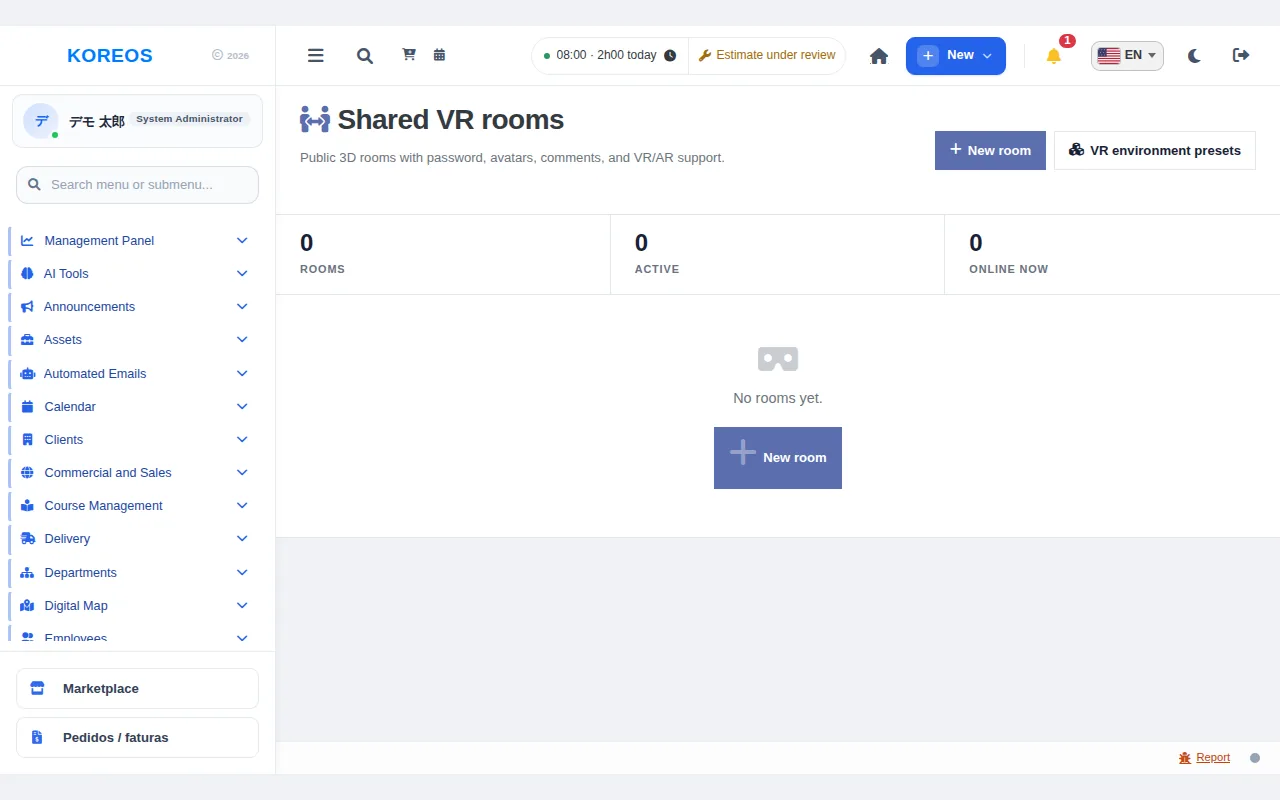
VR room creates password-protected 3D rooms where several people enter the same 3D space, with a VR headset or from the browser, to review products and equipment together. The room offers avatars, comments, voice and VR/AR. Set-up is quoted per project. In the menu the screen is called "Shared VR rooms".
Who it is for
- Sales and design teams who hold meetings with remote customers or colleagues while looking at the product in 3D.
- Administrators who prepare the review space.
Step by step
- Create the room: click "New room" (top right) and enter the name.
- Choose what to show: under "3D projects in the room", search for 3D previews and add them. The first in the list goes on the centre stage; use "Move up" and "Move down" to reorder.
- Set the environment and rules: under "Environment" pick the look (default or premium room), set a password, "Max participants" and "What visitors can see". Comments, voice and VR/AR are also configured here. Click "Save".
- Invite participants: send the room's public link to customers and colleagues. If you set a password, share it through a separate channel.
- Enter the room: click "Enter room" in the list or open the link you received. Enter your name and the password (if any). In a VR headset browser, use "VR" for the immersive view.
- Keep an eye on it: at the top of the list the totals "Rooms", "Active" and "Online now"; in the table the "Online" column shows how many people are in each room.
Tips
- To use your own scene, upload a Unity/Unreal (WebGL) build under "VR environment presets" and use it in the room.
- When editing a room, leave the password empty to keep the current one.
- Rooms that are no longer needed can be deleted.
Common questions
Do I need a VR headset?A. No. You can also join from the browser.
Can anyone enter?A. Entry is by public link; with a password, only people who know it can get in.
Availability and plan: see the Marketplace article.