











KoCAD
Lightweight 2D/3D manufacturing CAD linked to KOREOS cases.
Pantallas y funciones
TodosWorkflows 13Getting started 1Screens · ribbon tabs 11Screens · panels, windows and menus 6Engineering 3
Screens · panels, windows and menus
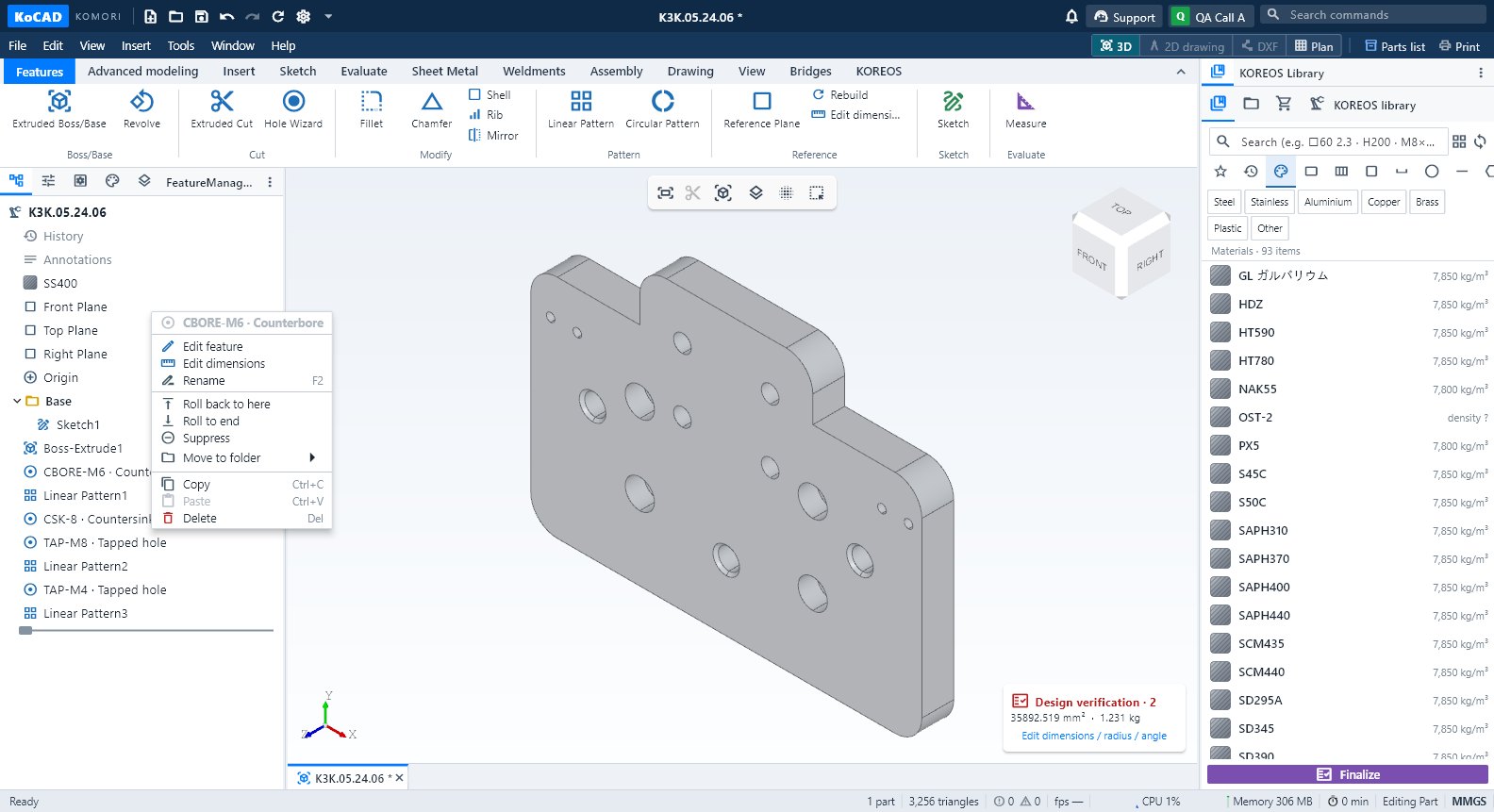 Design tree, PropertyManager and part propertiesThe left panel: feature tree (edit, rename, roll back, suppress), PropertyManager, Configurations, DisplayManager and Layers; properties of the selected part.English
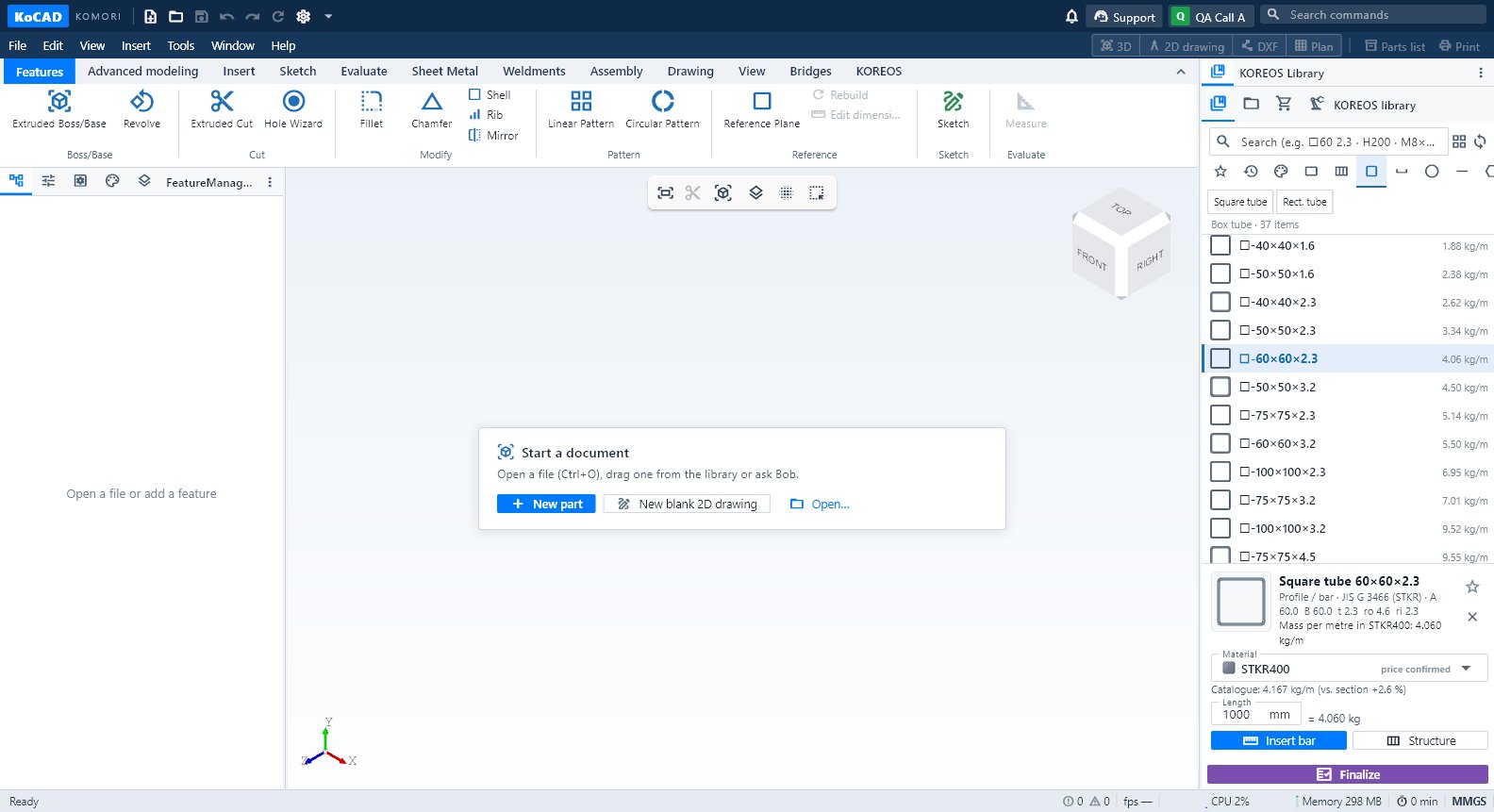 KOREOS Library: materials, profiles, parts and drag into the modelRight panel: find a material, plate, bar, profile or bolt in KOMORI's catalogue and drag it onto the part or into the 3D view.English
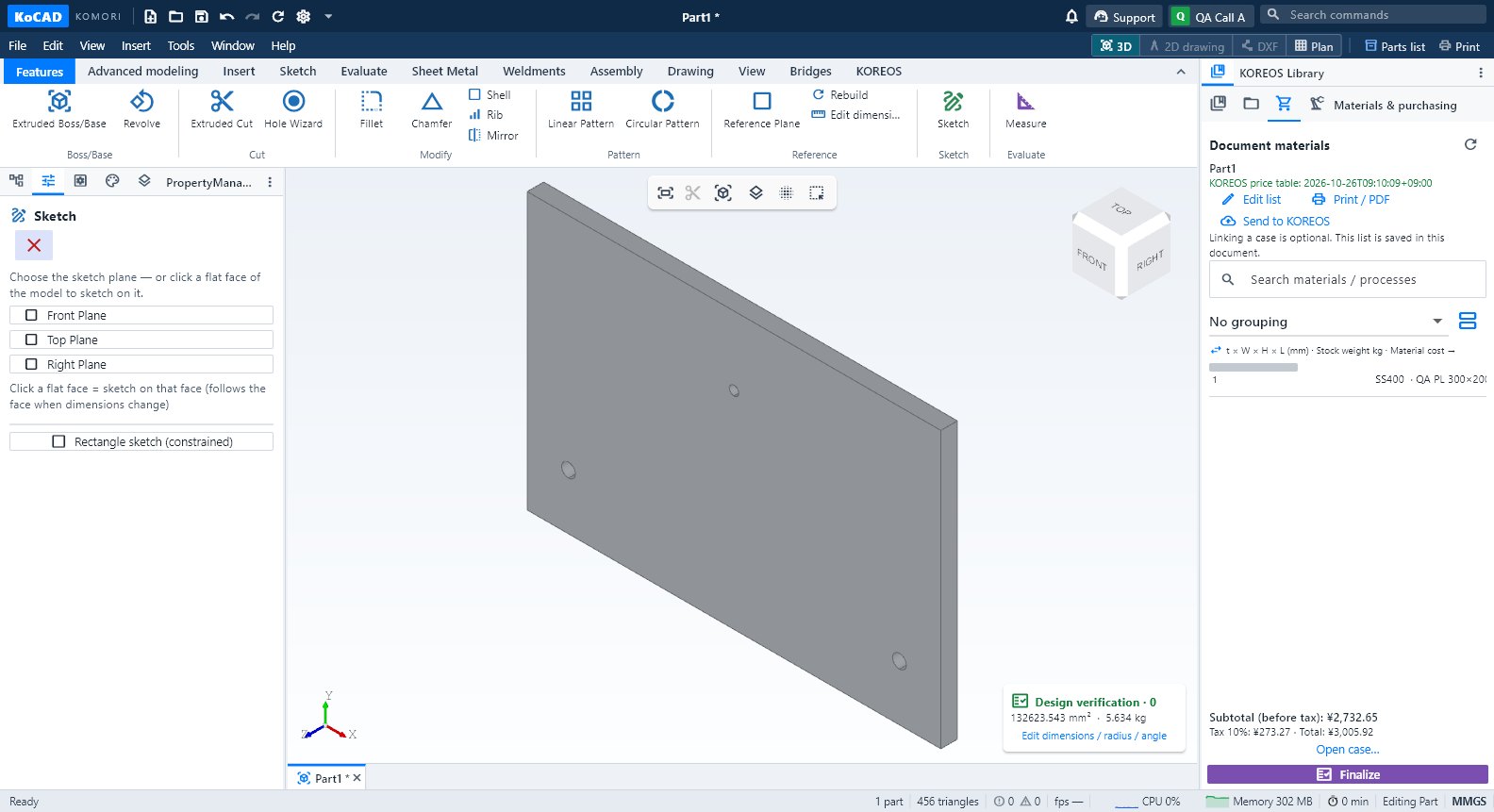 Materials & purchasing, Processes and the Finalize buttonThe document's materials list (edit, purchased items, prices), processes per part with the shop letters, and Finalize with what is missing and the printouts.English
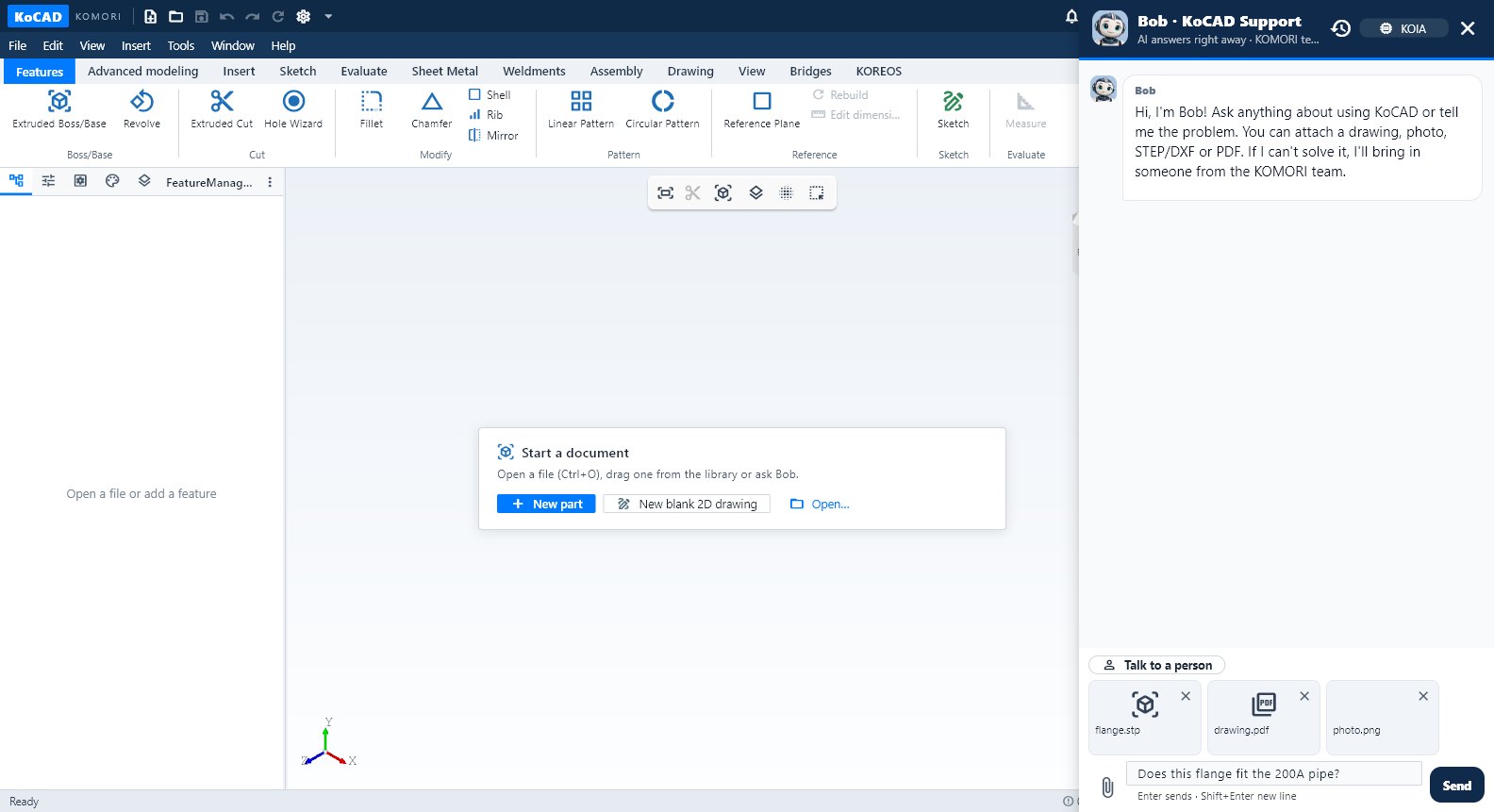 Bob and the Support chatBob answers questions with this Wiki, reads the open model, builds a reviewable plan and executes it in the CAD; the KOMORI team joins when needed.English
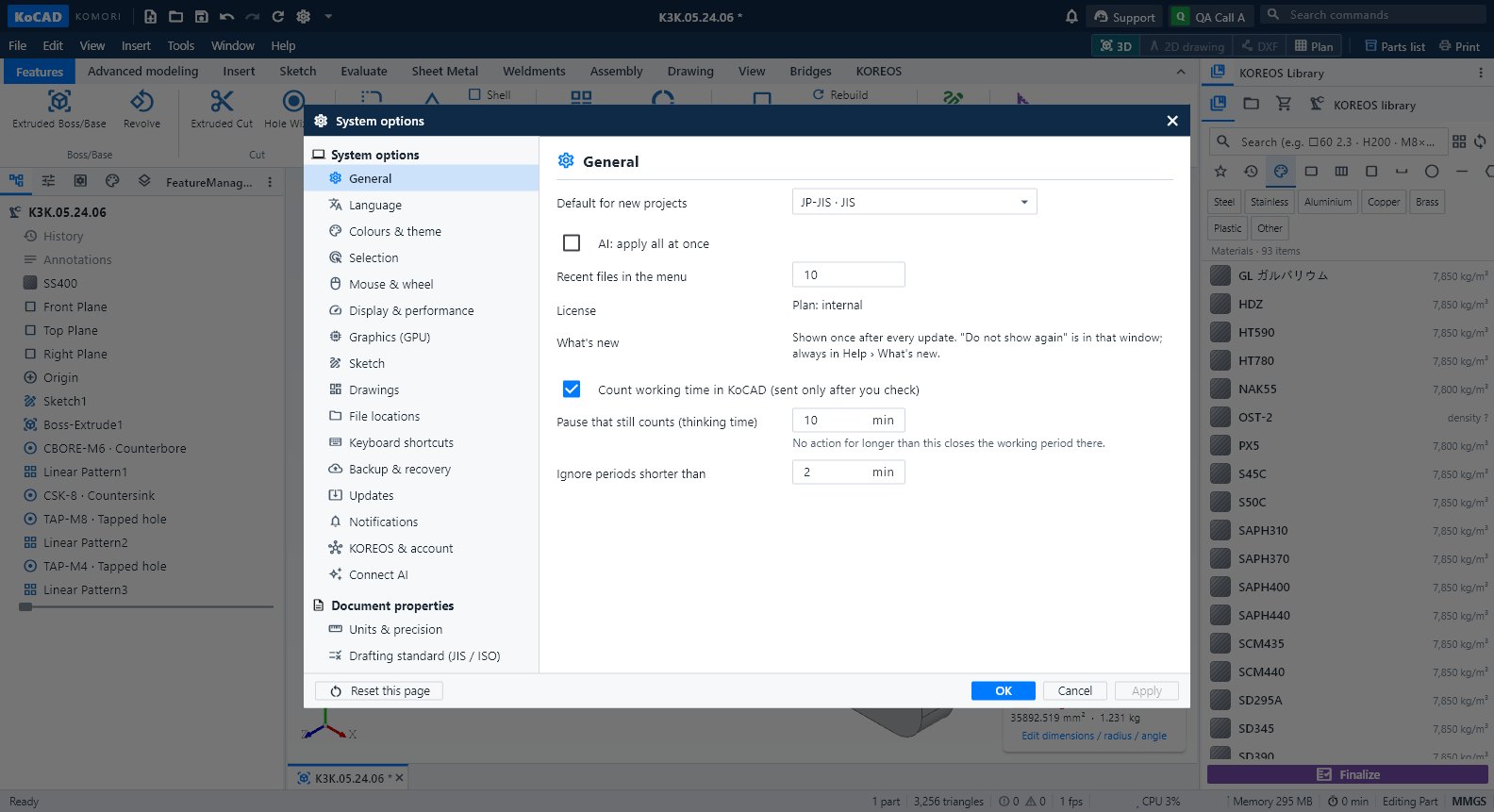 KoCAD Options (Settings)Tools → Options… (Ctrl+,): General, Language, Colours, Selection, Mouse, Display, GPU, Sketch, Drawings, Files, Shortcuts, Backup, Updates (Wiki/Guide), Notifications, KOREOS & account, Connect AI, Units and Standards.English
- Menus, file formats and Print / PDFWhat each menu contains, which files KoCAD opens and exports, and how to print or make a PDF (views, parts list, sheet, plan).English