











Karta · Primeros pasos
Path — Admin: set up your company
The articles for who sets up Karta for the team, in the right order.
Este artículo aún no está traducido a su idioma: se muestra la versión en English.
Follow in order. Each step names the manual article that explains it in detail — search the title in the Wiki.
- Start with the right account — Organize business cards and contacts. Your company has its own workspace; web and app use the same data.
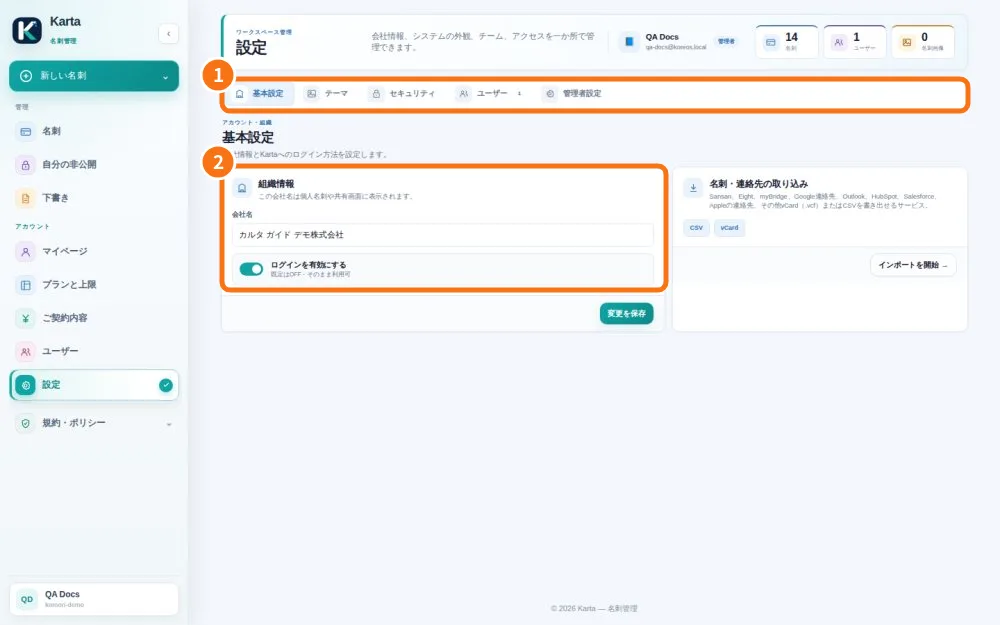
- Manage company users — An administrator manages active accounts and team access; user limits differ from card limits.
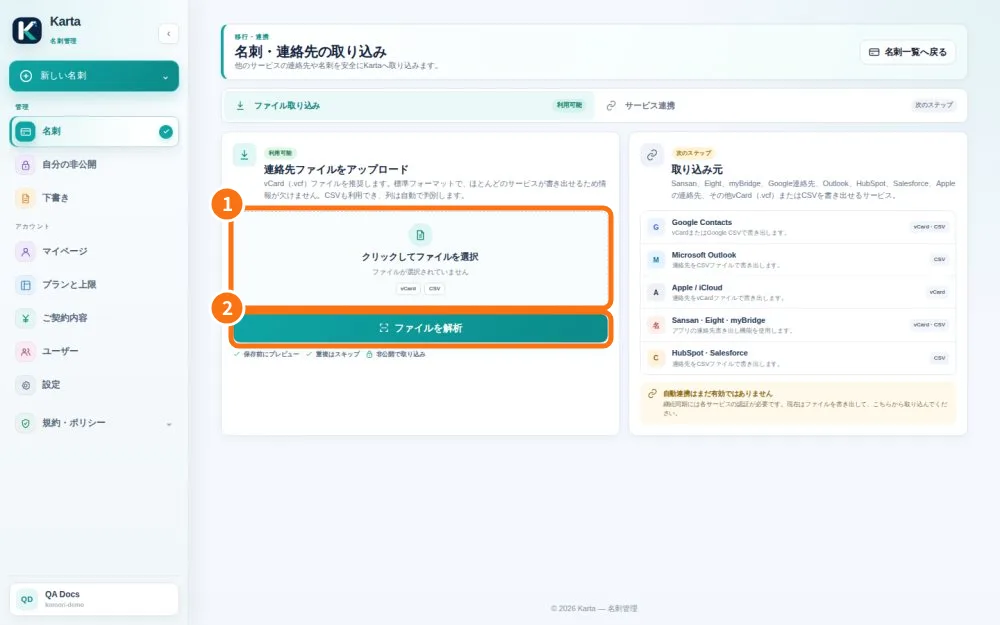
- Import vCard or CSV with a preview — Import accepts contacts exported from another service and saves them only after confirmation.
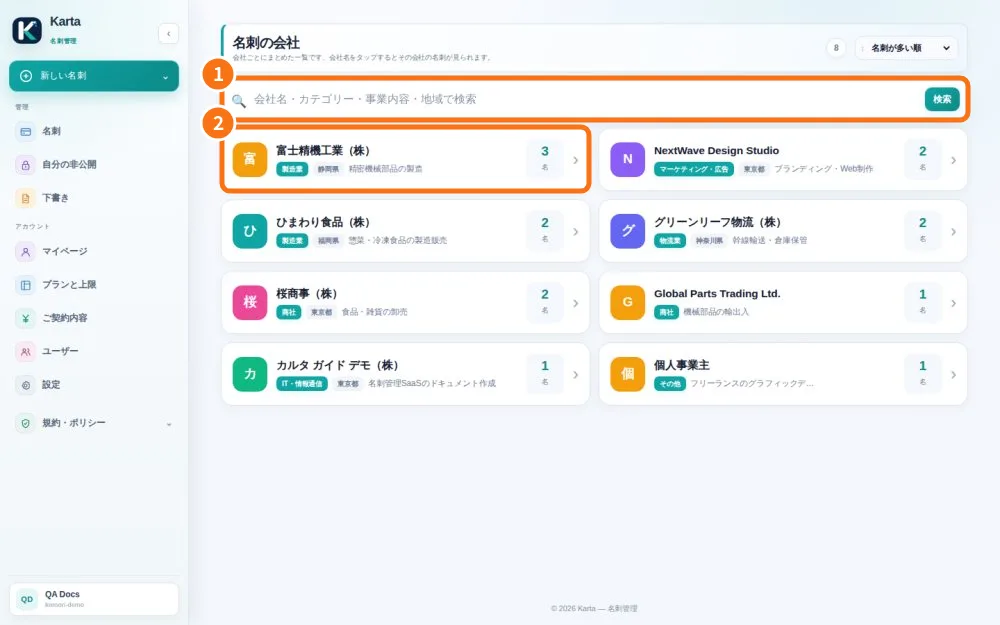
- Organize contacts by company — The directory groups companies from cards so you can find people in the same organization.
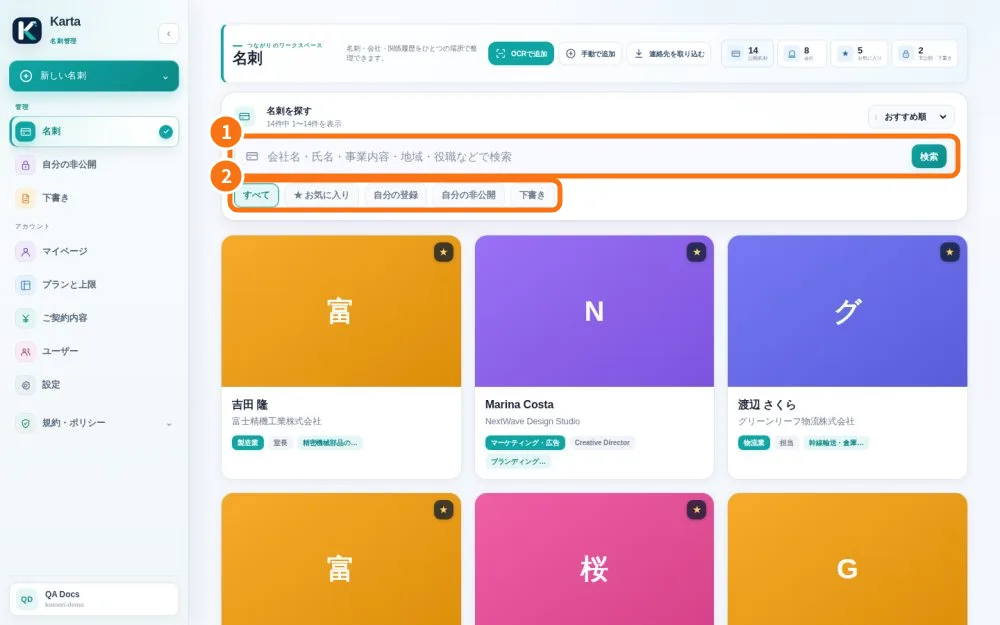
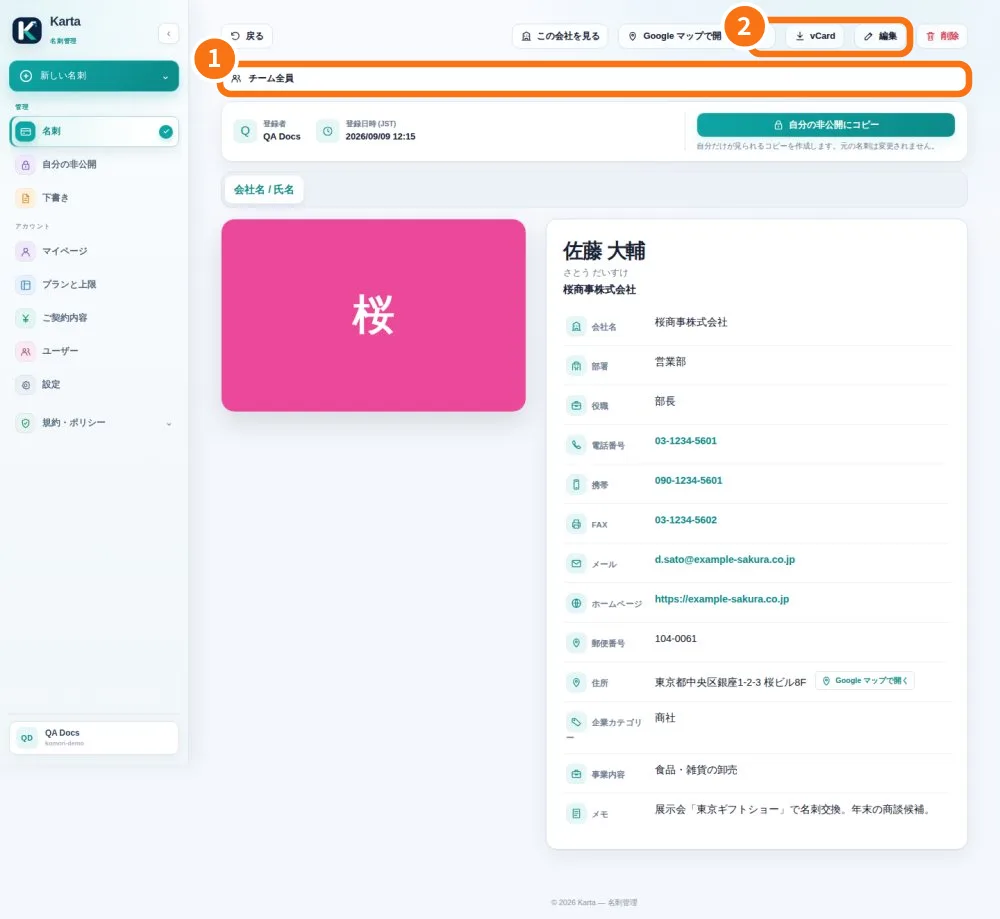
- Set team visibility and an expiry — Visibility decides who can find a card in your company. It differs from your public digital card link.
- Plans, card limits and user seats — The plan controls company card and user capacity. Always check the limits shown for your account.