











Karta · Primeros pasos
Get the official Karta app
On a phone or tablet, use the official app (free) from the App Store or Google Play. Your account and data are the same as on the web.
Este artículo aún no está traducido a su idioma: se muestra la versión en English.
En esta página
From a phone or tablet
- Open Karta in your phone's browser. A bar saying The official Karta app appears at the bottom.
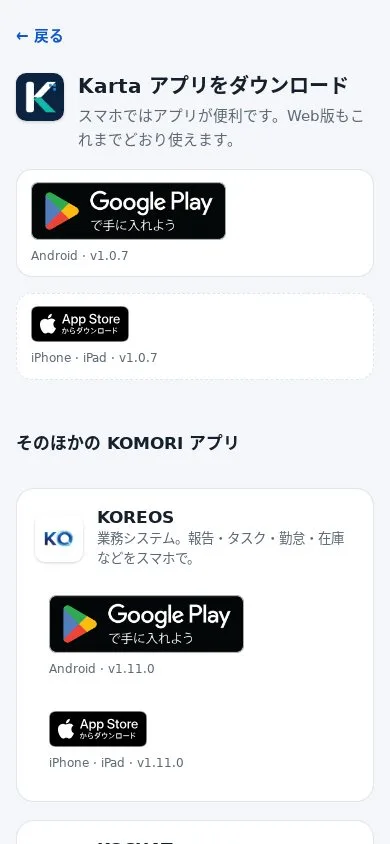
- Tap your device's store badge: App Store (iPhone/iPad) or Google Play (Android).
- In the store, tap Get or Install.
- Open the app and sign in with your usual email and password.
From a computer
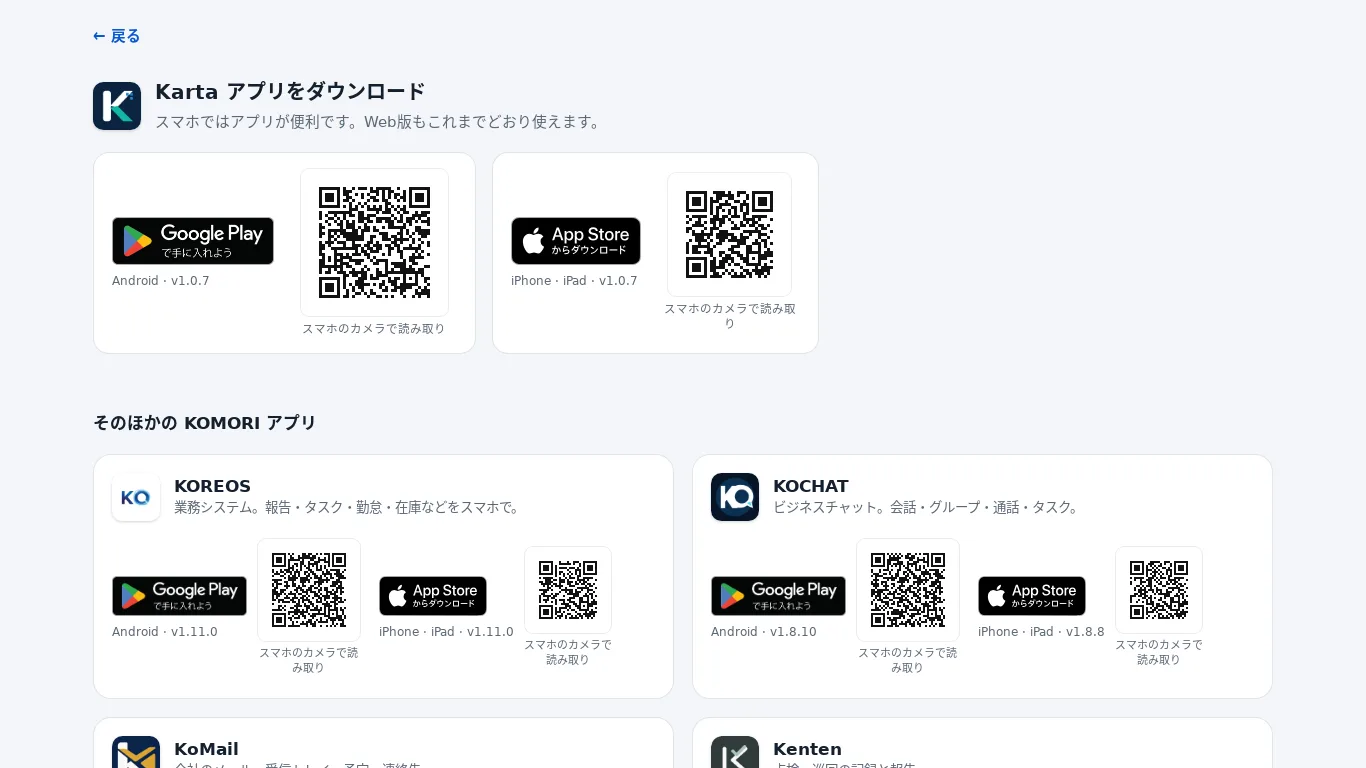
On a computer, the Get the app page shows a QR code next to each store. Point your phone camera at it and the store opens.
If you added Karta to your home screen before
The old home screen icon keeps working, but we recommend switching to the official app: notifications and the camera work better there. After switching, press and hold the old icon and choose Remove. Your data is not lost.