KoCAD · What’s new
[0.21.0] Open, synchronize and update a case in KoCAD
Cases without native files become local projects with product data, the existing BOM and available drawings/documents. An available STEP can seed geometry. Review the local files list for references.
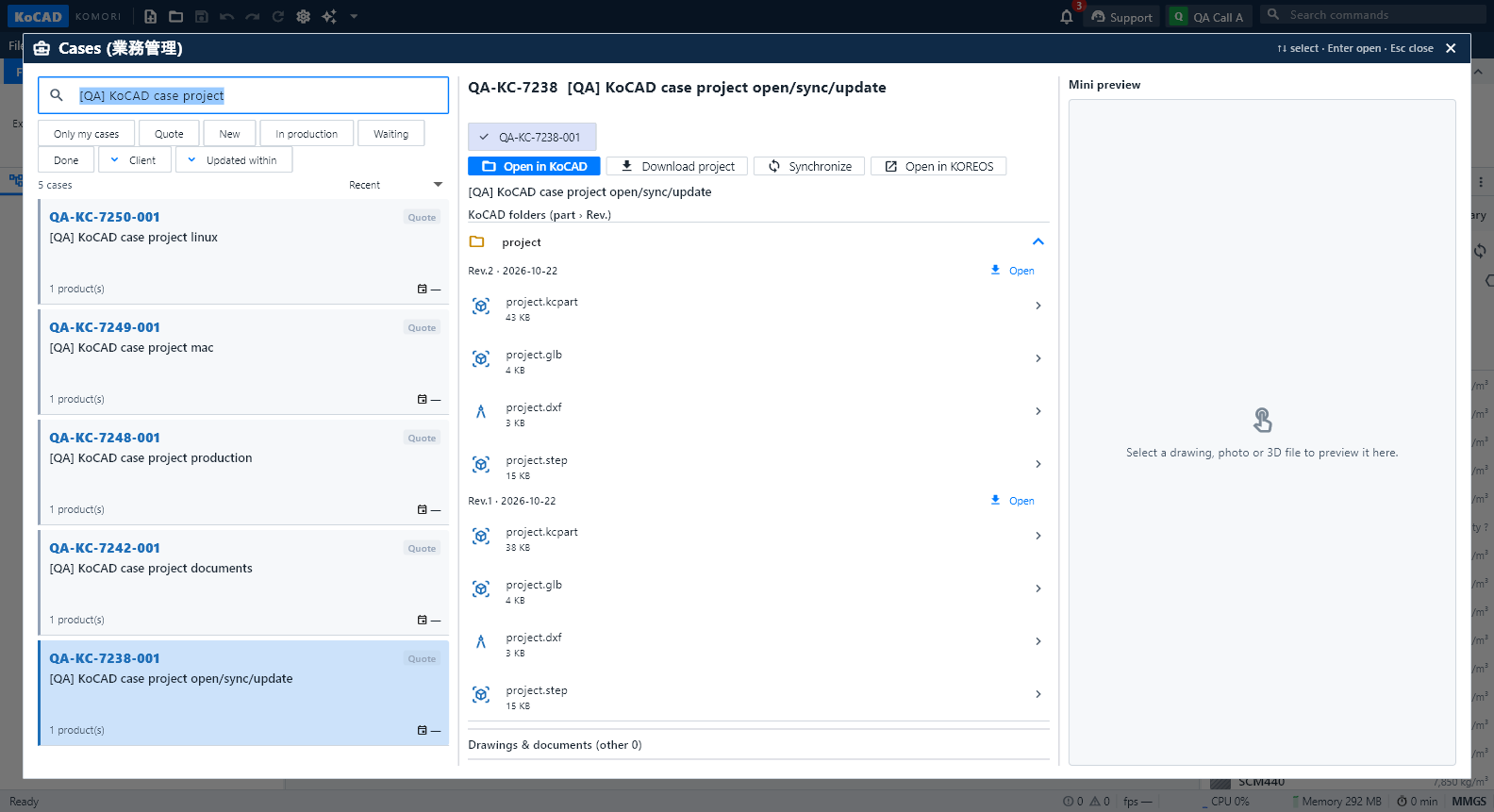
In KoCAD0.21, open KOREOS → Cases, find the case and select its product. Choose Open in KoCAD. Arrow keys select, Enter opens and Escape closes the window.
Cases without native files become local projects with product data, the existing BOM and available drawings/documents. An available STEP can seed geometry. Review the local files list for references.
Download caches files without replacing open work. Synchronize checks KOREOS/NAS while preserving local edits. If both versions changed, review the conflict and choose which to keep; incoming work can open separately.
The BOM displays per-product quantity separately from case totals. Use Edit list → Bind to model part to associate an imported material with drawn geometry. Check the selected part and dimensions; the existing material identity is retained.
Update uploads a new file revision. Then review the BOM differences, choose decisions and Apply using the official KOREOS save function. File upload and BOM application are separate steps.
For cases in production, with ordered material or started processes, read the confirmation before continuing. Open/update actions are recorded. If another person changed the case during the operation, synchronize and review again. If the BOM is locked, use a revision proposal or a reasoned emergency change according to your role permissions.