Kenten · 入门
Path — Inspector: the daily tenken
The articles for who performs the inspection, in the right order.
此文章暂无您的语言版本,以English显示。
Follow in order. Each step names the manual article that explains it in detail — search the title in the Wiki.
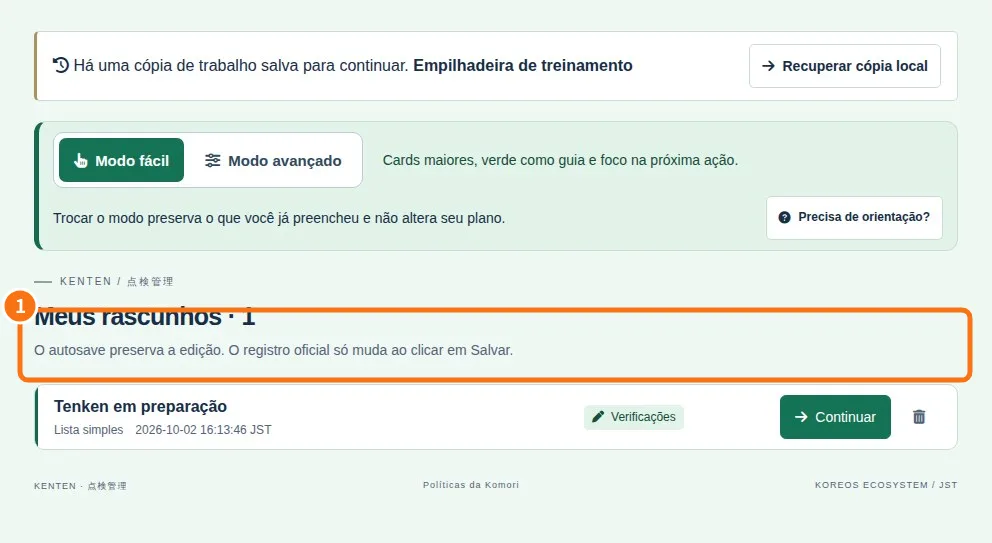
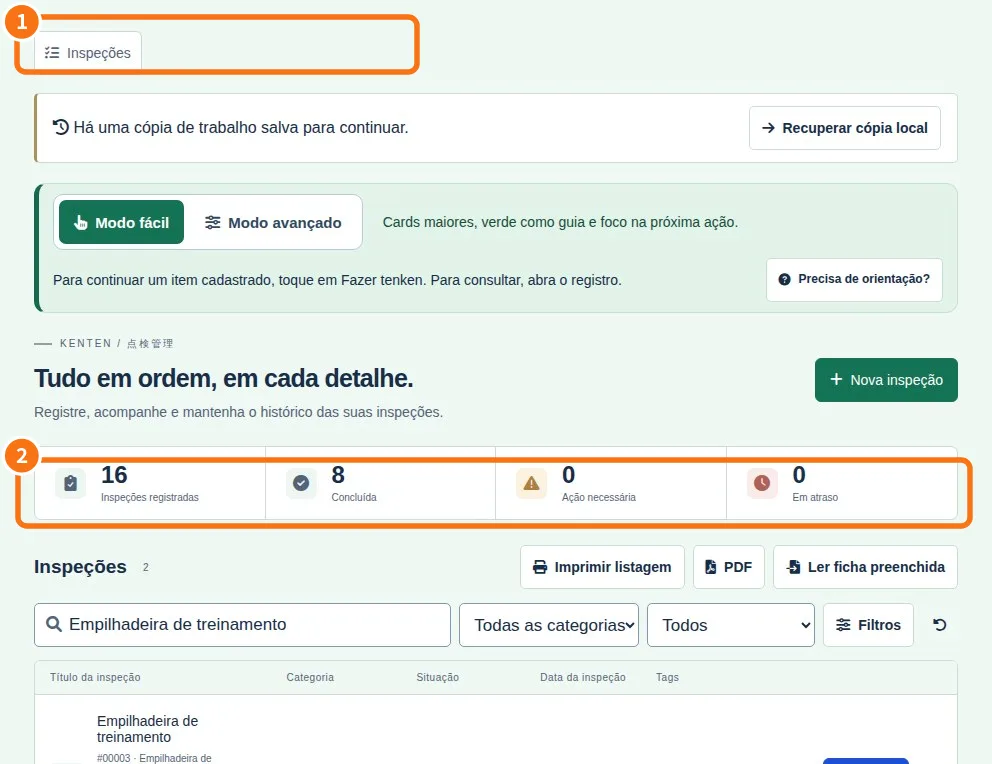
- Start with the easy mode — Find the essentials without hunting through menus.
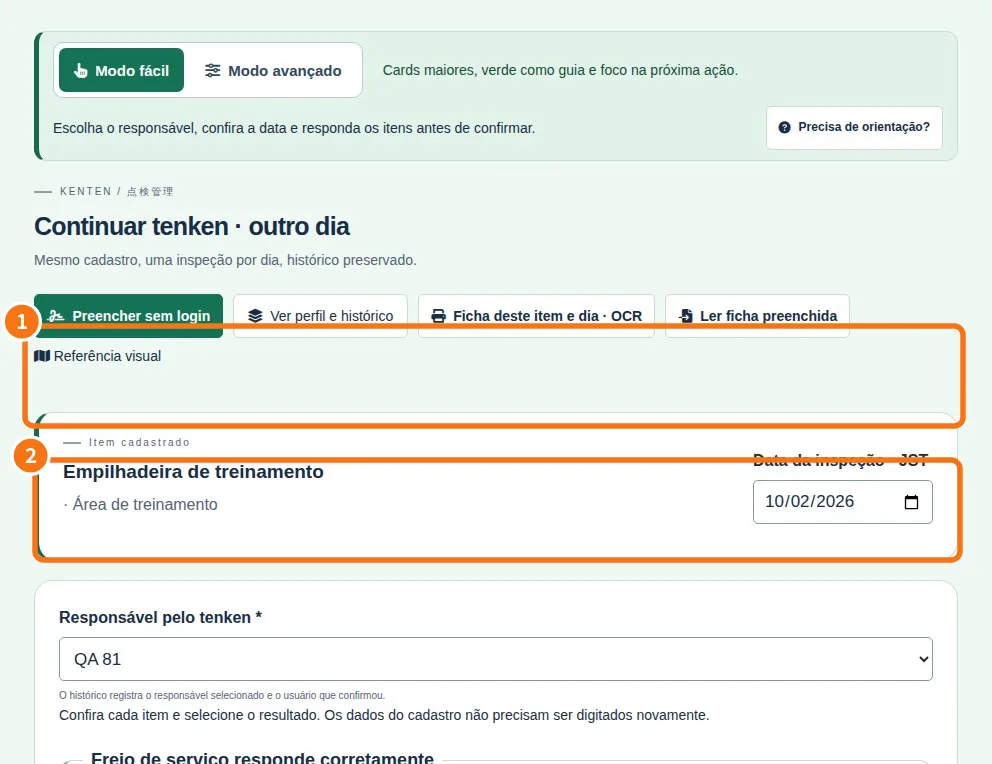
- Answer the inspection — Read one question and choose its result.
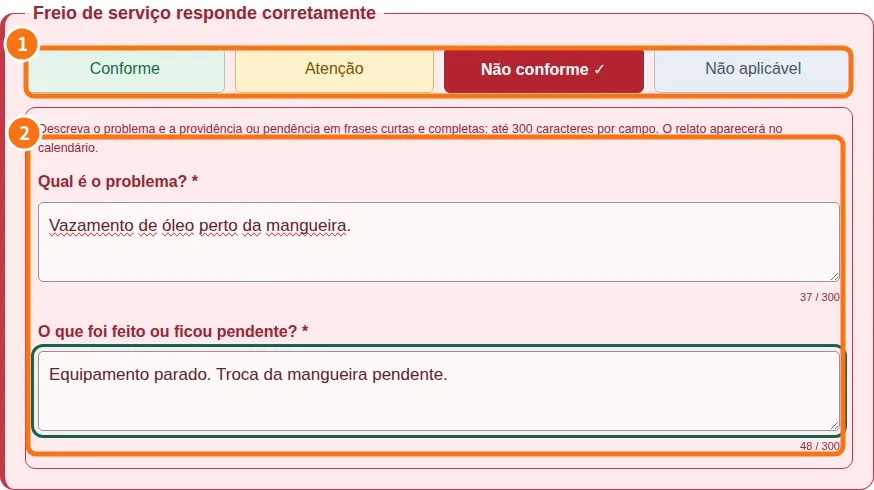
- Explain what is wrong — Describe the problem and what happened next.
- Photos, tags and references — Photos document findings, tags help find records, and references explain checks.
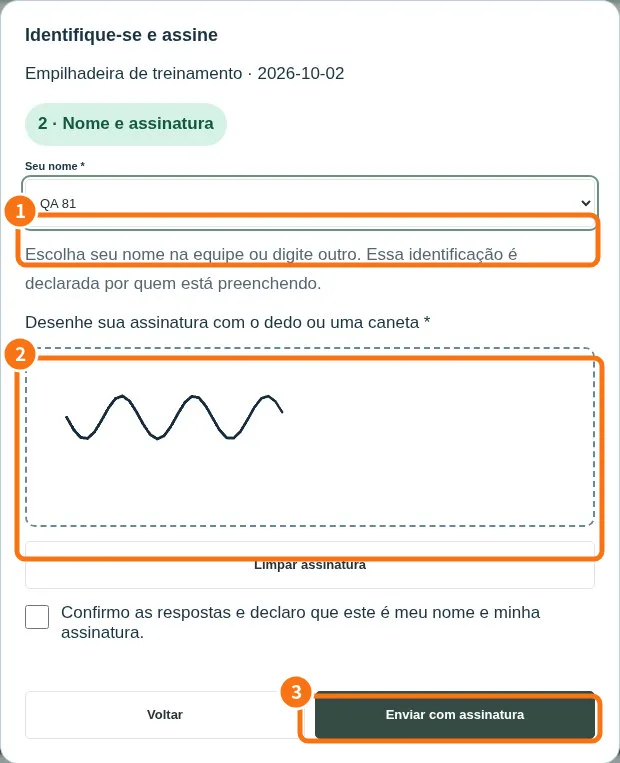
- Finish a shared form with a signature — The person doing the inspection identifies themselves at the end.
- Work offline and send the outbox — The app keeps pending work in an outbox. Saving on a device and sending to the service are different steps.
- Find and resume drafts — Use the compact list to continue later.