











Kenten · 界面与功能
Drafts and paper forms
Pick up unfinished work later, and use a paper sheet when a phone isn't practical in the field.
此文章暂无您的语言版本,以English显示。
本页目录
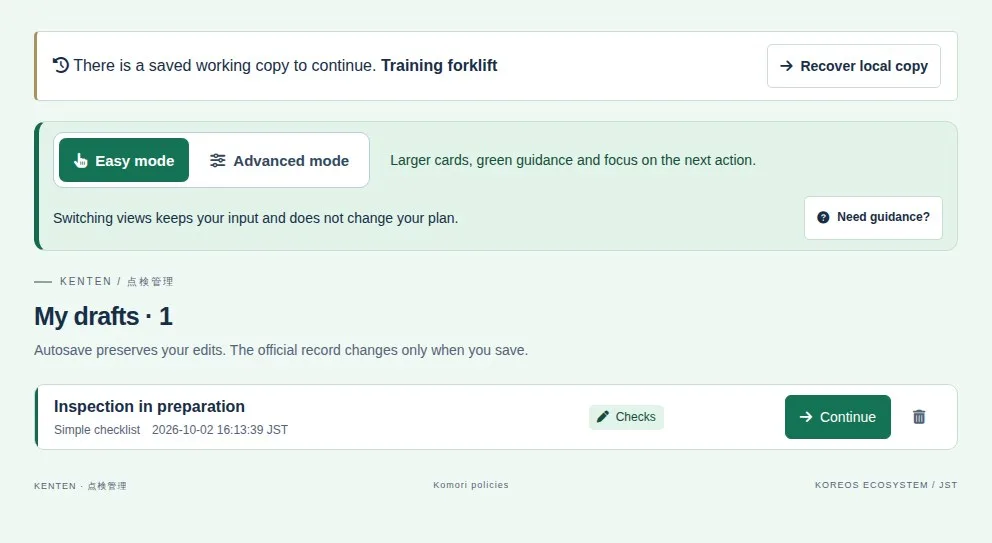
Find and resume drafts
- Open My drafts. Unfinished work appears in a compact list.
- Find the draft by its title and details and tap Continue.
- Finish reviewing and save the inspection. Check its final status: a draft does not appear on the monthly sheet.
Use a paper form
- From the item or the daily inspection, use the paper-form option and print the generated sheet, which carries an identification code.
- Fill it in clearly by hand. Tick only one box per item and keep the code visible.
- Use the option to read a filled sheet to photograph or upload the pages.
- Check the recognized item, date and every answer. Correct reading mistakes before saving.