











Kenten · 界面与功能
Register items and compare history
Item records identify the inspected vehicle, machine, person or location and group its visits in one history.
此文章暂无您的语言版本,以English显示。
本页目录
What this is for
Item records identify the inspected vehicle, machine, person or location and group its visits in one history.
Step by step
- Search Items by name or code before creating one.
- Reuse an existing item for the same equipment; check category and team.
- Open the item to view past inspections.
- Where comparison is available, select two inspections of that item and check dates and measurements.
- Continue for the next visit and enter fresh results instead of treating old answers as current.
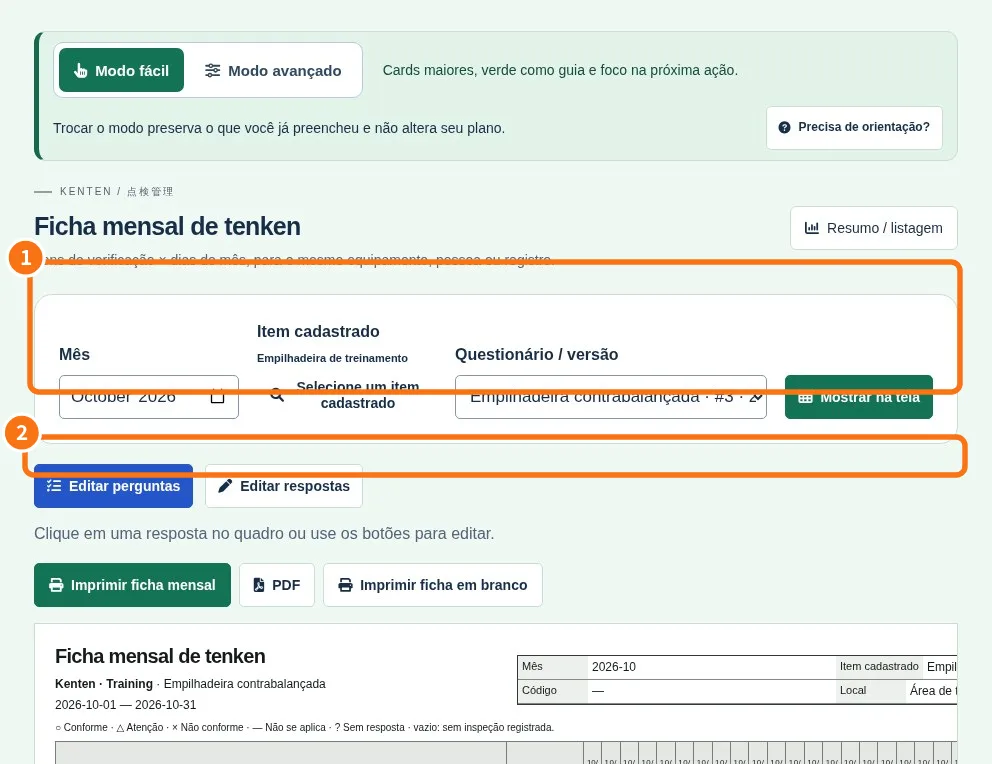
Demo screen. Numbered highlights mark the controls discussed; the image language may differ from yours.
Tip
If something goes wrong
For an empty history, check filters, team and selected item. Seeing a group does not grant access to all its records.
Related articles
- FAQ: 20 answers