











Kenten · 界面与功能
Roles, teams, invitations and recovery
Managers organize team work; available actions depend on role and plan.
此文章暂无您的语言版本,以English显示。
本页目录
What this is for
Managers organize team work; available actions depend on role and plan.
Step by step
- On the web, use your own authorized access to open users or teams.
- Check members and form teams that share only necessary work.
- Choose role and team for invitations: viewers read, inspectors record, and administrators manage within their permissions.
- Check the recipient before giving them the link; do not publish it.
- For an accidentally deleted record, use Trash and Restore when authorized; review Audit to understand changes.
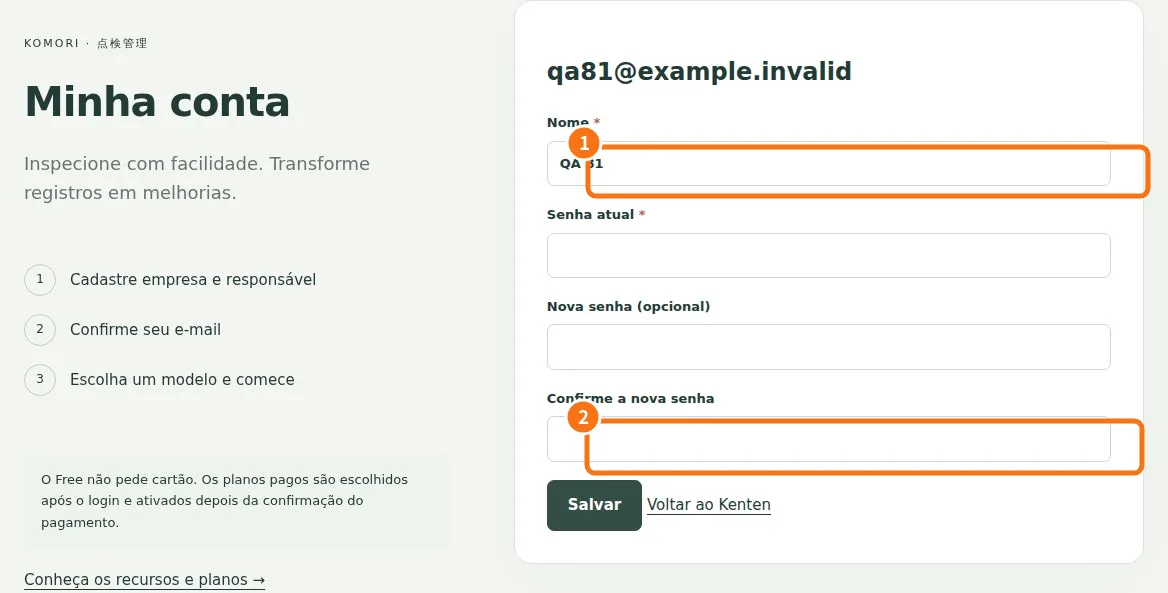
Demo screen. Numbered highlights mark the controls discussed; the image language may differ from yours.
Tip
If something goes wrong
If management, Trash or Audit is absent, check role and paid plan. Check restoration before recreating an inspection.
Related articles
- FAQ: 20 answers