











Kenten · Screens & features
Photos, tags and references
Photos document findings, tags help find records, and references explain checks.
On this page
What this is for
Photos document findings, tags help find records, and references explain checks.
Step by step
- Check the inspection item and date.
- Add a camera/gallery photo and review its caption when available.
- Read the model’s visual reference for the intended check.
- Add named, colored tags in editing to organize the list.
- If extracting text from a photo, review it before applying to notes.
- Save and verify both the record and app outbox.
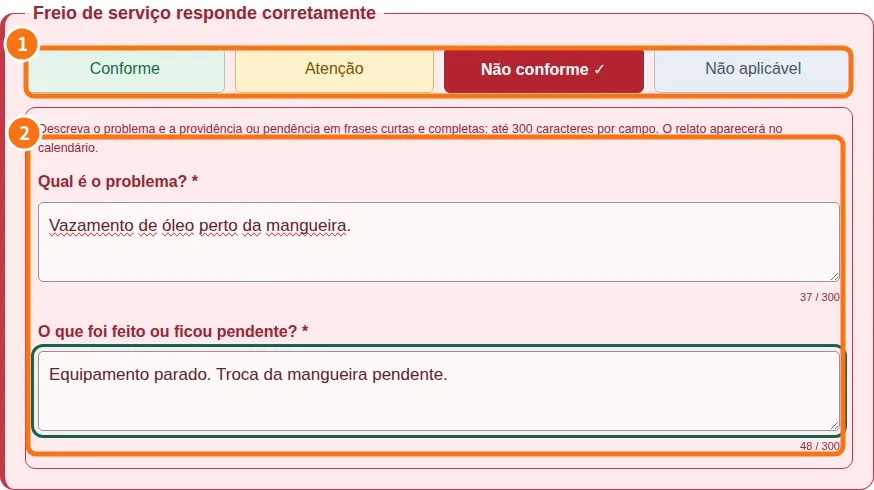
Demo screen. Numbered highlights mark the controls discussed; the image language may differ from yours.
Tip
If something goes wrong
If a photo fails, check permission and allowed size. A device-saved image may still await sending.
Related articles
- FAQ: 20 answers