











Kenten · Màn hình & chức năng
Photos, tags and references
Photos document findings, tags help find records, and references explain checks.
Bài viết này chưa được dịch sang ngôn ngữ của bạn: đang hiển thị bản English.
Trong trang này
What this is for
Photos document findings, tags help find records, and references explain checks.
Step by step
- Check the inspection item and date.
- Add a camera/gallery photo and review its caption when available.
- Read the model’s visual reference for the intended check.
- Add named, colored tags in editing to organize the list.
- If extracting text from a photo, review it before applying to notes.
- Save and verify both the record and app outbox.
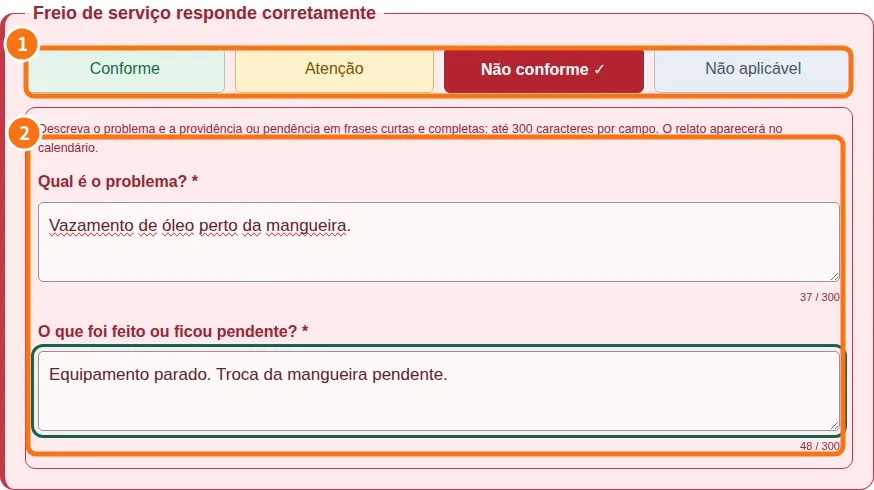
Demo screen. Numbered highlights mark the controls discussed; the image language may differ from yours.
Tip
If something goes wrong
If a photo fails, check permission and allowed size. A device-saved image may still await sending.
Related articles
- FAQ: 20 answers