Kenten · Getting started
Path — Manager: set up the routine and review the month
The articles for who creates forms and reviews them, in the right order.
Follow in order. Each step names the manual article that explains it in detail — search the title in the Wiki.
- Make the app fit your work — Show the segments you actually use.
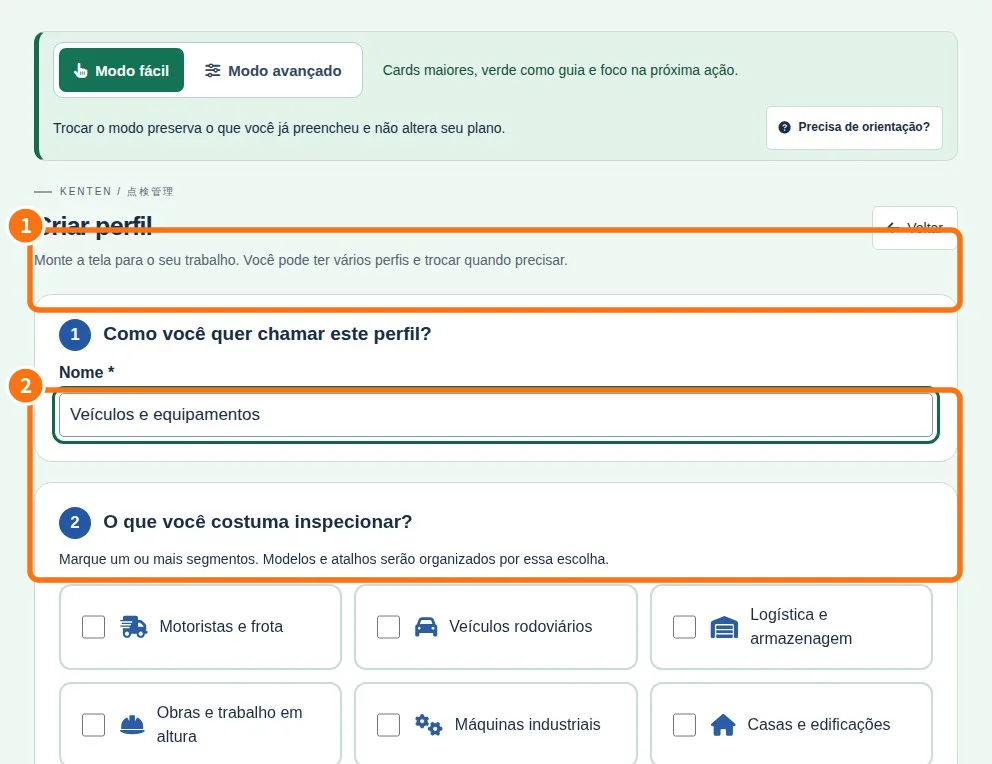
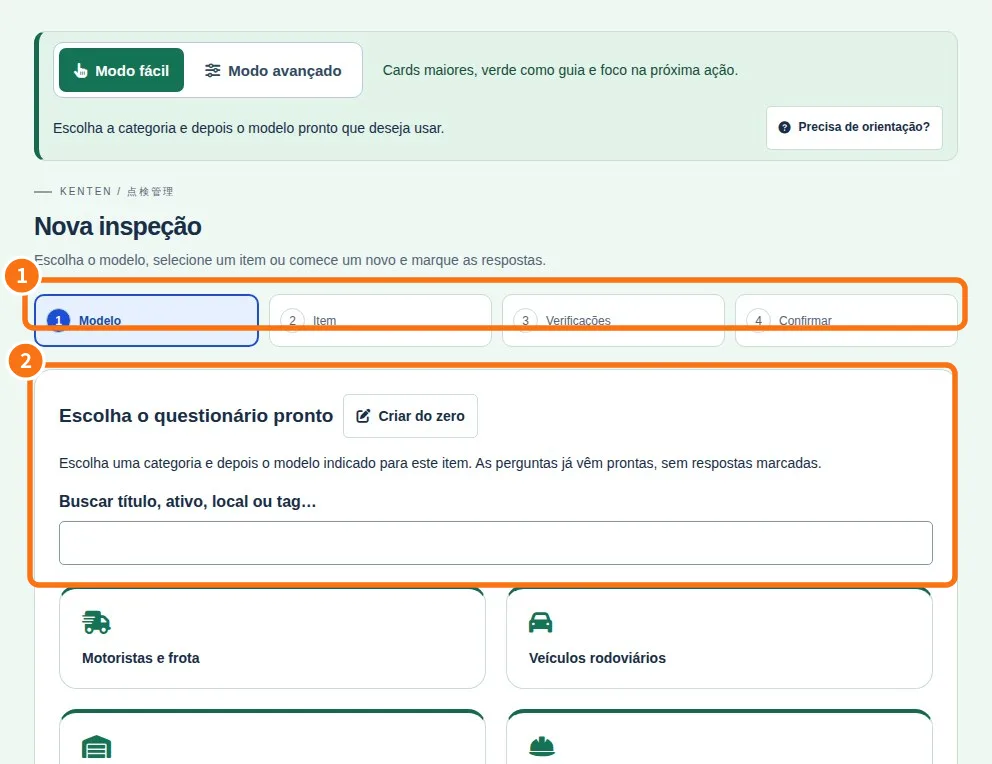
- Create your tenken — Start from a ready model or a blank list.
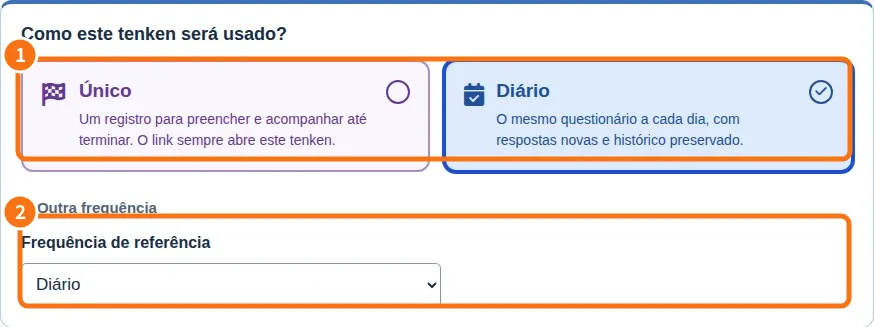
- Choose when the inspection happens — One-time, daily, weekly or monthly.
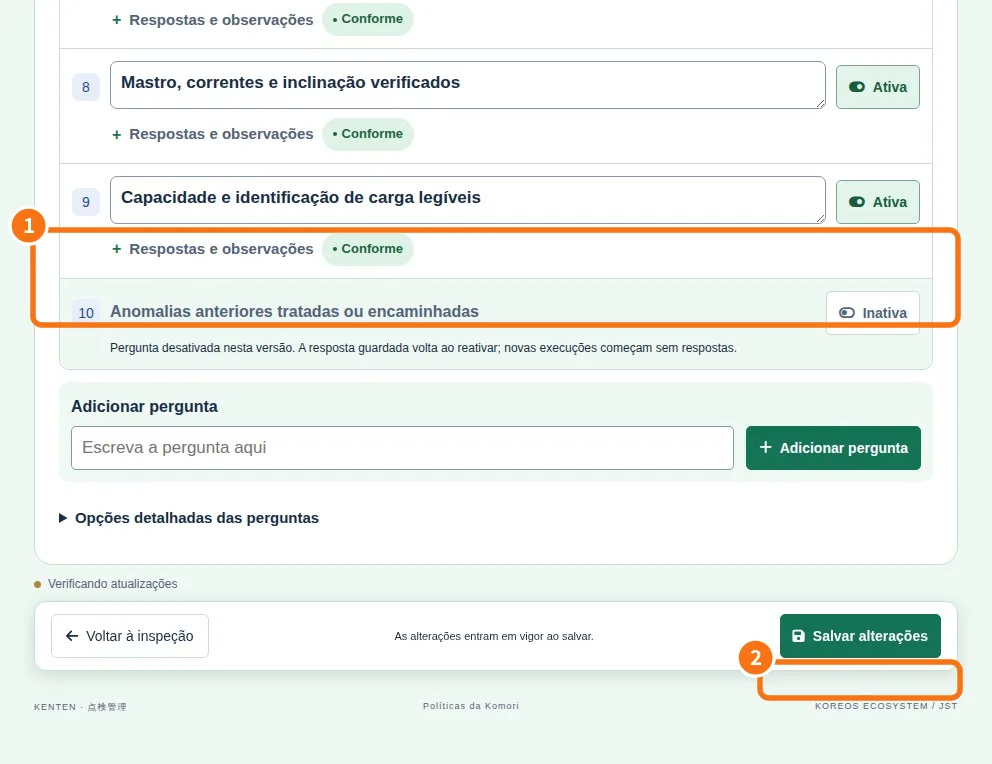
- Correct and organize questions — Edit the list without choosing the model again.
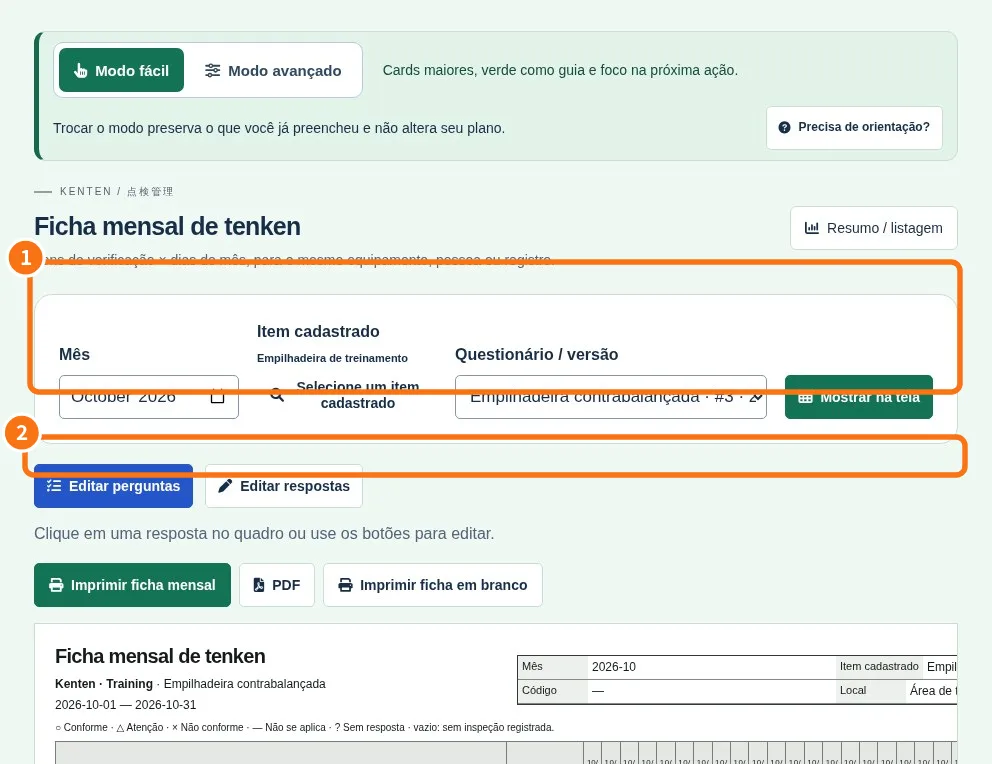
- Read the monthly calendar — See each day’s answers in one place.
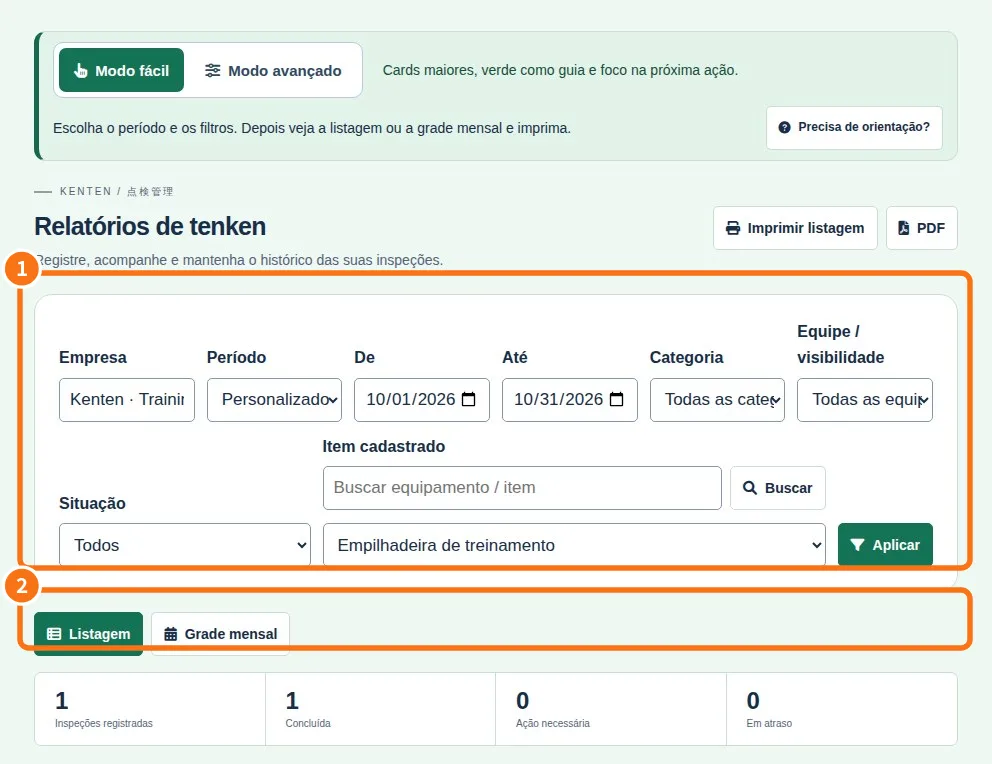
- Print or download a PDF — Choose the sheet that matches your task.
- Roles, teams, invitations and recovery — Managers organize team work; available actions depend on role and plan.