











KOREOS HOME · 界面与功能
Attach photos to tasks and events
Attachments keep context or work evidence with a task or event, following local or cloud mode.
此文章暂无您的语言版本,以English显示。
本页目录
What this is for
Attachments keep context or work evidence with a task or event, following local or cloud mode.
Step by step
- Open the correct task or event detail.
- Use Attach and choose camera or file when offered.
- Check the image for information you do not want to share.
- Wait for saving and cloud synchronization when applicable.
- Reopen the detail before deleting your original copy.
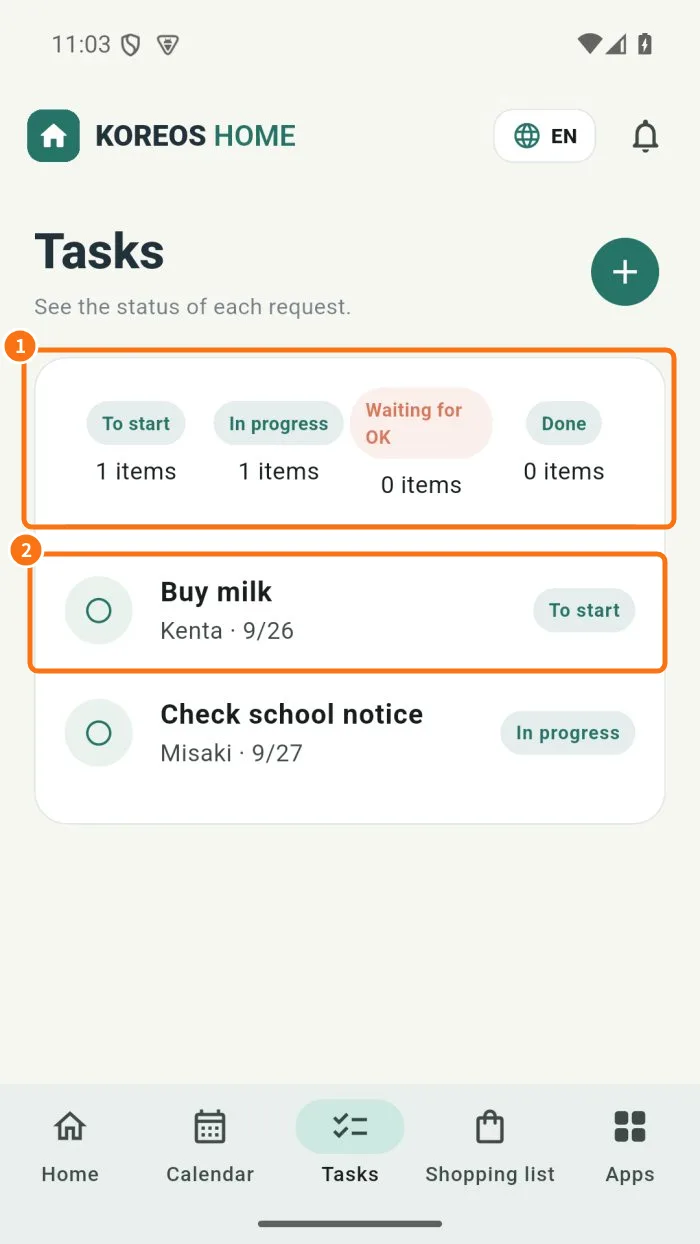
Demo screen. Numbered highlights mark the controls discussed; the image language may differ from yours.
Tip
If something goes wrong
On failure, check camera/file permission, connection and the displayed error. Keep the original until saving is confirmed.
Related articles
- FAQ: 20 answers