KOREOS HOME · 界面与功能
Tasks and requests
Track who does what, change the status and see each request’s history.
此文章暂无您的语言版本,以English显示。
本页目录
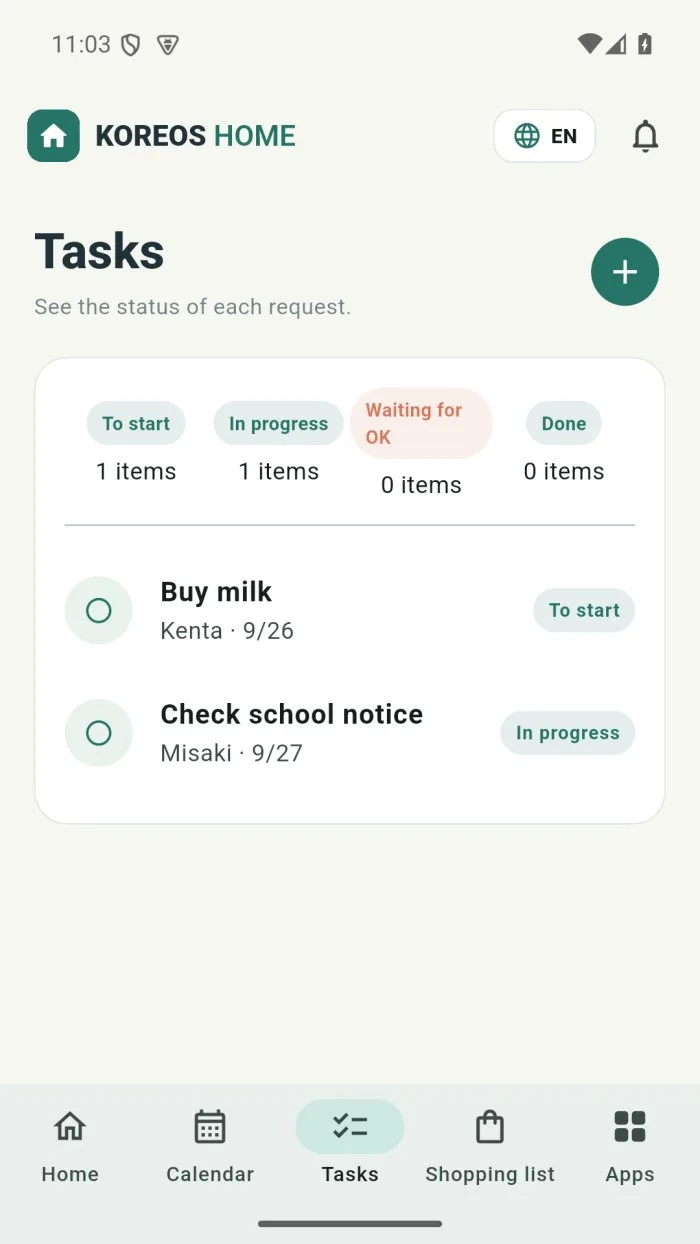
Open Tasks in the bottom bar. It shows the status of each request at home.
The four statuses
- Status · When to use it
- To start · Requested, nobody has started.
- In progress · Someone is on it.
- Waiting for OK · Done; the person who asked still has to check.
- Done · Finished.
Create and follow a task
- Tap + and write the task. You can attach a photo, voice or a file.
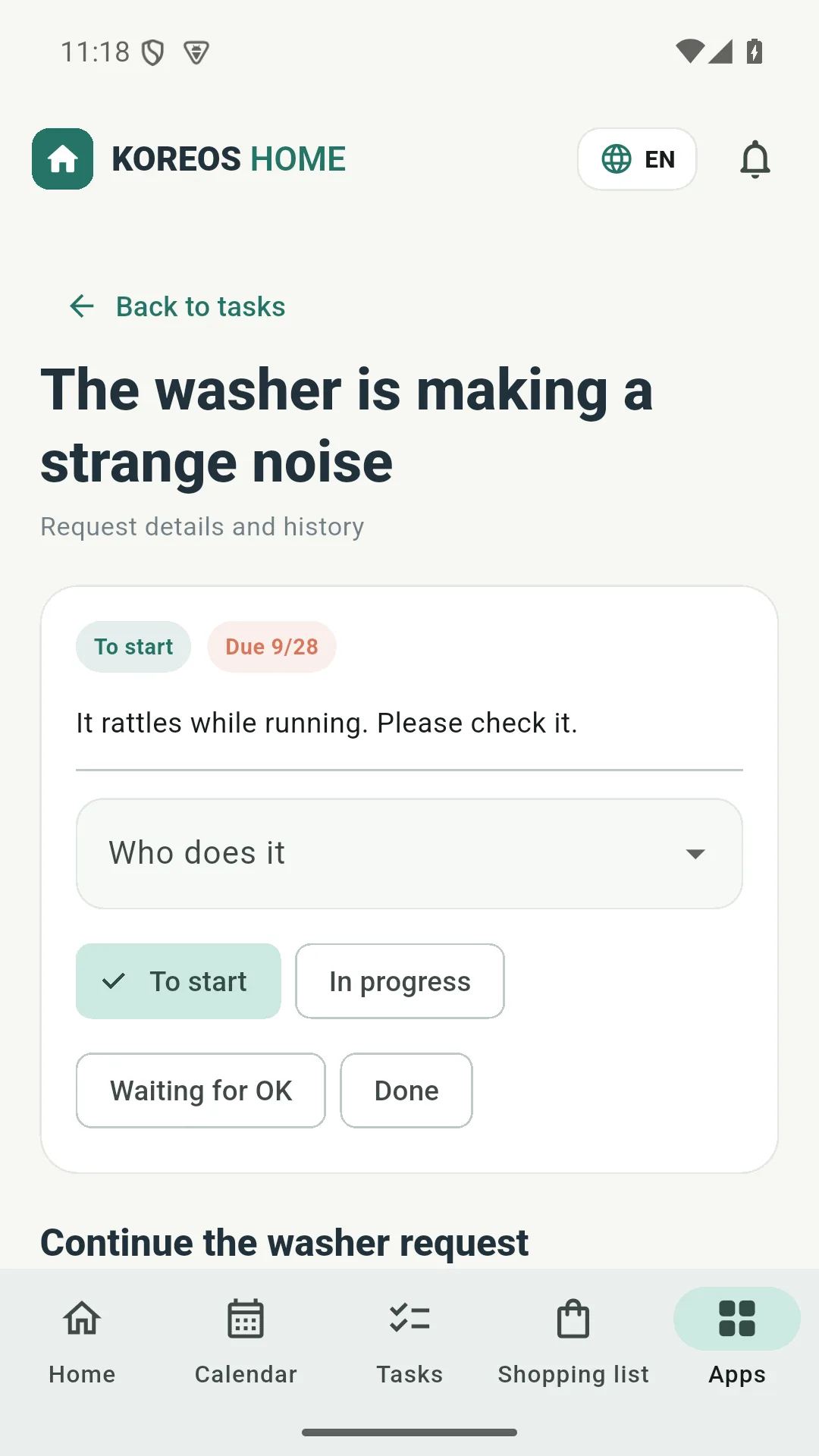
- Tap the task to open Request details and history.
- Under Who does it, pick the person.
- Tap the new status (for example, In progress).