KOREOS HOME · Màn hình & chức năng
Tasks and requests
Track who does what, change the status and see each request’s history.
Bài viết này chưa được dịch sang ngôn ngữ của bạn: đang hiển thị bản English.
Trong trang này
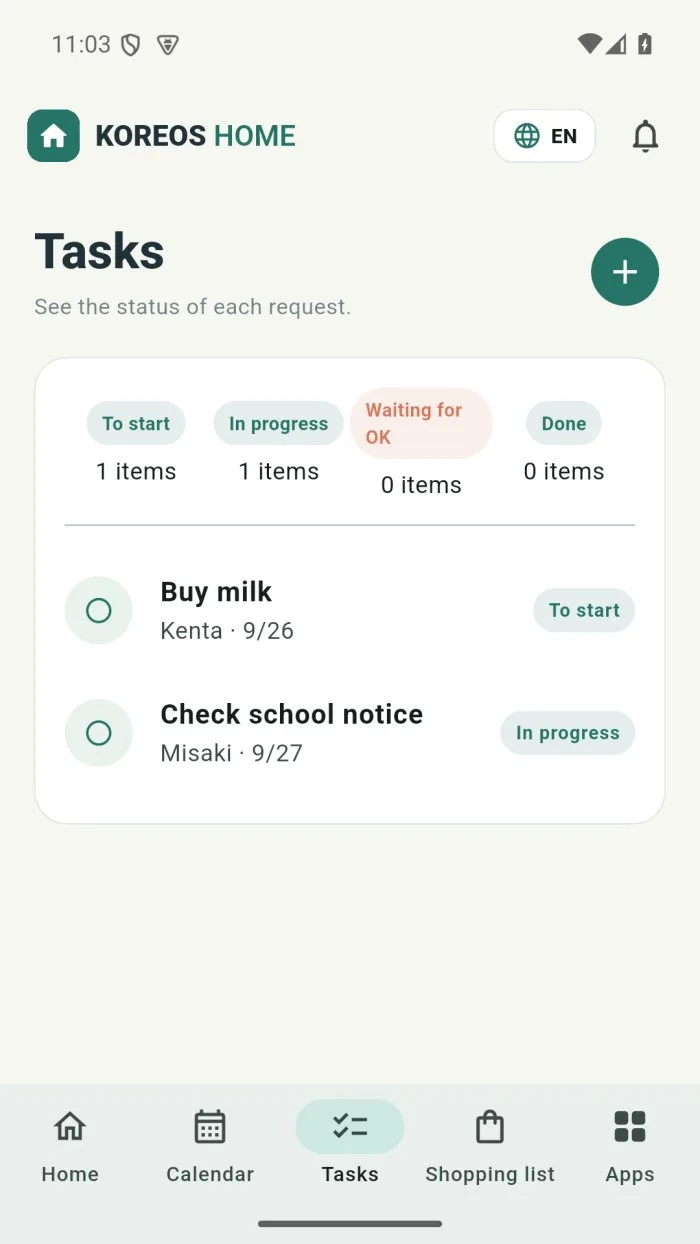
Open Tasks in the bottom bar. It shows the status of each request at home.
The four statuses
- Status · When to use it
- To start · Requested, nobody has started.
- In progress · Someone is on it.
- Waiting for OK · Done; the person who asked still has to check.
- Done · Finished.
Create and follow a task
- Tap + and write the task. You can attach a photo, voice or a file.
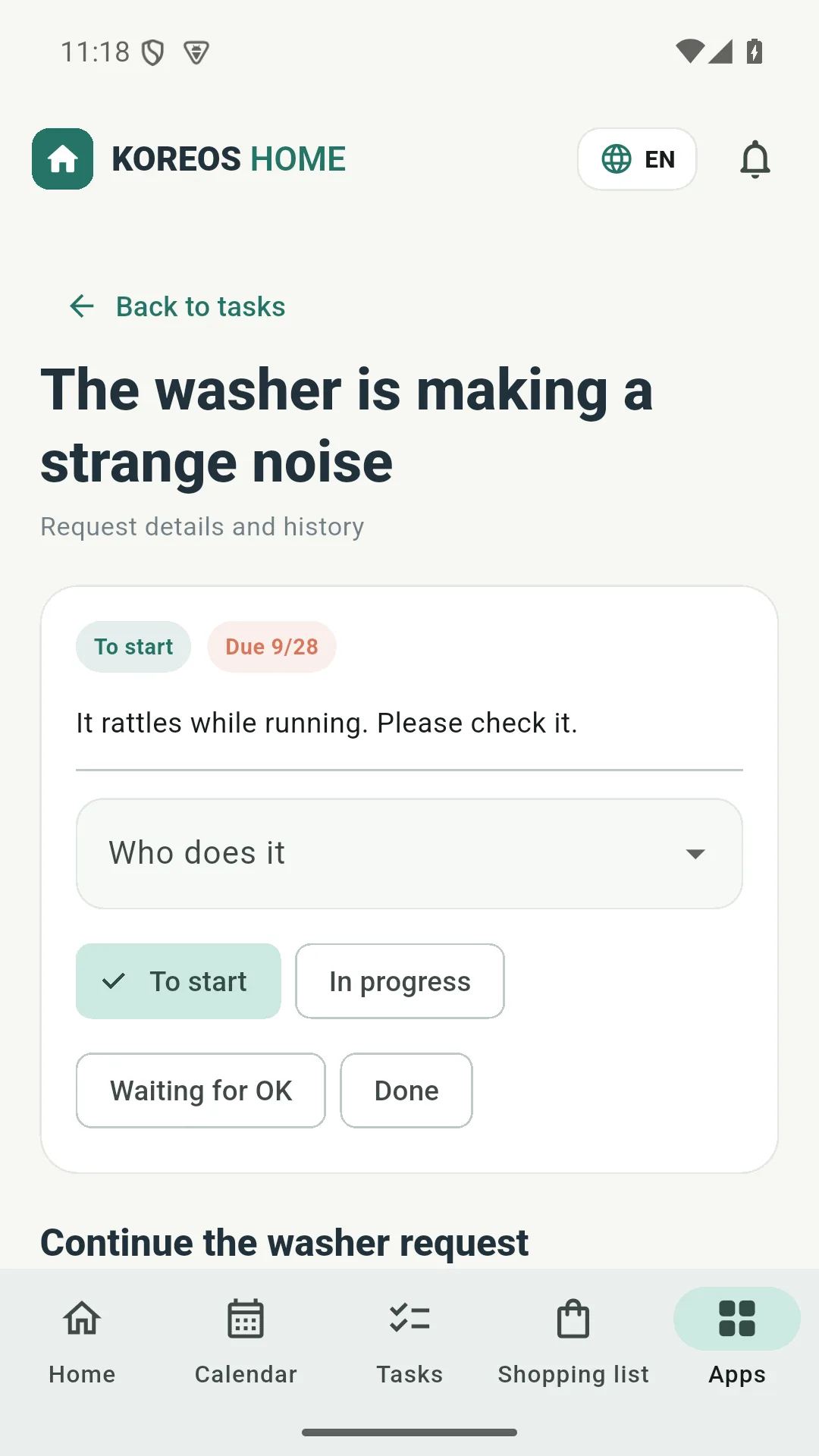
- Tap the task to open Request details and history.
- Under Who does it, pick the person.
- Tap the new status (for example, In progress).