











KOREOS HOME · Màn hình & chức năng
Family calendar
See and create events for the whole family, by person, by day, month or year.
Bài viết này chưa được dịch sang ngôn ngữ của bạn: đang hiển thị bản English.
Trong trang này
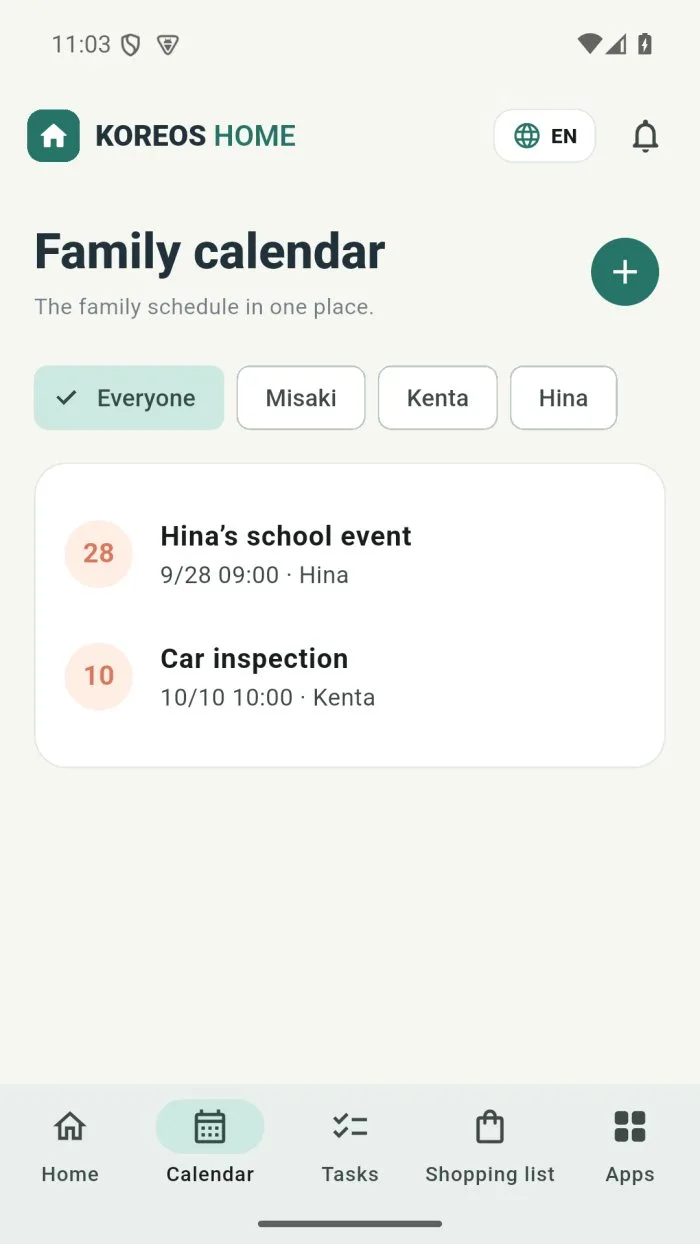
Open Calendar in the bottom bar. Everyone’s events are in one place.
What is on the screen
- Filters by person: Everyone or each family member’s name.
- Views: Day, Month and Year, plus Today to jump back.
- +: creates a new event.
Create an event
- Tap +.
- Type the name, date and time (or tick All day).
- Under Repeat, choose Daily, Weekly, Monthly or Yearly if needed.
- Optionally link it to a task or home item and add Notes.
- Save. The event shows on the family calendar.