KOREOS HOME · Màn hình & chức năng
Shopping list and family apps
Tick off what was bought, see the history and arrange the family apps.
Bài viết này chưa được dịch sang ngôn ngữ của bạn: đang hiển thị bản English.
Trong trang này
Shopping list
Open Shopping list in the bottom bar. One list so no one forgets the shopping.
- Tap + to add an item (with quantity and unit if you like).
- When you buy it, tick its box. It shows crossed out, with who bought it.
- Use Buy again to repeat an item.
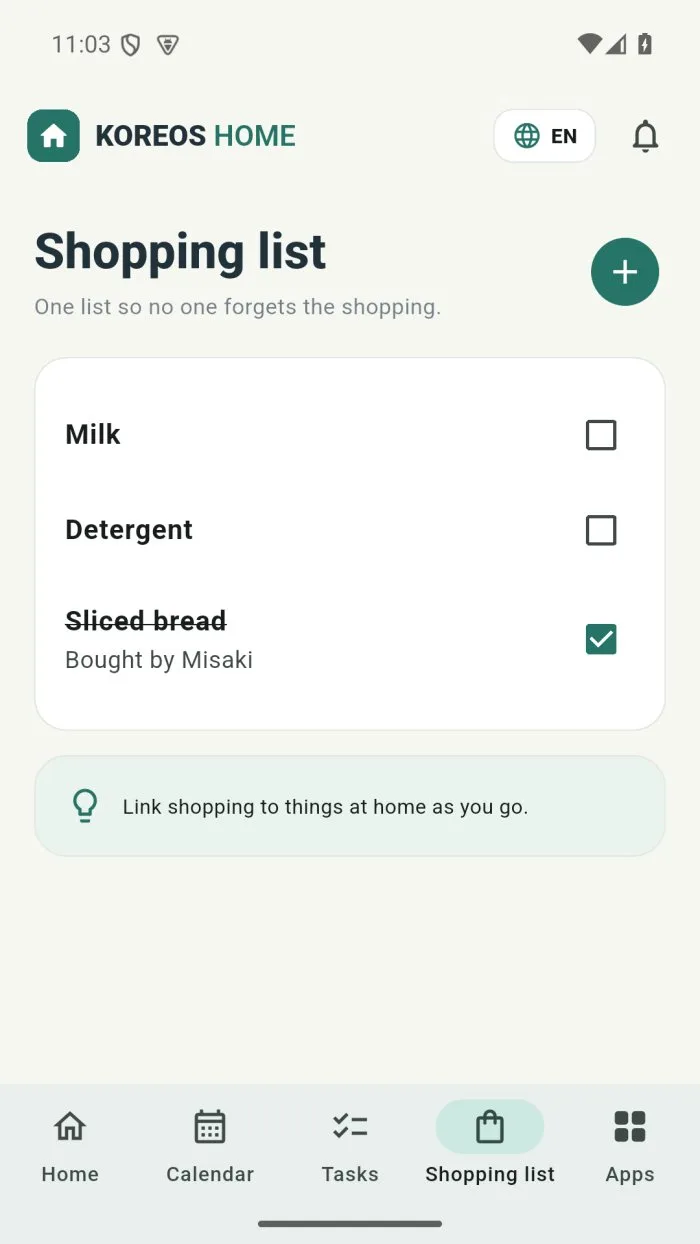
Over time you can link shopping to Things at home and check the monthly Purchase history.
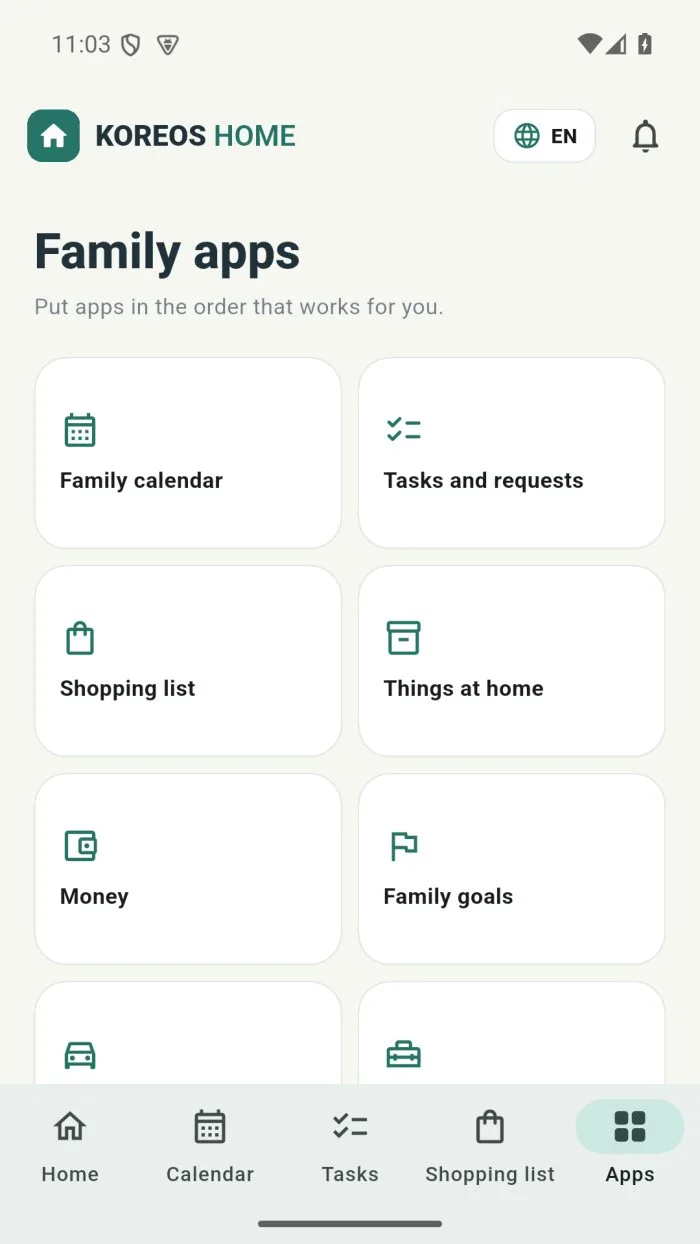
Family apps
The Apps tab gathers every area of KOREOS HOME: Family calendar, Tasks and requests, Shopping list, Things at home, Money, Family goals, Our car and Home and appliances. Put them in the order that suits you with Arrange apps.