











KOREOS HOME · 界面与功能
Family calendar
See and create events for the whole family, by person, by day, month or year.
此文章暂无您的语言版本,以English显示。
本页目录
Open Calendar in the bottom bar. Everyone’s events are in one place.
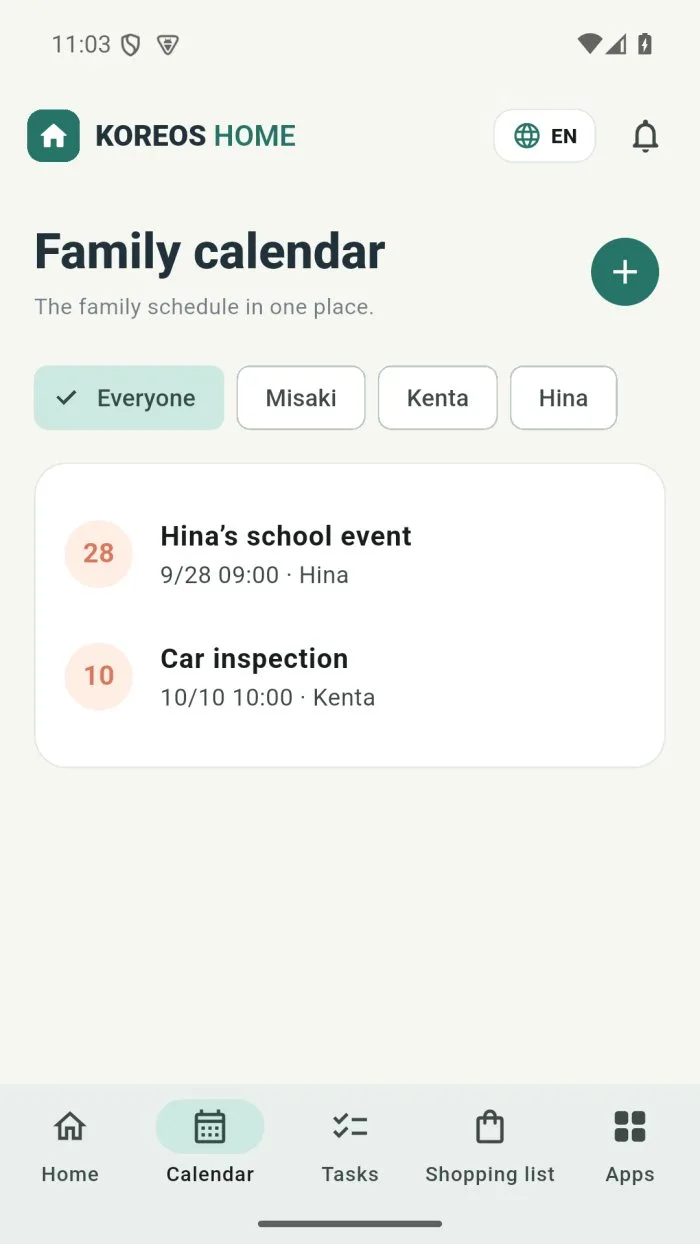
What is on the screen
- Filters by person: Everyone or each family member’s name.
- Views: Day, Month and Year, plus Today to jump back.
- +: creates a new event.
Create an event
- Tap +.
- Type the name, date and time (or tick All day).
- Under Repeat, choose Daily, Weekly, Monthly or Yearly if needed.
- Optionally link it to a task or home item and add Notes.
- Save. The event shows on the family calendar.