KOREOS HOME · 入门
Getting started with KOREOS HOME
What the app is, how to install it and how to start without sign-in or with your family.
此文章暂无您的语言版本,以English显示。
本页目录
KOREOS HOME is the family app: calendar, tasks, shopping list and, on paid plans, things at home, car, money and goals — all in one place. You quickly see what needs to happen today.
Where to use it
- Phone: install KOREOS HOME from Google Play or the App Store.
- Browser: open home.its-komori.com.
Choose how to start
When you open the app for the first time, there are two paths:
- Continue on this device: no login, works offline. The home and profiles stay on this device only (no sync to other devices).
- Sign in to the cloud: to share calendar, tasks and shopping with your family across devices.
Start without signing in
- Tap Continue on this device.
- Tap Create a home on this device, type your profile name and tap Start.
- Later, use Add profile for other people at home.
First task: add something to the shopping list
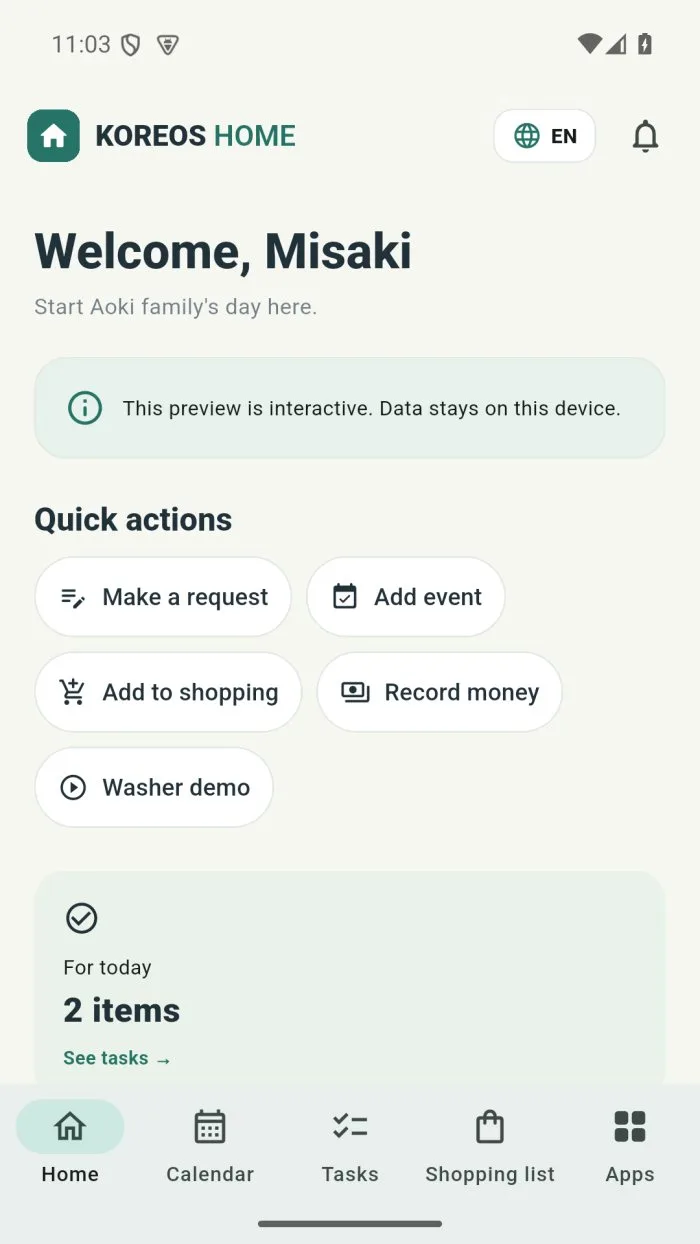
- On the Home screen, under Quick actions, tap Add to shopping.
- Type the item (for example, “Milk”) and save.
- Open Shopping list in the bottom bar to see it.