











KOREOS HOME · 界面与功能
Household belongings, car and equipment
Asset areas keep identification, information and maintenance records alongside related costs.
此文章暂无您的语言版本,以English显示。
本页目录
What this is for
Asset areas keep identification, information and maintenance records alongside related costs.
Step by step
- Open Belongings, Car or Equipment from Family apps.
- Add the item with its name, category and displayed fields.
- Open its detail to review information and maintenance history.
- Record money from the item context to link an expense or estimate.
- Check history and attachments before adding the same item again.
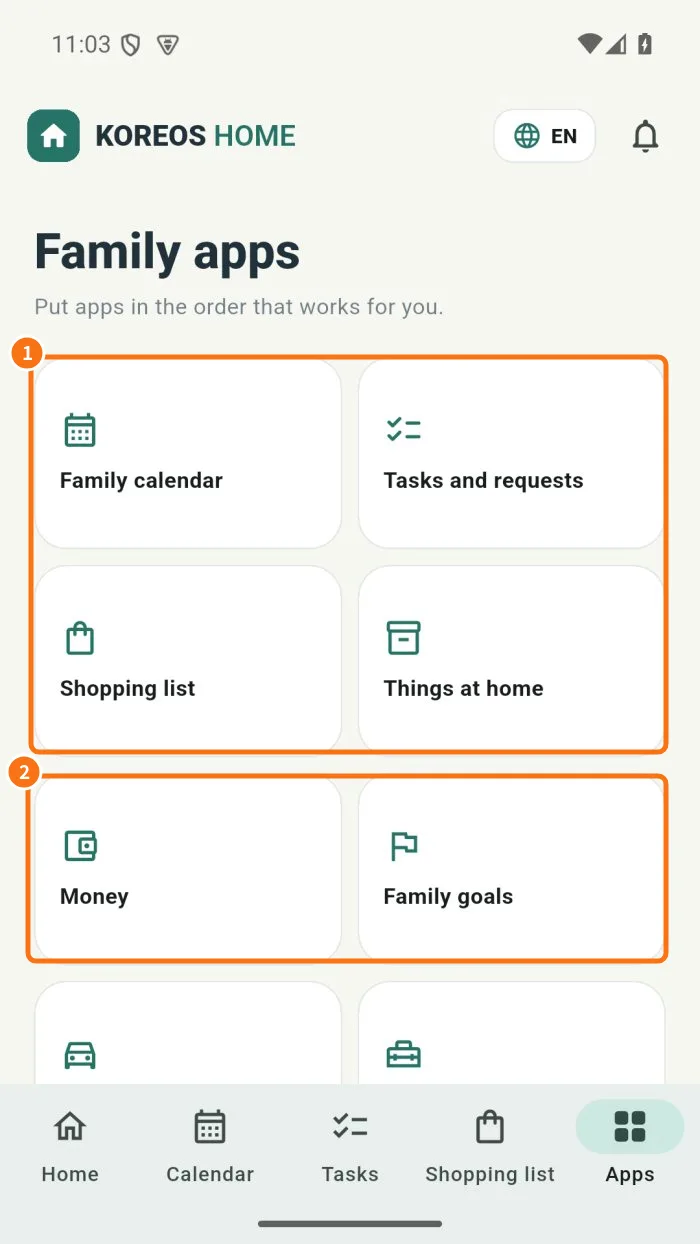
Demo screen. Numbered highlights mark the controls discussed; the image language may differ from yours.
Tip
If something goes wrong
If absent, check plan and mode. If a cost is missing, check the money entry’s item link.
Related articles
- FAQ: 20 answers