











KOREOS HOME · Màn hình & chức năng
Household belongings, car and equipment
Asset areas keep identification, information and maintenance records alongside related costs.
Bài viết này chưa được dịch sang ngôn ngữ của bạn: đang hiển thị bản English.
Trong trang này
What this is for
Asset areas keep identification, information and maintenance records alongside related costs.
Step by step
- Open Belongings, Car or Equipment from Family apps.
- Add the item with its name, category and displayed fields.
- Open its detail to review information and maintenance history.
- Record money from the item context to link an expense or estimate.
- Check history and attachments before adding the same item again.
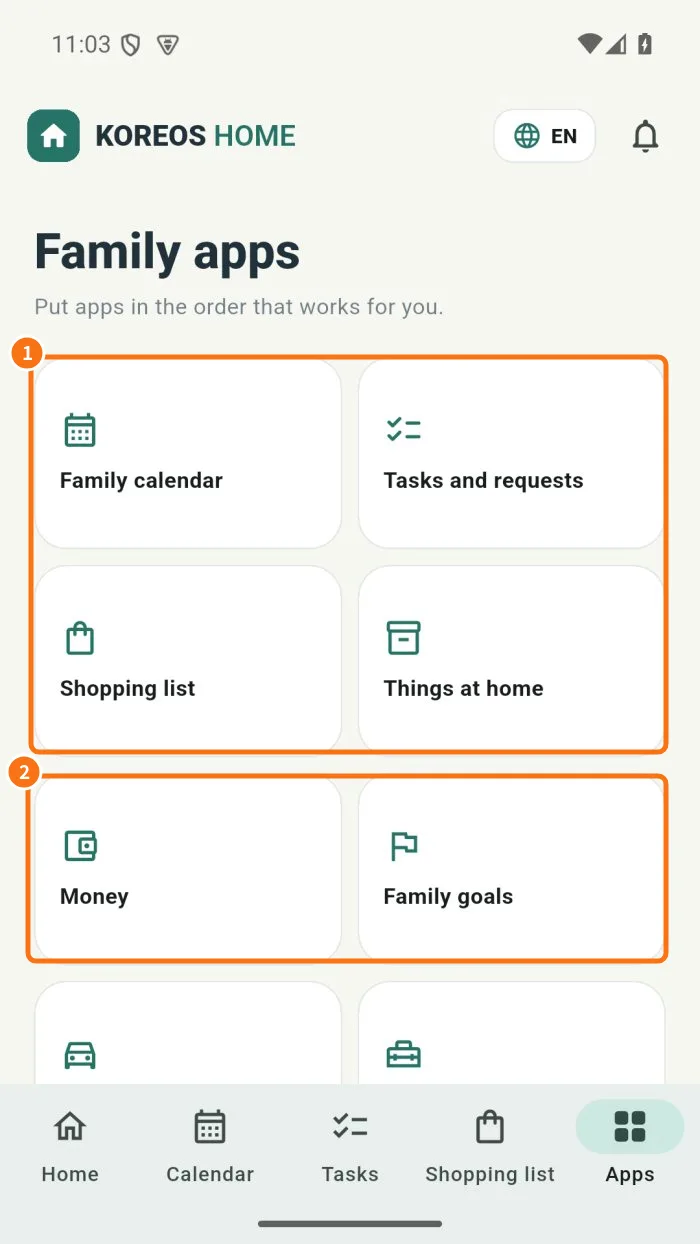
Demo screen. Numbered highlights mark the controls discussed; the image language may differ from yours.
Tip
If something goes wrong
If absent, check plan and mode. If a cost is missing, check the money entry’s item link.
Related articles
- FAQ: 20 answers