











KOREOS HOME · Màn hình & chức năng
Family goals and cost comparisons
Goals organize target savings and dates. Comparison distinguishes actual costs from projections when available.
Bài viết này chưa được dịch sang ngôn ngữ của bạn: đang hiển thị bản English.
Trong trang này
What this is for
Goals organize target savings and dates. Comparison distinguishes actual costs from projections when available.
Step by step
- Add a goal from Family apps.
- Fill name, target amount, saved amount and date.
- Save and check progress and the monthly suggestion.
- In available comparison tools, verify items or alternatives and period.
- Read actual and projected costs separately and review assumptions before deciding.
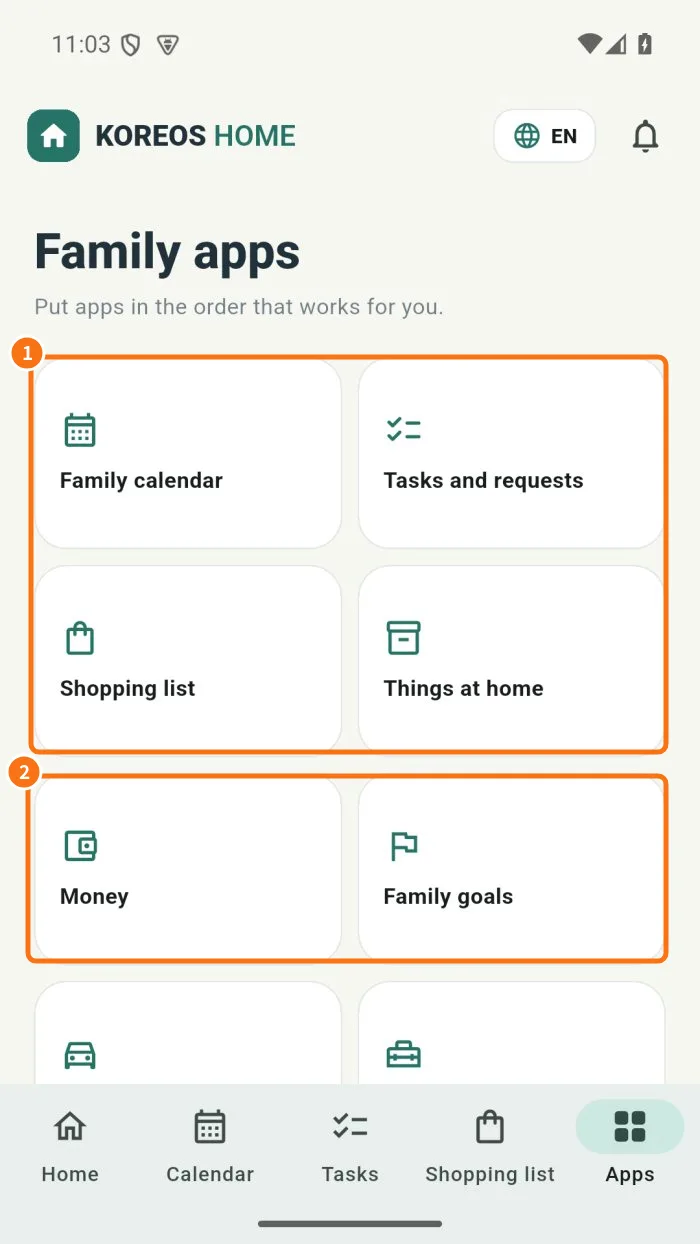
Demo screen. Numbered highlights mark the controls discussed; the image language may differ from yours.
Tip
If something goes wrong
For unexpected progress, check savings, target and date. Forecasts differ from actual costs when assumptions have not happened yet.
Related articles
- FAQ: 20 answers