











KoLite · Getting started
Path — Who hires: from catalog to first access
The articles for who picks and hires the system, in the right order.
Follow in order. Each step names the manual article that explains it in detail — search the title in the Wiki.
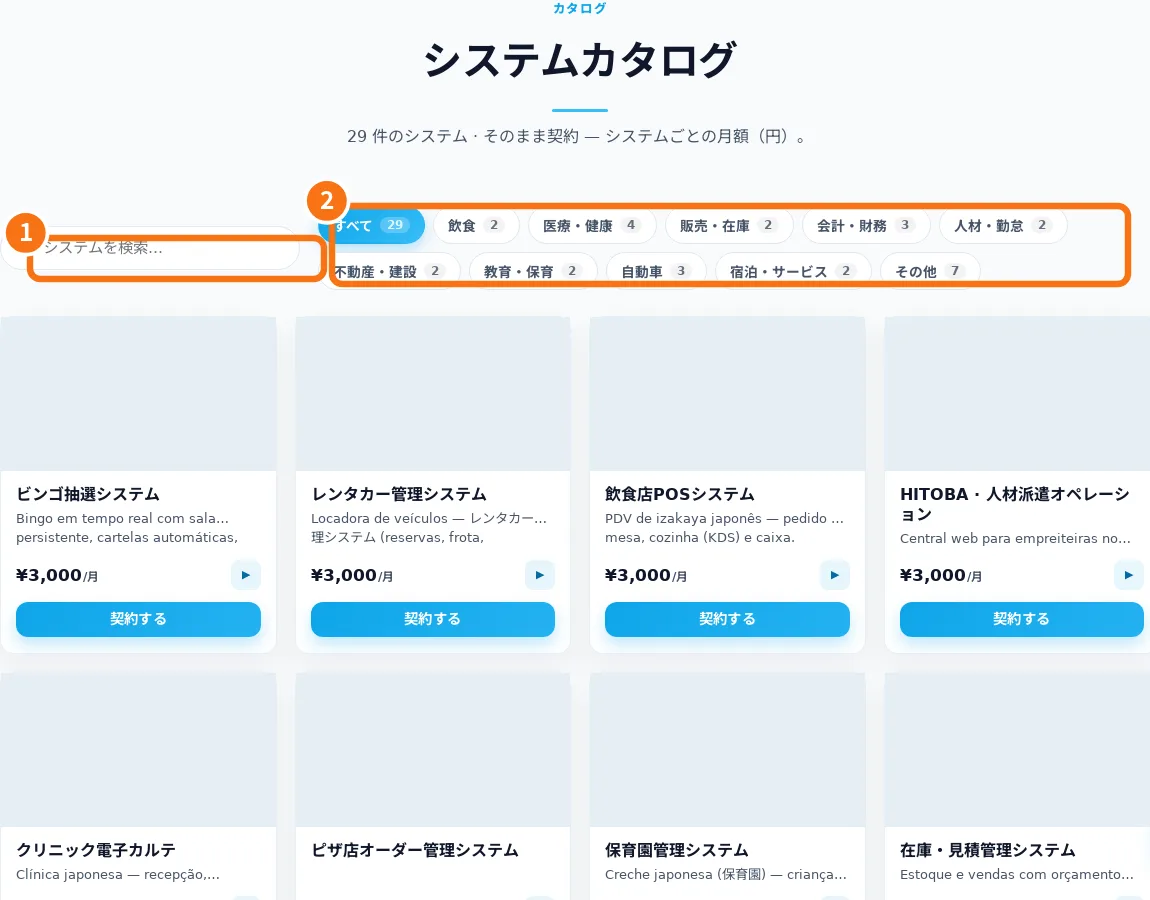
- Find the right system in the catalog — The catalog groups systems by industry. The store currently uses Japanese; this manual explains the screen labels.
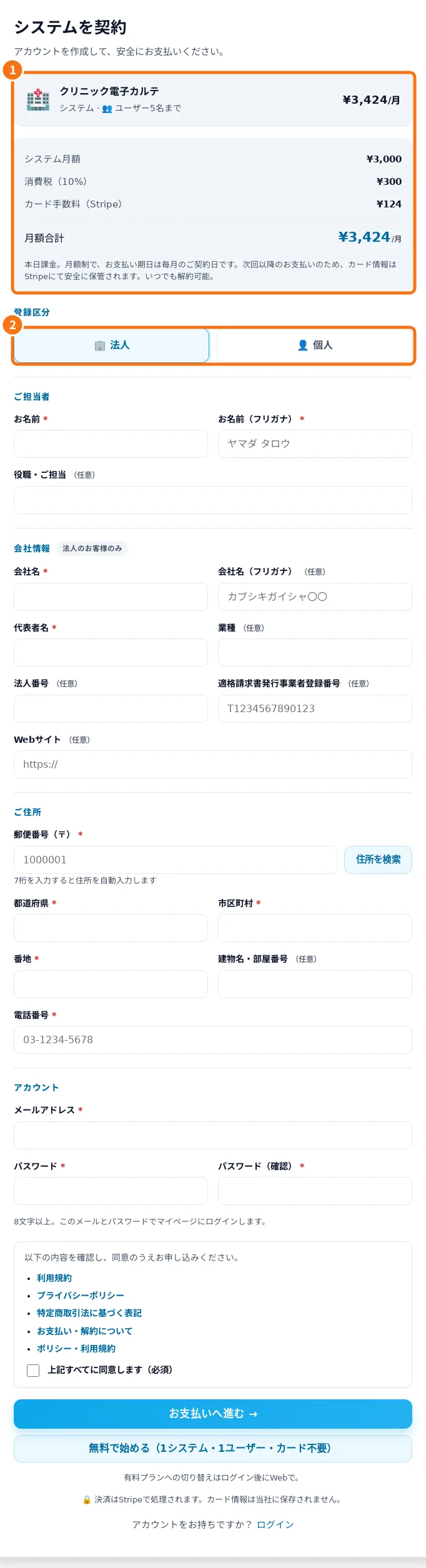
- Register and review Free or paid service — Registration identifies the contact and shows the selected system and service option before confirmation.
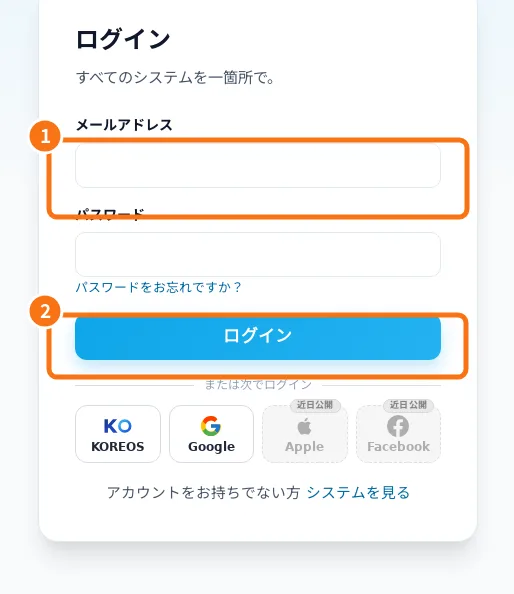
- Sign-in, password recovery and Google linking — Sign-in opens your systems dashboard. Google must be linked to the correct account.
- Dashboard: opening systems and reading status — The dashboard groups subscriptions and distinguishes awaiting payment, preparing, live, suspended and removed service.
- Owner: subscribe, open and follow your system — A route for whoever subscribes to a KoLite system for a company or for themselves. From the catalog to the first access: choose the right model, fill in the sign-up, follow the status in the dashboard and enter the system. The site is in Japanese; button names appear with the translation in brackets.
- Limits, billing, cancellation and help — KoLite provides ready-made systems under the displayed signup terms. Aya offers guidance, not transaction confirmation.