











KoLite · Screens & features
Using your system: dashboard, menu and guide
What a KoLite system screen looks like and where to find help on each page.
On this page
Every KoLite system works the same way, adapted to its industry.
What is on the screen
- Left menu: the system’s sections — daily operations, records (customers, services, products, staff), reports and settings.
- Dashboard (home): today’s numbers, alerts and lists of what needs attention.
- Language: buttons at the top (for example JP / PT) switch the language.
- “?” guide: opens help for the page you are on.
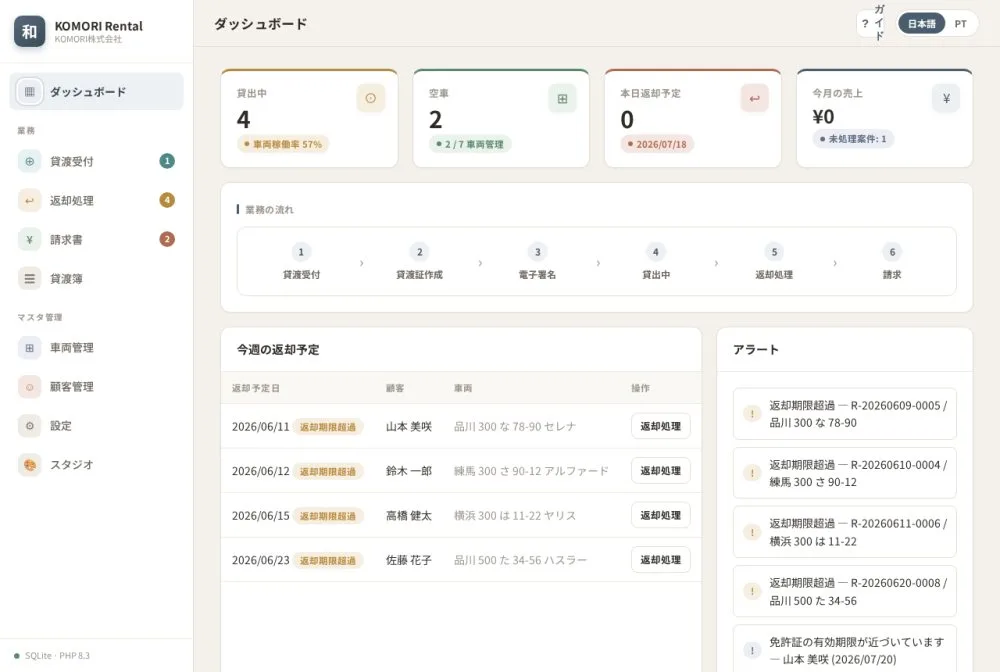
Examples by industry
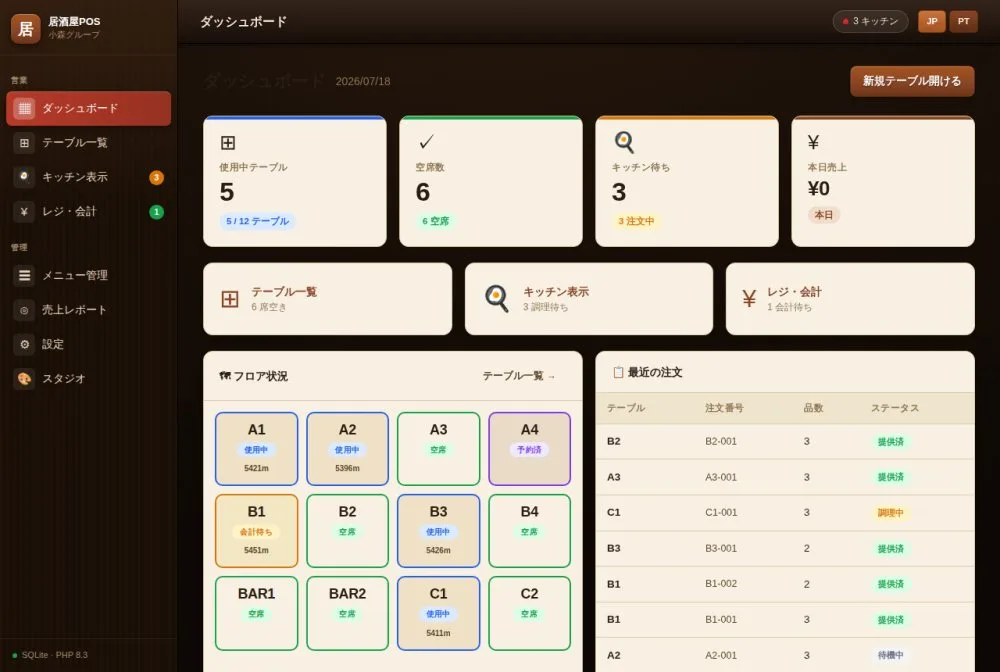
Restaurant: tables in use and free, kitchen orders and checkout.
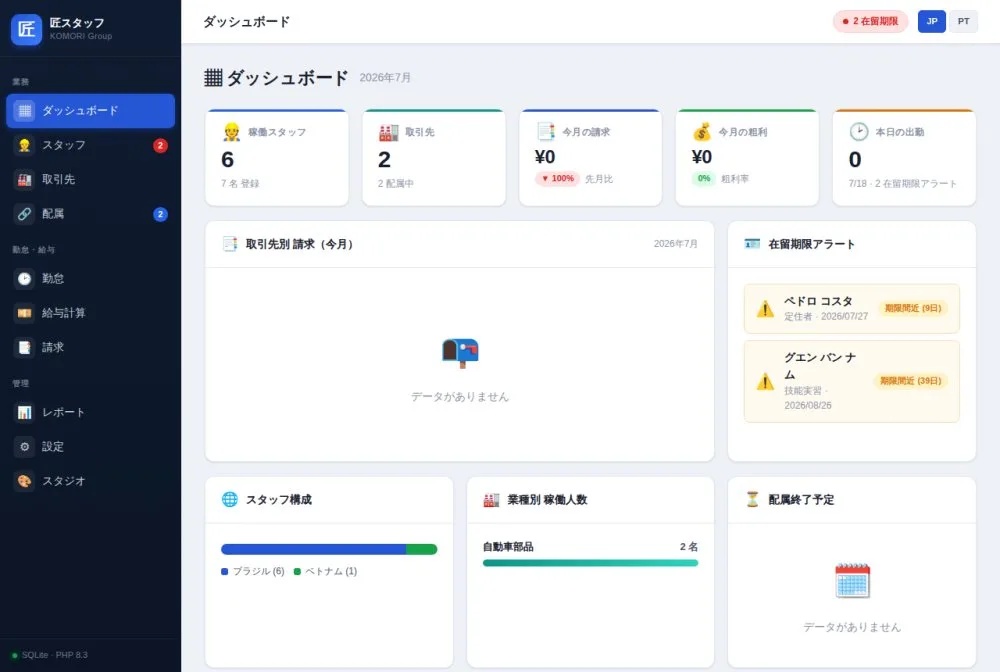
Staffing agency: staff, clients, assignments, attendance, payroll and billing, with visa expiry alerts.
Use the page guide
- On any screen, tap the ? (guide) button.
- Read the explanation of that page’s items.
- Close the guide and carry on.